Home Security Systems What You Need to Know about Remote Monitoring
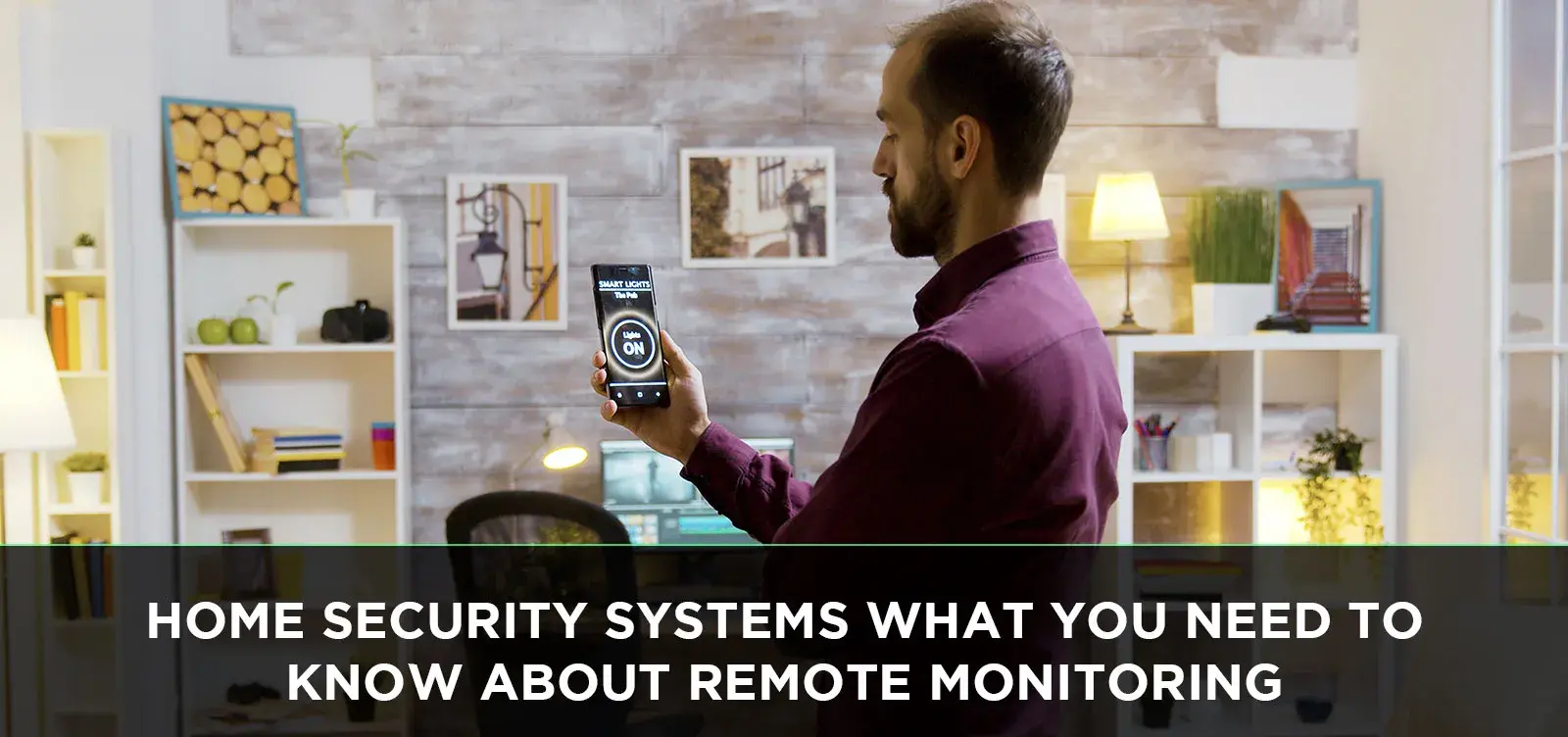
Unlock the power of modern home protection with remote monitoring. This guide delves into what you truly need to know about home security systems and their remote capabilities, ensuring your peace of mind whether you're across town or across the globe. Stay informed, stay secure.
Understanding Remote Monitoring: The Core Concept
Remote monitoring for home security systems is the technological backbone of modern home protection. It's the ability to keep an eye on your property, receive real-time alerts, and even control certain aspects of your security system from virtually anywhere in the world, using a smartphone, tablet, or computer. Gone are the days when a security system was just a siren and a local alarm. Today, it’s a connected ecosystem designed to provide constant vigilance and immediate response capabilities. This technology transforms a static defense into a dynamic, interactive guardian for your home and loved ones. It’s about extending your senses and your control beyond the physical boundaries of your property, offering unparalleled peace of mind in an increasingly connected world.
The fundamental principle behind remote monitoring is the transmission of data from your home security system to a remote location – either your personal device or a professional monitoring center. This data can include sensor triggers (like motion detection or door/window opening), video feeds from security cameras, system status updates, and even environmental alerts such as smoke or carbon monoxide detection. The immediacy and accessibility of this information are what make remote monitoring so revolutionary. It empowers homeowners with the knowledge and the tools to act swiftly in response to potential threats or emergencies, whether they are miles away or simply in another room of the house.
In essence, remote monitoring bridges the gap between being physically present and being aware. It’s the digital extension of your watchful eye, ensuring that no event goes unnoticed. This capability is not just about deterring criminals; it's also about providing crucial information during non-criminal emergencies, like a burst pipe or a medical alert. As we move further into the mid-2020s, the sophistication and integration of these systems are only increasing, making them an indispensable component of any comprehensive home security strategy.
The Unseen Advantages: Why Remote Monitoring Matters
The advantages of integrating remote monitoring into your home security system extend far beyond basic intrusion detection. In 2025, homeowners are increasingly prioritizing convenience, proactive safety, and the ability to manage their homes remotely. Remote monitoring delivers on all these fronts, offering a multifaceted approach to home protection.
Enhanced Peace of Mind
Perhaps the most significant benefit is the profound sense of security it provides. Knowing you can check in on your home anytime, anywhere, alleviates the anxiety of leaving your property unattended. Whether you're at work, on vacation, or simply running errands, the ability to see live camera feeds or receive instant alerts for any triggered sensor offers unparalleled reassurance. This constant connection fosters a feeling of control and reduces the stress associated with potential security breaches or unexpected events.
Faster Response Times
When an alarm is triggered, remote monitoring allows for immediate verification. Instead of waiting for a neighbor to notice or for a traditional alarm to be heard, you can receive an alert directly on your smartphone. This allows you to assess the situation yourself (e.g., by viewing camera footage) and determine if police or emergency services need to be dispatched. For professionally monitored systems, remote access allows monitoring centers to quickly verify the alarm, often leading to faster dispatch of authorities. According to industry reports from 2025, systems with remote monitoring capabilities can reduce response times to verified alarms by up to 30% compared to older, non-connected systems.
Deterrence of Criminal Activity
Visible security cameras and signs indicating remote monitoring can act as powerful deterrents to potential intruders. The knowledge that a property is actively monitored and that suspicious activity will be recorded and potentially reported can make burglars think twice. This proactive measure can significantly reduce the likelihood of your home becoming a target. Research from the National Institute of Justice in 2024 indicated that visible security measures, including cameras, are associated with a decrease in property crime rates in residential areas.
Remote Control and Automation
Modern remote monitoring systems often integrate with smart home devices. This allows for more than just viewing; it enables control. You can arm or disarm your system remotely, lock or unlock smart doors, control smart lights, and even communicate through two-way audio on some cameras. This integration creates a more comprehensive and convenient smart home experience, where security is a central, manageable component. For instance, you could remotely turn on lights to simulate occupancy while you're away, a feature highly valued by frequent travelers.
Evidence for Investigations
In the unfortunate event of a break-in or other incident, recorded video footage and sensor logs from a remotely monitored system can be invaluable evidence for law enforcement investigations. High-definition video can help identify perpetrators, track their movements, and provide crucial details that aid in their apprehension and prosecution. This not only helps bring criminals to justice but can also assist in insurance claims.
Environmental Monitoring and Alerts
Beyond security, many remote monitoring systems offer environmental sensing capabilities. This includes smoke detectors, carbon monoxide sensors, and even water leak detectors. Receiving alerts for these hazards on your mobile device, regardless of your location, can prevent catastrophic damage and save lives. A water leak detected early can prevent thousands of dollars in water damage, and a smoke alarm alert can provide precious minutes for evacuation.
Pet and Child Monitoring
For families, remote monitoring offers the ability to check on children or pets while you're away. Pet cameras with two-way audio allow you to speak to your furry friends, and some systems can even dispense treats. For parents, knowing their children are safe at home, or being able to check in on them after school, provides significant comfort. This aspect of remote monitoring has become increasingly important for working parents.
In summary, the benefits of remote monitoring are extensive, touching upon security, convenience, and proactive safety. As of 2025, it's no longer a luxury but a fundamental aspect of a robust and modern home security strategy, offering tangible advantages that enhance daily life and provide invaluable protection.
Behind the Scenes: How Your Remote Monitoring System Functions
Understanding the mechanics of remote monitoring demystifies the technology and highlights its effectiveness. At its core, a remotely monitored home security system is a network of interconnected devices that communicate with each other and with a central hub, which then transmits data to a remote location. This process can be broken down into several key stages:
1. Sensor Activation and Data Collection
The system begins with a network of sensors strategically placed throughout your home. These can include:
- Door and Window Sensors: Detect when an entry point is opened.
- Motion Detectors: Sense movement within a designated area.
- Glass Break Sensors: Detect the specific sound frequency of breaking glass.
- Environmental Sensors: Detect smoke, carbon monoxide, water leaks, or extreme temperature changes.
- Security Cameras: Capture video footage, either continuously or when triggered by motion.
When any of these sensors are triggered, they generate a data signal. For cameras, this might be initiating a recording or streaming live video.
2. The Central Hub (Control Panel)
All sensor data is transmitted wirelessly (or sometimes via wired connections) to the system's central hub, often referred to as the control panel or base station. This hub acts as the brain of the operation. It receives signals from all connected devices, interprets them, and determines the appropriate action based on the system's programming and current status (armed or disarmed).
3. Data Transmission
Once the control panel processes the information, it needs to send it to a remote location. This is typically achieved through one or more communication pathways:
- Broadband Internet (Wi-Fi/Ethernet): This is the most common and often the fastest method. The control panel connects to your home's internet router, sending data packets over the internet.
- Cellular Network: Many systems include a cellular backup. This is crucial because if your internet connection is cut (either intentionally by an intruder or due to an outage), the system can still communicate via the cellular network. This redundancy significantly enhances reliability.
- Landline Telephone: Older systems often relied on a traditional phone line. While less common now, some systems still offer this as a backup.
The choice of communication method impacts speed, reliability, and cost. Most modern systems utilize a combination of internet and cellular for maximum security.
4. Remote Access and Monitoring
The transmitted data reaches its destination, which can be one of two primary entities:
- Your Mobile Device/App: If you have a self-monitored system, the data is sent to a cloud server managed by the security company. This server then pushes notifications, alerts, and live video feeds to your dedicated smartphone app. You can then view the information, arm/disarm the system, and communicate if necessary.
- Professional Monitoring Center: In a professionally monitored system, the data is sent to a 24/7/365 monitoring station staffed by trained professionals. These operators receive the alerts, verify the situation (often by contacting you or viewing camera feeds), and dispatch emergency services if required.
5. User Interaction and Control
The remote monitoring aspect allows you to interact with your system. Through your mobile app, you can:
- Receive real-time alerts (e.g., "Front door opened," "Motion detected in living room").
- View live or recorded video footage from your security cameras.
- Arm or disarm the security system.
- Check the status of sensors and devices.
- Communicate via two-way audio if your cameras or panels support it.
- Manage user access and system settings.
6. Redundancy and Reliability
To ensure continuous operation, reputable systems incorporate redundancy. This includes battery backups for the control panel and sensors in case of power outages, and the aforementioned cellular backup for communication. The goal is to maintain a connection and operational capability even under adverse conditions. For 2025, systems that offer dual-path communication (internet + cellular) are considered the gold standard for reliability.
The seamless integration of these components allows for a robust and responsive security solution. The speed at which data travels from sensor to alert is critical, and advancements in network technology continue to improve this performance, making remote monitoring an ever more powerful tool for home protection.
Choosing Your Shield: Types of Remote Monitoring Services
When opting for a remotely monitored home security system, you'll encounter two primary service models. Each offers a different approach to managing alerts and responding to emergencies, catering to varying user preferences, budgets, and desired levels of engagement. Understanding these distinctions is crucial for selecting the system that best fits your needs.
1. Self-Monitored Systems
In a self-monitored setup, the responsibility for monitoring alerts and responding to potential threats falls directly on the homeowner. Here's how it works:
- How it Works: When a sensor is triggered or an event occurs, the system sends an alert directly to your smartphone or other designated devices via a mobile app. This alert could be a notification, an email, or a text message.
- Your Role: You are the primary responder. Upon receiving an alert, you are expected to assess the situation (often by checking camera feeds), determine if it's a false alarm, and decide whether to contact the authorities yourself.
- Pros:
- Lower Monthly Costs: Typically, there are no monthly monitoring fees, or the fees are significantly lower, often covering cloud storage for video or app access.
- Greater Control: You have complete control over when and how to respond.
- Flexibility: Many DIY (Do-It-Yourself) security systems fall into this category, offering easier installation.
- Cons:
- Responsibility Burden: You must be vigilant and responsive to alerts. If you miss an alert (e.g., phone is off, in a no-service area, or you're asleep), there may be no one else to act.
- Potential for Delayed Response: If you're unavailable, the response time can be significantly longer.
- No Professional Verification: There's no third-party to verify the emergency before dispatching help.
- Best For: Tech-savvy individuals who are comfortable managing their own security, have reliable smartphone access, and are often at home or have reliable ways to be reached. It's also a good option for those on a tighter budget.
2. Professionally Monitored Systems
These systems involve a third-party company that monitors your security system 24/7. This is the traditional model of home security monitoring.
- How it Works: When an alarm is triggered, the signal is sent to a central monitoring station. Trained professionals at the station receive the alert, review the system's status, and often attempt to contact you to verify the emergency.
- Their Role: If they cannot reach you, or if you confirm an emergency, they will dispatch the appropriate authorities (police, fire department, ambulance) to your home. They act as an intermediary, ensuring a swift and professional response.
- Pros:
- 24/7 Vigilance: Experts are always watching, ensuring that alerts are never missed, even when you're unavailable.
- Faster Emergency Dispatch: Professional monitoring centers are equipped to quickly verify and dispatch emergency services, often prioritizing these dispatches.
- Peace of Mind: You don't have to worry about missing an alert; someone else is always on duty.
- Potential Insurance Discounts: Many insurance companies offer discounts for homes with professionally monitored security systems.
- Cons:
- Higher Monthly Costs: These services typically come with a recurring monthly fee, which can range from $20 to $60 or more, depending on the provider and features.
- Less Direct Control: You rely on the monitoring center to act on your behalf.
- Potential for False Alarm Fees: If authorities are dispatched unnecessarily due to a false alarm, you might incur fees from your local municipality.
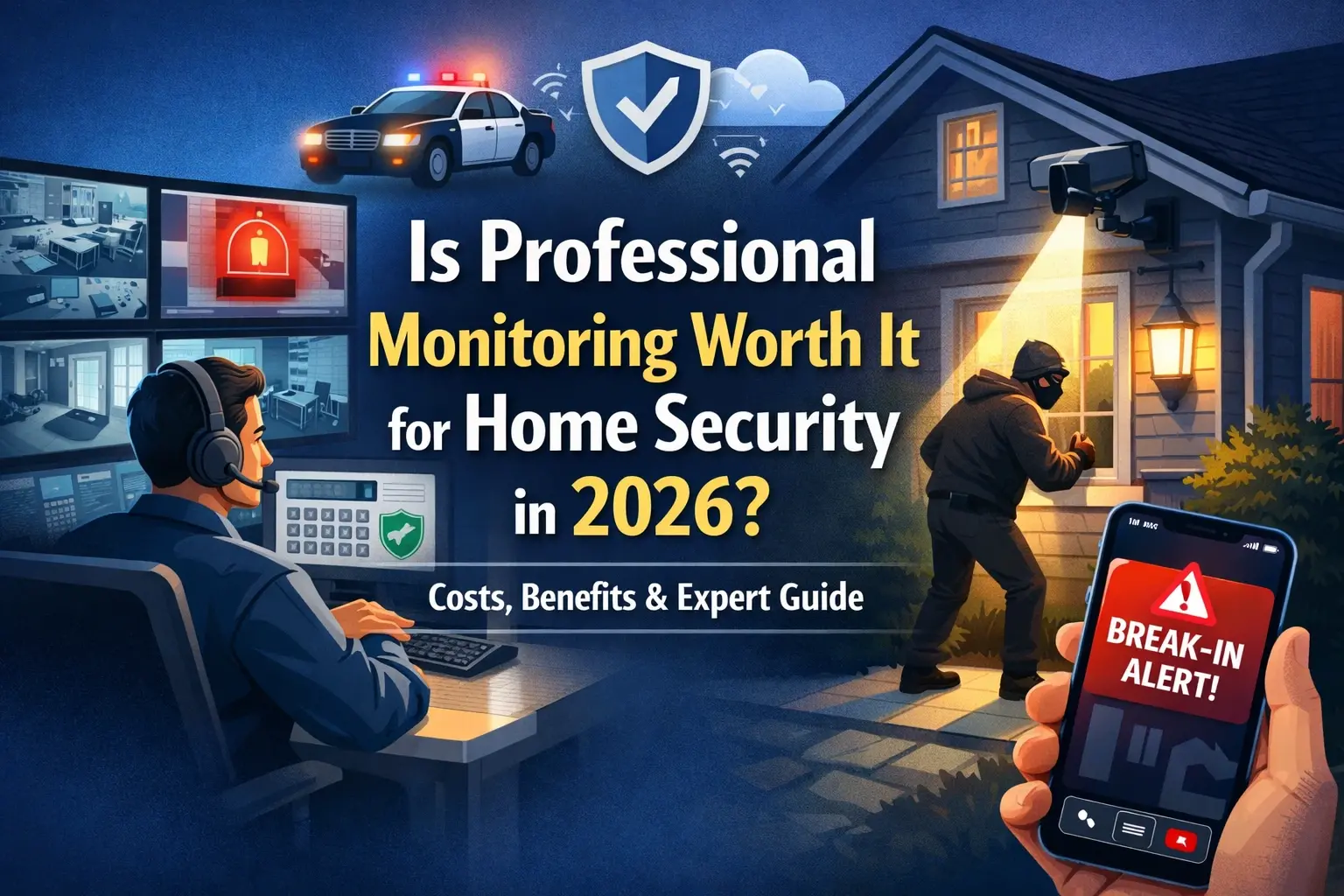
- Best For: Individuals and families who prioritize maximum security and peace of mind, especially those who travel frequently, have elderly residents, or want the assurance of professional oversight.
Hybrid Models
Some modern security providers offer hybrid solutions that blend elements of both self-monitoring and professional monitoring. For example, you might have a system that primarily sends alerts to your phone, but you can opt-in for professional monitoring during specific periods (like vacations) for an additional fee. This offers flexibility and can be a cost-effective compromise.
When selecting a service, consider your lifestyle, budget, and how much responsibility you are comfortable taking on. For many, the added cost of professional monitoring is a worthwhile investment for the guaranteed vigilance and rapid response it provides, especially in the context of evolving security threats in 2025.
Essential Features for Effective Remote Security
When evaluating home security systems with remote monitoring capabilities, several key features stand out as crucial for ensuring robust protection, seamless operation, and comprehensive control. Focusing on these elements will help you select a system that meets your specific needs and provides the best value for your investment in 2025.
1. Mobile App Functionality and User Interface
The mobile app is your primary interface with the system. It should be:
- Intuitive and Easy to Navigate: You should be able to arm/disarm the system, view cameras, and access settings quickly and without confusion.
- Reliable and Stable: Frequent crashes or slow response times can negate the benefits of remote monitoring.
- Feature-Rich: It should provide access to all essential functions, including live streaming, recorded footage, event history, and system notifications.
- Secure: Robust login procedures (e.g., two-factor authentication) are vital to protect your system from unauthorized access.
2. Camera Quality and Features
If your system includes cameras, consider:
- Resolution: High-definition (1080p or higher) is essential for clear images and identification.
- Field of View: A wide-angle lens covers more area, reducing the number of cameras needed.
- Night Vision: Infrared (IR) or color night vision ensures visibility in low-light conditions.
- Two-Way Audio: Allows you to speak and listen through the camera, useful for deterring intruders or communicating with family members.
- Motion Detection Zones: The ability to define specific areas within the camera's view to trigger alerts, reducing false alarms from pets or passing cars.
- Weather Resistance: For outdoor cameras, ensure they are rated for outdoor use (e.g., IP65 or higher).
3. Communication Redundancy
As discussed earlier, a reliable connection is paramount. Look for systems that offer:
- Dual-Path Communication: Combining broadband internet with cellular backup. This ensures that if one connection fails, the other can maintain communication with the monitoring center or your device.
- Battery Backup: The control panel and key sensors should have battery backups to function during power outages.
4. Sensor Variety and Reliability
A comprehensive system includes a range of sensors to cover all potential vulnerabilities:
- Door/Window Sensors: Essential for perimeter security.
- Motion Detectors: Effective for covering larger interior spaces. Consider pet-immune options if you have animals.
- Glass Break Sensors: Provide an additional layer of security for windows.
- Environmental Sensors: Smoke, carbon monoxide, and water leak detectors are critical for life safety and property protection.
Ensure sensors are wireless for easy installation and have long battery life.
5. Integration Capabilities (Smart Home Compatibility)
Many users want their security system to work seamlessly with other smart home devices. Look for compatibility with popular platforms like:
- Amazon Alexa
- Google Assistant
- Apple HomeKit
- IFTTT (If This Then That)
This allows for voice control, automation routines (e.g., "When I leave, arm the security system and turn off the lights"), and a more unified smart home experience.
6. Professional Monitoring Options and Support
If you opt for professional monitoring, evaluate:
- Response Times: What is their average response time for verified alarms?
- Monitoring Center Certifications: Look for centers certified by organizations like UL (Underwriters Laboratories) or TMA (The Monitoring Association).
- Customer Support: Availability and quality of technical and customer support.
- Contract Terms: Understand the length of contracts, cancellation policies, and any hidden fees.
7. Data Security and Privacy
With sensitive data being transmitted, security and privacy are paramount:
- Encryption: Ensure all data transmitted between your devices, the hub, and the cloud is encrypted.
- Privacy Policies: Understand how the company handles your data, especially video footage. Do they sell data? What are their data retention policies?
- Secure Account Access: Multi-factor authentication for app logins is a must.
8. Scalability and Expandability
Your security needs may change over time. A good system should allow you to easily add more sensors, cameras, or other devices as needed without requiring a complete system overhaul.
By carefully considering these features, you can choose a home security system that not only provides effective remote monitoring but also integrates smoothly into your life and offers long-term value and peace of mind. The landscape of smart home technology in 2025 demands a system that is intelligent, connected, and secure.
Getting Started: Installation and Setup Simplified
The process of installing and setting up a remotely monitored home security system can range from a simple DIY project to a professional installation, depending on the system's complexity and your comfort level with technology. Understanding the general steps involved can make the transition smoother and ensure your system is operational quickly and correctly.
1. Planning Your System Layout
Before you begin, it's essential to plan. Walk through your home and identify:
- Entry Points: All doors and accessible windows that need sensors.
- High-Traffic Areas: Rooms where motion detectors would be most effective.
- Vulnerable Areas: Basements, garages, and any other areas prone to unauthorized access.
- Camera Placement: Decide where you want cameras for optimal coverage – covering the front door, back door, main living areas, or specific points of concern. Consider power sources and Wi-Fi signal strength.
- Control Panel Location: Choose a central location for the main hub, ideally near your router if using an Ethernet connection, and where it's easily accessible.
2. DIY Installation Options
Many modern security systems are designed for DIY installation. These typically involve:
- Unboxing and Charging: Unpack all components. Some devices, like the control panel, may need to be charged or plugged in.
- Downloading the App: Install the security system's mobile app on your smartphone or tablet.
- Connecting the Hub: Connect the control panel to your home's Wi-Fi network or router (via Ethernet). Follow the app's instructions to create an account and pair the hub.
- Pairing Sensors: Most wireless sensors come with adhesive backing. Simply peel and stick them to the designated locations (e.g., door frame and door, wall for motion detectors). The app will guide you through pairing each sensor by pressing a button or pulling a battery tab.
- Mounting Cameras: Mount cameras in their planned locations. For wired cameras, you may need to run cables. For wireless cameras, ensure they are within Wi-Fi range and have a power source.
- Testing: Once all devices are installed and paired, the app will guide you through a comprehensive system test. This involves opening doors, walking past motion detectors, and verifying that all sensors trigger correctly and send signals to the hub.
- Configuring Settings: Customize your system settings within the app, such as entry/exit delays, notification preferences, and user access codes.
DIY systems are often favored for their lower upfront cost and flexibility, with many brands offering excellent online tutorials and customer support.
3. Professional Installation Services
For those who prefer a hands-off approach or have more complex needs, professional installation is an excellent option.
- Scheduling: You'll schedule an appointment with a certified technician from the security company.
- On-Site Assessment: The technician will assess your home, discuss your security needs, and recommend the best placement for all components.
- Installation: They will professionally install and mount all sensors, cameras, and the control panel, ensuring optimal performance and a clean aesthetic. This can include running wires discreetly through walls if necessary.
- System Configuration and Testing: The technician will set up the system, connect it to your network, pair all devices, and conduct thorough testing to ensure everything is functioning correctly.
- User Training: They will walk you through the system's operation, demonstrate how to use the mobile app, and answer any questions you may have.
Professional installation typically involves an additional fee but guarantees that the system is installed to manufacturer specifications, maximizing its effectiveness and reliability. It's particularly beneficial for larger homes or those with unique architectural challenges.
4. Connecting to Monitoring Services
If you opt for professional monitoring:
- Activation: The installation process, whether DIY or professional, will include steps to activate your monitoring service. This usually involves providing your contact information and emergency dispatch preferences to the monitoring company.
- Permits: Some municipalities require alarm permits. Your installer or monitoring company can often advise on or assist with obtaining these.
5. Ongoing Maintenance
Regardless of installation type, some basic maintenance is required:
- Battery Replacement: Wireless sensors will eventually need their batteries replaced. The app will usually alert you when a battery is low.
- Software Updates: Keep your mobile app and system firmware updated for the latest features and security patches.
- Regular Testing: Periodically test your system (e.g., monthly) to ensure all sensors are functioning correctly.
A well-installed and properly configured system is the foundation of effective remote monitoring. Whether you choose DIY or professional installation, taking the time to understand the process and ensure everything is set up correctly will pay dividends in terms of security and peace of mind.
Investing in Peace of Mind: Understanding Costs
The cost of a remotely monitored home security system can vary significantly based on the type of system, the number of components, the brand, and the monitoring service you choose. Understanding these cost factors is essential for budgeting and making an informed decision. As of 2025, the market offers a wide range of options to suit different financial capacities.
1. Upfront Equipment Costs
This is the initial investment you make in the hardware for your security system. Costs can range from a few hundred dollars for a basic DIY kit to several thousand for a comprehensive professionally installed system with numerous cameras and sensors.
- DIY Systems: Generally have lower upfront costs. You might purchase a starter kit (control panel, a few door/window sensors, one motion detector) for $200-$500. Additional sensors, cameras, or smart home devices will increase this cost.
- Professionally Installed Systems: Often have higher upfront costs, sometimes bundled with a contract. The equipment itself might be more advanced or integrated. The installation fee itself can range from $100 to $500 or more, depending on the complexity.
- Component Pricing:
- Control Panel/Hub: $100 - $300+
- Door/Window Sensors: $15 - $40 each
- Motion Detectors: $30 - $60 each
- Glass Break Sensors: $40 - $70 each
- Security Cameras (Indoor): $50 - $200+
- Security Cameras (Outdoor/Advanced): $100 - $300+
- Environmental Sensors (Smoke/CO/Water): $30 - $70 each
2. Monthly Monitoring Fees
This is the recurring cost for the service that monitors your system. The presence or absence of this fee is the primary differentiator between self-monitored and professionally monitored systems.
- Self-Monitored Systems: Typically have no monthly monitoring fees. Some may charge a small fee for cloud storage of video footage (e.g., $5-$15 per month per camera or for unlimited storage) or for access to advanced app features.
- Professionally Monitored Systems: These fees are standard and cover the 24/7 oversight by a monitoring center.
- Basic Professional Monitoring: $20 - $40 per month.
- Advanced Monitoring (with video verification, cellular backup, smart home integration): $40 - $60+ per month.
3. Installation Fees
As mentioned, professional installation comes with a fee. Some companies may waive or reduce this fee if you sign a long-term contract for their monitoring services.
4. Contract Requirements
Many professionally monitored systems require a contract, typically ranging from 1 to 3 years. Breaking a contract early can incur significant penalties.
- Contract-Free Options: Increasingly, companies are offering contract-free professional monitoring, often at a slightly higher monthly rate or with a higher upfront equipment cost. These provide more flexibility.
5. Additional Costs and Considerations
- Video Storage: If you want to store video recordings from your cameras, you'll likely need a subscription service for cloud storage, especially with DIY systems. This can add $5-$20 per month per camera.
- Cellular Backup: While often included in professional monitoring, some DIY systems offer cellular backup as an add-on service for an extra monthly fee.
- Permit Fees: Some local municipalities require homeowners to obtain an alarm permit, which may involve a one-time or annual fee.
- Maintenance and Repairs: While most systems come with warranties, out-of-warranty repairs or replacements will incur costs.
- Professional Monitoring False Alarm Fees: While not a fee from the security company, if the police are dispatched due to a false alarm, your local government may charge a fee.
Example Cost Scenarios (Estimates for 2025):
Scenario A: Basic DIY Self-Monitored System
- Equipment: Starter Kit ($300) + 2 extra sensors ($60) + 1 indoor camera ($100) = $460
- Monthly Fees: Cloud storage for 1 camera ($10)
- Total First Year: $460 + ($10 x 12) = $580
- Subsequent Years: $120
Scenario B: Mid-Range Professionally Installed System with Contract
- Equipment & Installation: Bundled package with 3-year contract ($0 upfront equipment, $200 installation fee)
- Monthly Fees: Professional monitoring ($40)
- Total First Year: $200 + ($40 x 12) = $680
- Subsequent Years (if contract renewed): $480
Scenario C: High-End DIY System with Professional Monitoring Add-on
- Equipment: Control panel ($200) + 5 sensors ($100) + 2 outdoor cameras ($400) = $700
- Monthly Fees: Professional monitoring ($50) + Cloud storage ($15) = $65
- Total First Year: $700 + ($65 x 12) = $1480
- Subsequent Years: $780
When budgeting, it's important to consider the total cost of ownership over several years, not just the initial purchase price. Weigh the upfront investment against the monthly fees and the level of security and peace of mind each option provides. For many, the added security and convenience of professional monitoring justify the recurring monthly expense.
Navigating the Legal Landscape: Privacy and Data Security
As home security systems become more sophisticated and interconnected, understanding the legal and privacy implications is paramount. Remote monitoring involves collecting and transmitting personal data, including video footage and activity logs. Navigating this landscape requires awareness of your rights and the responsibilities of your security provider. In 2025, these considerations are more critical than ever.
1. Data Privacy Laws and Regulations
While specific laws vary by region and country, several overarching principles apply:
- General Data Protection Regulation (GDPR): If you are in or interact with the European Union, GDPR principles regarding data collection, processing, and storage apply. This includes obtaining consent, ensuring data minimization, and providing rights to access and delete personal data.
- California Consumer Privacy Act (CCPA) / California Privacy Rights Act (CPRA): In the US, these laws grant California residents significant rights over their personal information, including the right to know what data is collected, the right to opt-out of its sale, and the right to request deletion. Many other US states are enacting similar privacy legislation.
- Wiretapping Laws: Be aware of laws regarding audio recording. In many jurisdictions, it is illegal to record conversations without the consent of all parties. Ensure your system's audio capabilities comply with local laws.
2. Your Security Provider's Responsibilities
Reputable security companies have a legal and ethical obligation to protect your data:
- Privacy Policies: A clear, accessible privacy policy is essential. It should detail what data is collected, how it's used, who it's shared with, and how it's protected.
- Data Encryption: All data transmitted from your home to the cloud or monitoring center should be encrypted using strong protocols (e.g., TLS/SSL) to prevent unauthorized interception.
- Secure Storage: Video footage and other sensitive data stored on company servers must be protected against breaches through robust cybersecurity measures.
- Access Control: Only authorized personnel should have access to your data, and their access should be logged and audited.
- Data Retention Policies: Understand how long your data is stored and how it is securely deleted when no longer needed.
3. Considerations for Video Surveillance
Video surveillance, especially with remote viewing capabilities, raises specific privacy concerns:
- Recording Public Areas: Be mindful of privacy laws when placing cameras that might capture public sidewalks, neighbors' properties, or common areas in multi-unit dwellings. Avoid capturing more than is necessary for security.
- Guest and Visitor Privacy: If you have guests or service providers in your home, it's good practice to inform them about the presence of security cameras and audio recording capabilities.
- Unauthorized Access to Footage: Ensure your account is secured to prevent unauthorized individuals from accessing your camera feeds. This includes using strong passwords and enabling two-factor authentication.
4. Your Responsibilities as a User
You play a crucial role in maintaining the privacy and security of your system:
- Secure Your Account: Use strong, unique passwords for your security system app and associated accounts. Enable two-factor authentication whenever possible.
- Secure Your Wi-Fi Network: A compromised home Wi-Fi network can be an entry point for attackers to access your security system. Use strong WPA2/WPA3 encryption and change your router's default password.
- Device Security: Keep your mobile devices and computers, which you use to access the system, secure with passcodes and up-to-date operating systems and antivirus software.
- Inform Household Members: Ensure all members of your household understand how the system works and how to use it responsibly.
- Be Mindful of Placement: Position cameras and microphones thoughtfully to avoid infringing on the privacy of others.
5. Reporting and Legal Recourse
If you believe your privacy has been violated or your data has been compromised:
- Contact Your Provider: First, report the issue to your security system provider.
- Data Protection Authorities: If the provider does not adequately address your concerns, you may need to file a complaint with your local data protection authority or regulatory body.
- Legal Counsel: For significant breaches or disputes, consulting with an attorney specializing in privacy law may be necessary.
The convenience of remote monitoring comes with the responsibility of safeguarding personal data. By understanding your rights, choosing providers with strong privacy commitments, and practicing good digital hygiene, you can enjoy the benefits of a secure home without compromising your privacy or that of others.
The Horizon of Home Security: Future Trends in Remote Monitoring
The field of home security is in constant evolution, driven by advancements in AI, IoT, and connectivity. Remote monitoring, already a cornerstone of modern security, is poised to become even more intelligent, integrated, and proactive in the coming years. Here are some key trends shaping the future of home security monitoring in 2025 and beyond:
1. AI-Powered Analytics and Predictive Security
Artificial intelligence is moving beyond simple motion detection. Future systems will leverage AI for:
- Smarter Threat Detection: AI can analyze video feeds to distinguish between a pet, a person, a vehicle, or even identify unusual behavior patterns that might indicate a threat before an actual breach occurs. This reduces false alarms significantly.
- Facial Recognition: Systems may be able to recognize family members, friends, or delivery personnel, automatically disarming or alerting you to their arrival, while flagging unknown individuals.
- Behavioral Analysis: AI can learn normal activity patterns within a home and alert users to deviations, such as a door being left open for too long or unusual activity at odd hours.
- Predictive Maintenance: AI can monitor the health of security devices themselves, predicting when a sensor battery might fail or a camera might malfunction, allowing for proactive replacement.
2. Enhanced Integration with Smart Home Ecosystems
The lines between security and other smart home functions will continue to blur:
- Automated Responses: Security events will trigger more complex automated responses. For example, if an intruder is detected, the system could automatically lock all doors, turn on all lights, sound a siren, and notify emergency services, all without user intervention.
- Voice Control and Assistants: Deeper integration with voice assistants will allow for more natural language commands to control security systems, check status, and even receive alerts verbally.
- Energy Management and Security Synergy: Security systems might integrate with smart thermostats and lighting to optimize energy usage when the home is unoccupied or to simulate occupancy for deterrence.
3. Advanced Sensor Technologies
Beyond traditional sensors, new technologies are emerging:
- Radar and Lidar Sensors: These can provide more precise and comprehensive room coverage than traditional motion detectors, capable of detecting movement through obstacles or identifying the number of people in a room.
- Biometric Sensors: While still nascent for mass consumer use, future systems might incorporate fingerprint or even voice biometrics for arming/disarming or verifying identities.
- Environmental Sensing: More sophisticated sensors for air quality, radiation, and even structural integrity could become standard.
4. 5G and Enhanced Connectivity
The rollout of 5G networks will dramatically improve connectivity for security systems:
- Faster Data Transfer: Higher resolution video streams, real-time AI processing, and quicker alert delivery will become standard.
- Reduced Latency: Critical for real-time applications like two-way audio and live video feeds, 5G will minimize delays.
- More Connected Devices: The increased capacity of 5G will support a greater number of connected devices within a home without performance degradation.
5. Cybersecurity as a Core Feature
As systems become more connected, cybersecurity will be a paramount concern. Providers will need to demonstrate robust security measures to protect against hacking and data breaches. Expect more emphasis on end-to-end encryption, secure boot processes for devices, and regular security audits.
6. Remote Diagnostics and Self-Healing Systems
Future systems will be designed for greater autonomy. Remote diagnostics will allow providers to troubleshoot and fix issues without needing a technician on-site. "Self-healing" capabilities will enable systems to automatically recover from minor glitches or reconfigure themselves to maintain functionality.
7. Focus on Privacy-Preserving Technologies
As privacy concerns grow, expect more development in technologies that enhance security without compromising privacy. This could include on-device AI processing (edge computing) where data is analyzed locally rather than sent to the cloud, or advanced anonymization techniques for video data.
The future of home security remote monitoring points towards a more intelligent, integrated, and invisible layer of protection. These systems will not just react to threats but anticipate them, becoming an integral part of a truly smart and secure home environment. Staying informed about these trends will help homeowners make future-proof security choices.
In conclusion, remote monitoring for home security systems is an indispensable tool for modern homeowners. It offers unparalleled peace of mind through constant vigilance, faster response times, and convenient remote control. Whether you opt for a self-monitored or professionally monitored solution, understanding the core functionalities, essential features, cost implications, and legal considerations is crucial. As technology continues to advance, expect even more sophisticated AI-driven analytics, seamless smart home integration, and enhanced connectivity, making your home safer and more responsive than ever before. Invest wisely in a system that aligns with your lifestyle and security needs to ensure your home and loved ones are protected in 2025 and beyond.