This guide provides a comprehensive, step-by-step approach to safely and effectively disconnecting your home alarm system. We cover various system types, essential safety precautions, and considerations for professional assistance, ensuring you can manage your security system with confidence.
Understanding Your Home Alarm System
Before you can disconnect your home alarm system, it's paramount to understand the type of system you have. The process can vary significantly between different manufacturers, installation methods, and technological generations. Generally, home alarm systems fall into a few broad categories: DIY (Do-It-Yourself) monitored systems, professionally installed and monitored systems, and older hardwired systems. Each has its own unique components and connection points that need to be addressed during disconnection.
DIY Monitored Systems
These systems, popular for their ease of installation and often lower monthly fees, typically consist of wireless sensors (door/window contacts, motion detectors, glass break sensors), a central hub or base station, and a keypad or mobile app for control. Power sources are usually AC adapters for the hub and batteries for the sensors. Disconnecting these often involves powering down the hub and removing batteries from sensors.
Professionally Installed and Monitored Systems
These systems are often more robust and may include a mix of wired and wireless components. They are installed by trained technicians and connected to a central monitoring station. Disconnecting these can be more complex, often requiring a technician to disable the system at the control panel and potentially at the monitoring service. The control panel might be a dedicated box hidden in a closet, basement, or attic, and it receives power from a transformer and has a backup battery.
Older Hardwired Systems
These are the most complex to disconnect as they involve running wires from sensors and keypads back to a central control panel, often located in a utility room or basement. Disconnecting these requires identifying and safely cutting or disconnecting these wires at various points, including the main power source and the telephone line or internet connection used for communication.
Key Components to Identify
Regardless of the system type, several key components are usually present:
- Control Panel/Base Station: The "brain" of the system. This is where all sensors communicate and where the system's power source is typically located.
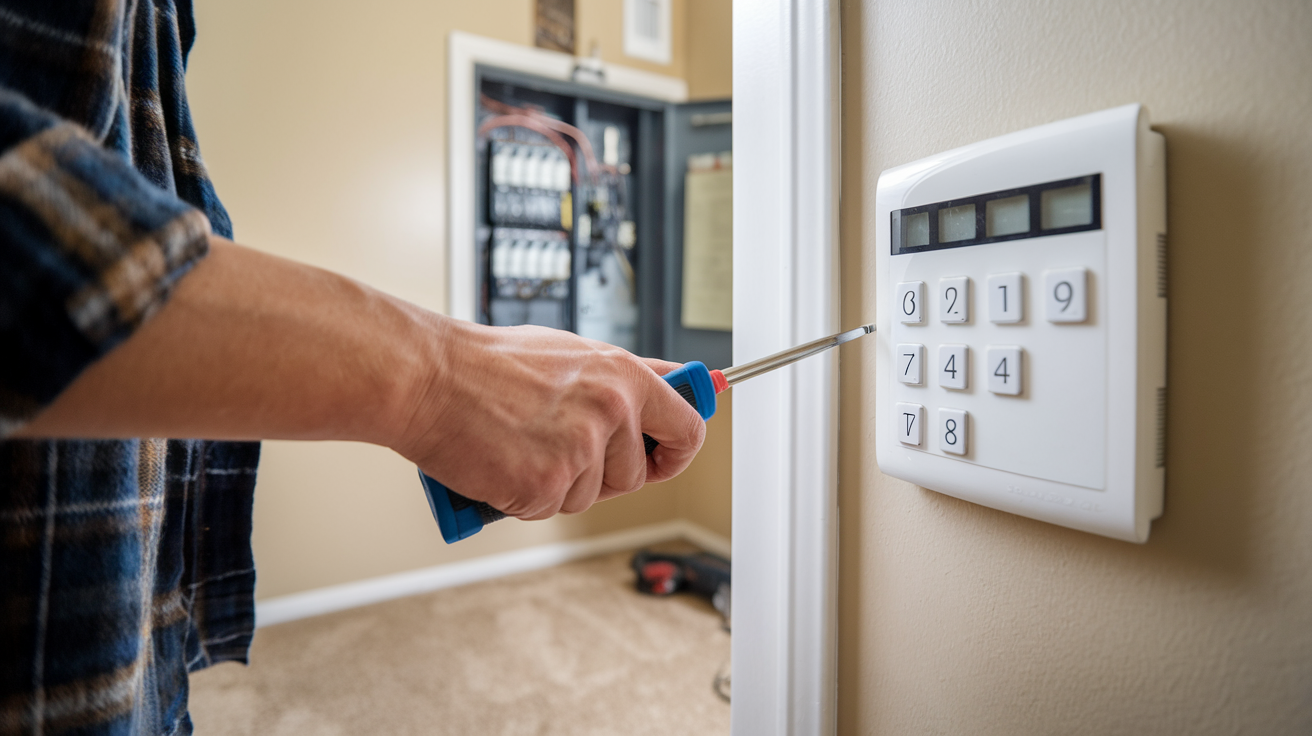
- Keypad: The interface for arming, disarming, and managing the system.
- Sensors: Devices that detect intrusions (door/window contacts, motion detectors, glass break sensors).
- Siren/Alarm: The audible alert.
- Power Supply: Usually an AC adapter plugged into a wall outlet, often with a backup battery.
- Communication Module: For systems that call out to monitoring stations (landline, cellular, or internet).
Understanding these components will make the disconnection process much smoother. For instance, knowing where the control panel is located is crucial for most disconnection procedures. If you're unsure about your system's specifics, consult your original installation manual or the manufacturer's website. For 2025, many new systems integrate smart home capabilities, making the control panel a central hub for more than just security.
Safety First: Crucial Precautions
Attempting to disconnect a home alarm system without proper precautions can lead to electrical shock, damage to the system, or accidental triggering of the alarm, which can be disruptive and potentially incur false alarm fees from local authorities. Safety should always be your top priority. Here are the essential precautions to take before you begin:
1. Disconnect Power
This is the single most important step. Alarm systems are connected to your home's electrical supply. You must ensure all power sources are cut before touching any wiring or components.
- Locate the Transformer: Most systems have a low-voltage transformer plugged into a standard wall outlet. This transformer powers the control panel. Unplug it.
- Locate the Backup Battery: The control panel usually has a sealed lead-acid (SLA) backup battery, similar to a small car battery, to keep the system running during power outages. You will need to disconnect this battery as well.
- Circuit Breaker: Some older hardwired systems might have a dedicated circuit breaker in your main electrical panel. If you can identify it, switch it off. However, unplugging the transformer is usually sufficient for most modern systems and is safer if you're unsure.
2. Inform Your Monitoring Company (If Applicable)
If your alarm system is actively monitored by a security company, you must inform them of your intention to disconnect the system. Failure to do so can result in them dispatching emergency services to your home if the alarm is triggered during the disconnection process, leading to potential fines. They may also guide you through a specific deactivation procedure.
Example: If you're moving and leaving the alarm system behind, or if you're switching to a new provider, notify your current monitoring company at least 48 hours in advance. For 2025, many monitoring companies offer online portals for system management, which might include a temporary deactivation option.
3. Gather Necessary Tools
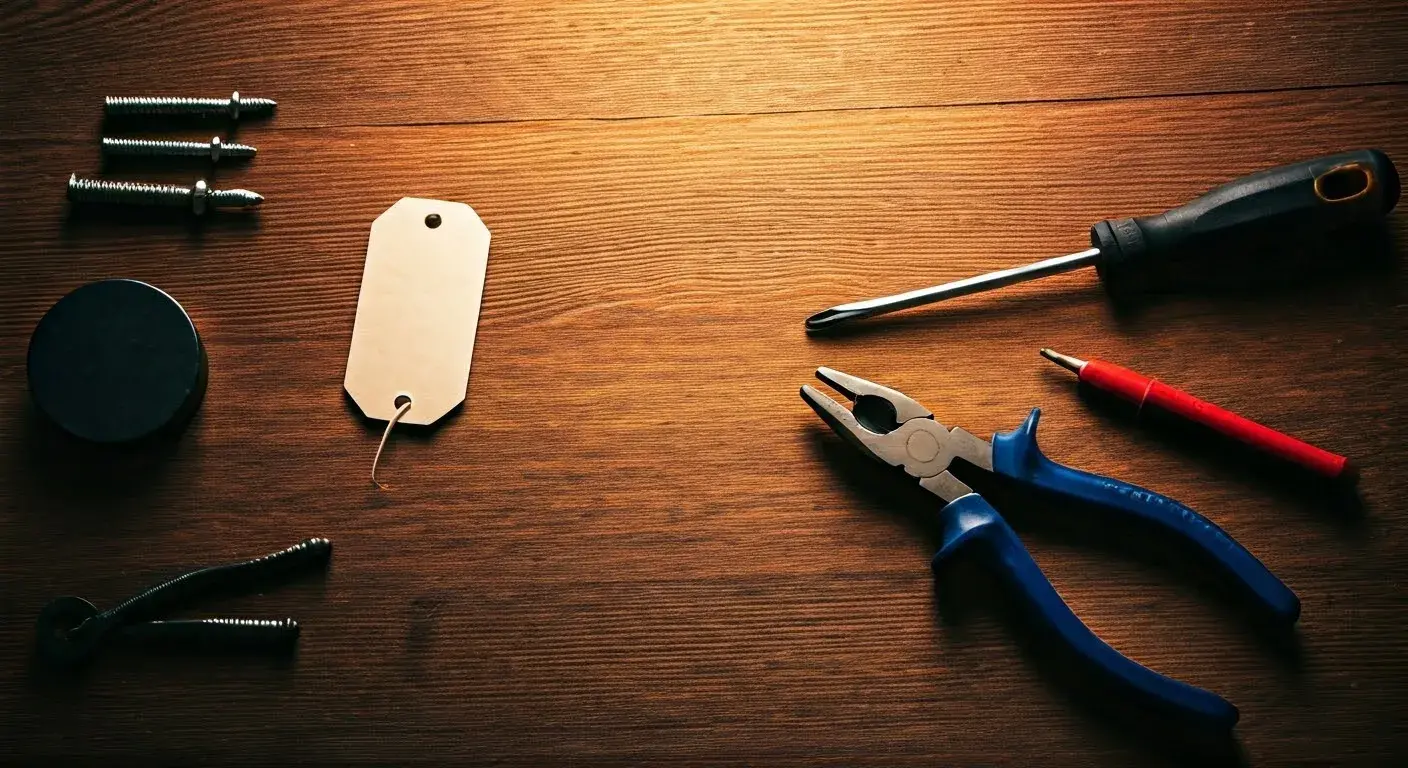
Having the right tools will make the job safer and more efficient. You might need:
- Screwdrivers (Phillips and flathead)
- Wire strippers/cutters
- Pliers
- Non-conductive tools (plastic or wooden) for manipulating wires if necessary
- Gloves (to protect your hands and prevent static discharge)
- Safety glasses
- A flashlight or headlamp
- Your system's manual (if available)
4. Avoid Accidental Alarm Triggers
Even with power disconnected, some systems may have residual charge or internal capacitors that could cause a brief chirp or beep if a sensor is disturbed. Be gentle and methodical. If you are unsure about a step, it's better to pause and reassess than to trigger the alarm unnecessarily.
5. Understand the Risks of Tampering
Tampering with security systems can sometimes void warranties, and in certain situations (e.g., if the system is leased), it could have legal implications. Always ensure you have the right to modify or disconnect the system.
6. Work in a Well-Lit, Dry Area
Ensure you have adequate lighting to see what you are doing. Avoid working in damp or wet conditions, especially when dealing with electrical components.
By adhering to these safety precautions, you significantly reduce the risk of injury, damage, and unintended consequences. Remember, if at any point you feel uncomfortable or unsure, it's always best to consult a qualified professional.
Disconnecting DIY Home Alarm Systems
DIY home alarm systems are designed for user-friendly installation and often, by extension, user-friendly disconnection. These systems typically rely on wireless communication and battery power for most components, with a central hub powered by an AC adapter. The process is generally straightforward, but it's crucial to follow the steps systematically.
Step 1: Power Down the Hub/Base Station
This is the central unit that communicates with all your sensors and often connects to your home network for remote access and monitoring.
- Unplug the AC Adapter: Locate the power adapter plugged into the hub and then into a wall outlet. Unplug it from the wall outlet.
- Disconnect the Backup Battery: Most hubs have an internal backup battery. Open the hub's casing (usually by unscrewing a few screws or releasing clips) and disconnect the battery. This is often a small, rectangular battery with two wires (red and black) connected via small spade connectors. Gently pull the connectors off the battery terminals.
Note: Some systems may require you to go through a shutdown sequence on their app or keypad before unplugging. Consult your system's manual for specific instructions. For 2025, many smart hubs might have a "factory reset" option in their app that effectively disconnects them from your account and the network.
Step 2: Remove Batteries from Sensors
Most DIY sensors (door/window contacts, motion detectors, etc.) are battery-powered.
- Locate the Battery Compartment: These are usually found on the back or side of the sensor.
- Open the Compartment: You might need a small screwdriver or just your fingernail to open the cover.
- Remove the Batteries: Take out the batteries. Note the battery type (e.g., CR2032, AA, AAA) for future reference if needed.
This step ensures that no components are actively trying to communicate or trigger the system.
Step 3: Disconnect Wi-Fi or Cellular Module (If Separate)
Some advanced DIY systems might have separate modules for Wi-Fi or cellular communication. If your hub doesn't have these built-in, locate these modules and unplug their power adapters or disconnect their batteries as you did with the main hub.
Step 4: Reset or Remove from App/Account
To fully disconnect your DIY system from your online account and prevent any further notifications or potential remote access, it's good practice to remove the system from your mobile app or online portal.
- Open your alarm system's app.
- Navigate to the settings or device management section.
- Look for an option to "Remove Device," "Delete System," or "Factory Reset."
- Follow the on-screen prompts.
This step is crucial for privacy and ensures the system is no longer linked to you. In 2025, many IoT devices require this digital disconnection.
Step 5: Deactivate Monitoring Service (If Subscribed)
If you were using a professional monitoring service with your DIY system, remember to formally cancel your subscription. This usually involves contacting the service provider directly via phone or their online portal. Provide them with your account details and request service termination.
Example: Disconnecting a SimpliSafe System
For a popular DIY system like SimpliSafe:
- Unplug the Base Station's power adapter.
- Open the Base Station and disconnect the backup battery.
- Open each sensor and remove its battery.
- Delete the system from your SimpliSafe account via the web portal or app.
- Cancel your monitoring subscription if you have one.
Disconnecting DIY systems is generally safe and straightforward, making them ideal for homeowners who prefer to manage their own security. The key is to systematically remove power from all components.
Disconnecting Professionally Installed Systems
Professionally installed alarm systems, often from companies like ADT, Vivint, or Brinks, are typically more complex and integrated into your home's infrastructure. Disconnecting these systems often requires a more involved process, and in many cases, professional assistance is recommended or even mandated by the service provider.
Step 1: Contact Your Security Provider
This is the most critical first step. These systems are usually leased or tied to a long-term contract. Attempting to disconnect the system yourself without their knowledge or authorization can lead to:
- Breach of contract penalties.
- False alarm dispatches and fines.
- Difficulty in transferring service or installing a new system later.
Contact your security company's customer service department. Explain your situation (e.g., moving, switching providers, no longer needing the service). They will outline their specific disconnection procedure, which often involves scheduling a technician visit.
Step 2: Schedule a Technician Visit
Most professional companies will require a technician to visit your home to properly deactivate and remove their equipment. This ensures the system is safely disabled and prevents any lingering connection to their monitoring network.
- Confirm Fees: Ask about any disconnection fees, early termination fees, or equipment buy-out costs associated with your contract.
- Choose a Date: Schedule the visit at a time that is convenient for you.
- Be Present: It's advisable to be present during the technician's visit to ensure the system is fully deactivated and to ask any questions.
For 2025, many companies are offering remote deactivation options for certain components, but a full physical disconnection is still common for comprehensive systems.
Step 3: Understand What the Technician Will Do
A professional technician will typically:
- Disable the System Remotely: They will first try to disable the system from their end.
- Physically Disconnect Power: They will locate and disconnect the main control panel's power transformer and backup battery.
- Remove Key Components: They may remove the control panel, keypads, and sometimes even sensors, especially if they are leased equipment.
- Disconnect Wiring: They will carefully disconnect any hardwired connections to phone lines, internet routers, or the home's electrical system.
- Cancel Monitoring: They will confirm that your monitoring service is officially terminated.
Step 4: If You Must Disconnect Yourself (Last Resort/Specific Circumstances)
In rare cases, such as an emergency or if the company is unresponsive, you might need to attempt a partial disconnection yourself. This is highly discouraged and should only be done if you understand the risks and have exhausted all other options.
Control Panel:
- Locate the control panel, often a metal box in a closet, basement, or garage.
- Disconnect AC Power: Find the transformer plugged into an outlet and unplug it.
- Disconnect Backup Battery: Open the panel and disconnect the battery terminals.
- Disconnect Communication Line: If it uses a landline, unplug the phone cord. If it uses internet, disconnect the Ethernet cable. If it has a cellular module, you may need to open the panel to access it.
Sensors:
- If they are wireless, remove batteries as described for DIY systems.
- If they are wired, these are harder to disconnect safely without damaging your home's wiring. Cutting wires is not recommended.
Caution: This DIY approach for professionally installed systems carries significant risks. You might still trigger the alarm, incur fines, or damage your home. Always prioritize professional service.
Example: Disconnecting ADT Service
If you have ADT:
- Call ADT customer service to discuss your contract and reason for cancellation.
- Understand any applicable fees (e.g., early termination).
- Schedule a technician visit for deactivation and potential equipment removal.
- Ensure the technician confirms the system is offline and monitoring is canceled.
For professionally installed systems, communication with the provider is key. They have the protocols and trained personnel to manage the disconnection safely and legally.
Troubleshooting and Common Issues
Even with careful planning, you might encounter issues when disconnecting your home alarm system. Understanding common problems and their solutions can save you time and frustration.
Issue 1: Alarm Triggers During Disconnection
Cause: Power not fully disconnected, or a sensor was disturbed. Some systems have capacitors that can hold a small charge, or a component might still be receiving power.
Solution:
- Immediate Action: If the alarm sounds, try to disarm it using your keypad code. If that fails, quickly locate the main control panel.
- Power Down: Unplug the AC transformer immediately.
- Disconnect Battery: Open the panel and disconnect the backup battery.
- Silence Siren: Some panels have a small internal battery for the siren. If the siren continues, you may need to locate and disconnect it (this is often a separate, louder siren unit). Consult your manual.
- Contact Monitoring Company: If monitored, call them immediately to inform them of the situation and that you are in the process of disconnecting.
Issue 2: Cannot Locate Control Panel
Cause: The panel is intentionally hidden by the installer for security.
Solution:
- Common Locations: Check utility closets, basements, garages, attics, or crawl spaces. Look for a metal box, often with wiring entering it.
- Follow Wires: Trace wires from keypads or phone/internet jacks back to a central point.
- Check Manual/Installer Notes: If you have any documentation from the original installation, it might indicate the location.
- Call Provider: If you still can't find it, your security provider will know its location.
Issue 3: System Powers Back On After Disconnecting
Cause: Missed a power source (e.g., a secondary transformer, a hardwired connection to the main electrical panel).
Solution:
- Re-check Transformer: Ensure the main transformer is unplugged.
- Check Circuit Breaker: If you suspect a hardwired connection, locate the breaker in your main electrical panel and turn it off. Caution: Ensure you know which breaker it is; turning off the wrong one can disrupt other household functions.
- Verify Battery Disconnection: Double-check that the backup battery is disconnected.
Issue 4: Keypad/Sensors Are Wired and Difficult to Remove
Cause: Older or professionally installed systems often use hardwired components.
Solution:
- For DIY Disconnection (Not Recommended): If you are determined to remove wired sensors yourself, you'll need to carefully cut the wires at the sensor end and the control panel end. This requires patching drywall and can be messy. It's best left to professionals.
- Professional Removal: The safest and cleanest method is to have a technician remove these components.
Issue 5: System Error Codes After Power Loss
Cause: Some systems display error codes (e.g., "Tamper," "Low Battery," "Communication Error") when power is interrupted or components are removed.
Solution:
- Ignore if System is Off: If you have successfully powered down the system and are no longer using it, these codes are usually irrelevant.
- Reset Procedure: If you are attempting to reset the system for reuse, consult the manual for specific reset procedures after restoring power.
Issue 6: Difficulty Opening Control Panel
Cause: Panels are often secured with screws or tamper-proof mechanisms.
Solution:
- Consult Manual: Your system's manual will show how to open the panel.
- Look for Screws: Most panels have screws on the bottom or back.
- Gentle Prying: If there are no visible screws, there might be clips. Use a flathead screwdriver or plastic pry tool gently.
By being prepared for these common issues, you can approach the disconnection process with greater confidence. Remember, safety and adherence to your system's specific design are paramount.
When to Call a Professional
While many DIY systems can be disconnected by the homeowner, there are several situations where calling a professional security technician or electrician is the wisest and safest course of action. Attempting complex disconnections without expertise can lead to significant problems.
1. Professionally Installed Systems
As discussed, systems installed by companies like ADT, Vivint, or Brinks are typically integrated and often require their specific deactivation protocols. Attempting to disconnect these yourself can violate contracts and lead to penalties. Professionals ensure the system is properly disarmed from the monitoring network.
2. Hardwired Systems
Older alarm systems often use extensive wiring running through walls. Disconnecting these wires safely and cleanly requires knowledge of electrical systems and potentially home repair skills to patch up any damage. Incorrectly handled wires can pose a fire hazard or damage your home's electrical infrastructure.
3. Uncertainty About System Type or Components
If you've moved into a new home and are unsure about the alarm system's make, model, or how it's connected, it's safer to have a professional assess it. They can identify components, determine the best disconnection method, and ensure no critical systems are inadvertently affected.
4. Electrical Concerns
If you have any concerns about your home's electrical wiring, the alarm system's connection to it, or if you're not comfortable working with electrical components, a qualified electrician or security technician should be called. They have the tools and expertise to handle electrical work safely.
5. Desire for a Clean Removal
Professionals can remove equipment like control panels, keypads, and sensors without leaving unsightly holes or damaged wiring in your walls. This is especially important if you plan to sell your home or want a seamless look.
6. Complex Smart Home Integrations
Modern alarm systems are often integrated with other smart home devices. Disconnecting such a system might require understanding how these integrations work to avoid disrupting other connected devices. A professional can manage these complexities.
7. Avoiding False Alarm Fines
If you accidentally trigger the alarm during a DIY disconnection and it's still connected to a monitoring service, you could incur fines from local authorities. A professional disconnection ensures this doesn't happen.
8. Legal or Contractual Obligations
If the alarm system is leased or part of a service contract, there may be specific requirements for its removal or deactivation. A professional can ensure these obligations are met.
Cost vs. Risk: While hiring a professional incurs a cost (typically ranging from $100 to $300 for a standard disconnection, potentially more for complex systems), it outweighs the risks of electrical shock, property damage, or contractual penalties associated with a DIY attempt on a complex system.
Finding a Professional:
- Original Installer: If you know who installed the system, contact them first.
- Reputable Security Companies: Many security companies offer disconnection and removal services, even if you're not signing up for their monitoring.
- Licensed Electricians: For systems with significant hardwiring, a licensed electrician can safely disconnect power and wiring.
In 2025, the trend towards integrated smart home security means more systems require professional handling for disconnection. Always err on the side of caution when dealing with electrical and security systems.
Legal and Ethical Considerations
Disconnecting a home alarm system, while often a straightforward task, can have legal and ethical implications that homeowners should be aware of. Understanding these aspects ensures compliance and avoids potential disputes or penalties.
1. Ownership of Equipment
Leased vs. Purchased: Many security companies lease their equipment as part of a service contract. If you lease the equipment, you do not own it, and attempting to disconnect or remove it without authorization can be considered theft or damage to leased property. You are typically obligated to return leased equipment or have it professionally removed.
Purchased Equipment: If you purchased the system outright, you have more freedom to disconnect and remove it. However, always check warranty terms, as improper disconnection could void them.
2. Contractual Obligations
Early Termination Fees: Most professionally installed systems come with a contract (often 2-5 years). Terminating the service before the contract end date usually incurs significant early termination fees. The disconnection process is often tied to the contract termination.
Notification Requirements: Contracts typically require a specific notice period (e.g., 30-60 days) before service can be canceled. Failure to provide proper notice can result in continued billing.
3. False Alarm Laws and Fines
If your alarm system is still monitored and you attempt to disconnect it without properly notifying the monitoring company, any accidental triggers during the process can lead to false alarm dispatches. Many municipalities impose fines for excessive false alarms, which can be substantial.
4. Data Privacy and Security
When disconnecting a system, especially one that was connected to the internet or a cloud service, ensure all personal data and access credentials are removed. For smart systems in 2025, this is crucial. A factory reset or removal from your account via the app is often necessary to protect your privacy.
5. Improper Disconnection and Safety Hazards
Incorrectly disconnecting electrical wiring can create safety hazards, including fire risks and the potential for electrical shock. This could lead to liability if damage or injury occurs to others or their property.
6. Landlord/Tenant Agreements
If you are renting, any modifications or disconnections to existing security systems may require your landlord's permission. Unauthorized tampering could violate your lease agreement.
7. Resale of Property
If you are selling your home and the alarm system is hardwired or a permanent fixture, you may need to disclose its status to potential buyers. If it's a leased system, the new owner may need to take over the contract or have it professionally removed.
Recommendations:
- Read Your Contract: Thoroughly review your security service contract to understand all terms related to equipment ownership, cancellation, and disconnection.
- Communicate with Provider: Always communicate with your security provider regarding your intentions. They can guide you through the official process and inform you of any associated costs.
- Document Everything: Keep records of all communications with your provider, including dates, times, and names of representatives spoken to.
- Consult Professionals: If you are unsure about legal obligations or the ownership of equipment, consult with your security provider or a legal advisor.
Ethically, it's important to act in good faith with your service provider and to ensure that any disconnection does not create hazards for future occupants or the property itself.
Alternatives to Full Disconnection
In many scenarios, a full disconnection of your home alarm system isn't necessary or might be more complex than required. Depending on your goals, there are several alternatives that can achieve similar outcomes with less effort and fewer potential complications.
1. Pausing or Suspending Service
When to Use: If you are going on an extended vacation, undertaking major renovations, or temporarily moving out, many monitoring companies offer the option to pause or suspend your service. This keeps your account active but prevents monitoring and billing during the inactive period.
Benefits:
- No need to physically disconnect or reconnect equipment.
- Easier to resume service when you return.
- Often avoids disconnection/reconnection fees.
How to Do It: Contact your security provider to inquire about their service suspension policy.
2. Disabling Monitoring Only
When to Use: If you want to keep the alarm system functional for local alerts (sirens, lights) but no longer want it monitored by a central station. This might be because you're switching providers, or you've decided to self-monitor.
Benefits:
- System still provides audible alerts.
- Avoids potential false alarm fines from authorities if monitoring is off.
- Can be a step towards self-monitoring.
How to Do It: Contact your monitoring company to cancel monitoring services only. For DIY systems, this often means canceling the subscription plan. For professional systems, they may disable the communication line.
3. Self-Monitoring
When to Use: Many modern DIY systems, and some professional systems with upgrades, can be configured for self-monitoring. Instead of a central station, you receive alerts directly to your smartphone via an app.
Benefits:
- No monthly monitoring fees.
- Immediate notifications directly to your phone.
- Full control over your system.
How to Do It: Check if your system supports self-monitoring. For DIY systems, this is usually a standard feature or a subscription tier. For professional systems, inquire about self-monitoring upgrade options.
4. Repurposing the System
When to Use: If you're moving and leaving the system behind, or if you're upgrading, you might be able to repurpose some components.
Benefits:
- Avoids waste.
- Can be used for basic local alarms or as part of a new DIY setup.
How to Do It: Ensure the system is fully disconnected from the old service and then potentially reconfigured for a new purpose or provider. This might involve a factory reset.
5. Selling or Transferring the System
When to Use: If you own the equipment and are moving or upgrading, you might be able to sell your old system or transfer it to a new home or a new owner.
Benefits:
- Recoup some of the cost.
- Provides a security solution for someone else.
How to Do It: Ensure the system is fully disconnected and factory reset. If it's a leased system, this is generally not an option unless you buy it out first.
Considerations for 2025 Systems:
With the rise of smart home technology, many alarm systems in 2025 are highly integrated. This makes alternatives like pausing service or switching to self-monitoring increasingly popular and user-friendly. Full disconnection might only be necessary when completely replacing the system or decommissioning a property.
Before deciding on full disconnection, explore these alternatives. They can often provide a simpler, more cost-effective, and less disruptive solution to your needs.
In conclusion, disconnecting a home alarm system requires careful planning and execution. Whether you have a simple DIY setup or a complex professionally installed network, understanding your system, prioritizing safety, and following the correct procedures are paramount. For DIY systems, powering down the hub and removing batteries from sensors is typically sufficient. Professionally installed systems almost always require contacting the provider to schedule a technician visit, ensuring proper deactivation from monitoring services and avoiding contractual issues. Always remember to gather the right tools, inform your monitoring company if applicable, and be prepared for potential troubleshooting steps. When in doubt, or when dealing with hardwired or complex systems, calling a professional is the safest and most reliable option. Legal and ethical considerations, such as equipment ownership and contract terms, should also guide your decision-making process. Exploring alternatives like pausing service or switching to self-monitoring can also provide effective solutions without the need for full disconnection. By following these guidelines, you can confidently manage your home's security system.