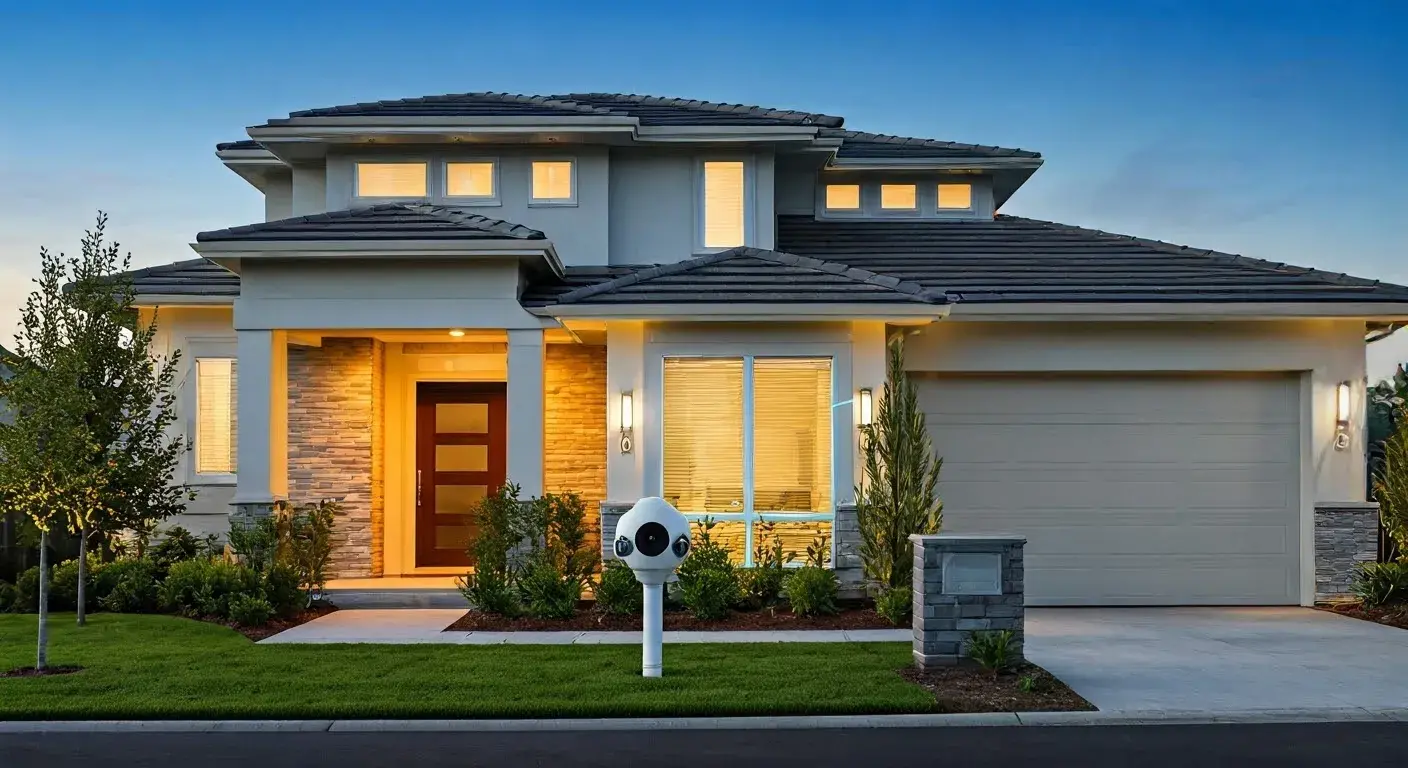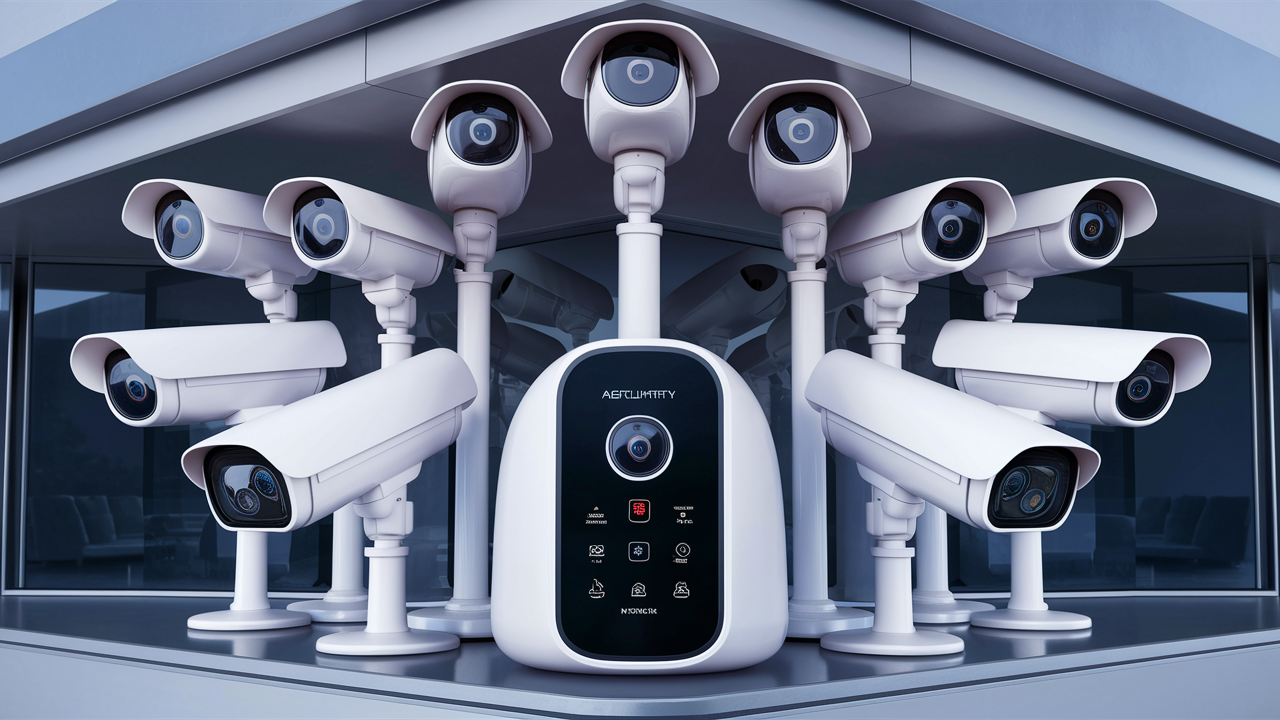
Choosing the best home security camera system in 2025-26 involves balancing advanced features, ease of use, and affordability. This guide cuts through the noise, offering a comprehensive look at top contenders and what truly matters for safeguarding your property and loved ones.
Understanding Home Security Camera Types
The landscape of home security cameras has evolved dramatically. For 2025-26, understanding the different types available is crucial for making an informed decision. Each type offers distinct advantages and is suited for different needs and installation scenarios. From indoor discreet monitoring to robust outdoor protection, the options are vast.
Indoor Cameras
Indoor cameras are designed for monitoring activity within your home. They can help you keep an eye on pets, children, or detect unauthorized entry. Modern indoor cameras often feature pan-and-tilt capabilities, allowing you to remotely adjust the camera's view, and two-way audio for communication.
Key Features of Indoor Cameras:
- Motion Detection: Alerts you when movement is detected.
- Night Vision: Essential for monitoring in low-light conditions.
- Two-Way Audio: Allows for real-time conversation through the camera.
- Compact and Discreet Design: Blends seamlessly into home decor.
- Cloud or Local Storage: Options for saving recorded footage.
Outdoor Cameras
These cameras are built to withstand the elements and deter potential intruders. They are typically weather-resistant and designed for mounting on the exterior of your home, such as under eaves or on walls. Outdoor cameras are your first line of defense.
Key Features of Outdoor Cameras:
- Weather Resistance (IP Rating): Crucial for durability against rain, snow, and dust.
- Wide Field of View: Covers a larger area, reducing blind spots.
- Advanced Motion Detection: Differentiates between people, vehicles, and animals to reduce false alarms.
- Integrated Lighting or Sirens: Can deter intruders actively.
- Tamper Detection: Alerts you if the camera is being interfered with.
Doorbell Cameras
Doorbell cameras combine the functionality of a doorbell with a security camera. They allow you to see, hear, and speak to visitors at your front door from anywhere via your smartphone. This is invaluable for package delivery monitoring and identifying visitors before opening the door.
Key Features of Doorbell Cameras:
- HD Video Quality: Clear visuals of visitors.
- Motion Zones: Customizable areas to trigger recording.
- Two-Way Talk: Communicate with visitors remotely.
- Night Vision: See visitors clearly even after dark.
- Integration with Smart Home Systems: Works with other smart devices.
Bullet Cameras
Bullet cameras are typically long, cylindrical devices often used for outdoor surveillance. They are easily visible, acting as a deterrent, and are designed for directional monitoring of specific areas like driveways or entry points. Their prominent design can be a psychological barrier to potential criminals.
Dome Cameras
Dome cameras are characterized by their discreet, dome-shaped casing. They are often mounted on ceilings or walls and are harder to tamper with due to their design. Their wide-angle lens can cover a broad area, making them suitable for both indoor and outdoor use in commercial or residential settings.
PTZ (Pan-Tilt-Zoom) Cameras
PTZ cameras offer the most flexibility, allowing remote control of their movement (pan, tilt) and zoom capabilities. This makes them ideal for monitoring large areas or tracking moving subjects. While more expensive, they can significantly reduce the number of cameras needed to cover a wide perimeter.
Key Features to Consider for Your System
Beyond the basic camera types, several critical features will define the effectiveness and usability of your home security camera system in 2025-26. Prioritizing these will ensure you get a system that meets your specific security needs and integrates well into your lifestyle.
Video Resolution and Quality
Higher resolution means clearer images, which is crucial for identifying faces, license plates, or other important details. For 2025-26, 1080p (Full HD) is considered the standard, but 2K and 4K resolutions are becoming more accessible and offer superior clarity, especially for outdoor cameras where details are paramount.
- 1080p (Full HD): Good clarity, widely available, and cost-effective.
- 2K (1440p): Offers a noticeable improvement in detail over 1080p.
- 4K (2160p): The highest resolution, providing exceptional detail, ideal for capturing fine details at a distance.
Field of View (FOV)
The FOV determines how much of an area the camera can see. A wider FOV means fewer blind spots. For example, a camera with a 130-degree FOV will capture more of your yard than one with an 80-degree FOV. Consider the specific area you need to monitor when choosing.
Night Vision Capabilities
Effective night vision is non-negotiable for a 24/7 security solution. Most cameras use infrared (IR) LEDs to illuminate the scene in darkness. Look for the range of the IR illumination (e.g., 30 feet, 100 feet) and consider cameras with advanced low-light performance or color night vision technology for enhanced detail in the dark.
Motion Detection and Alerts
Advanced motion detection systems can significantly reduce false alarms. Look for features like:
- Person Detection: Distinguishes between people and other moving objects (like trees swaying).
- Vehicle Detection: Identifies cars.
- Package Detection: Notifies you when a package is delivered or removed.
- Customizable Motion Zones: Allows you to define specific areas within the camera's view to trigger alerts.
Timely and accurate alerts are sent directly to your smartphone, allowing for immediate action.
Audio Capabilities
Two-way audio allows you to not only hear what's happening but also to speak through the camera. This is useful for deterring intruders, communicating with family members, or even talking to delivery personnel. Some systems offer advanced audio features like ambient noise cancellation.
Storage Options
How recorded footage is stored is a critical consideration. You'll typically find these options:
- Cloud Storage: Footage is uploaded to a remote server. This is convenient and accessible from anywhere but usually requires a subscription fee. Providers like Ring, Nest, and Arlo offer various cloud plans.
- Local Storage: Footage is saved to an SD card in the camera or a dedicated Network Video Recorder (NVR) or Digital Video Recorder (DVR). This offers more privacy and no recurring fees but can be limited by storage capacity and requires physical access to retrieve footage.
- Hybrid Storage: Some systems offer both cloud and local storage options.
Consider how much footage you need to store and for how long when making this decision.
Connectivity and Power
Wired vs. Wireless: This is a fundamental choice. Wired systems (often using Ethernet or coaxial cables) offer a stable connection and continuous power but require more complex installation. Wireless systems (Wi-Fi or battery-powered) are easier to install but rely on battery life or Wi-Fi signal strength.
Power Source: Cameras can be powered by AC adapters, PoE (Power over Ethernet), or batteries. Battery-powered cameras offer the most installation flexibility but require periodic recharging or battery replacement.
Smart Home Integration
For a truly integrated security experience, consider systems that work with popular smart home platforms like Amazon Alexa, Google Assistant, or Apple HomeKit. This allows for voice control, automation (e.g., turning on lights when motion is detected), and a unified control interface.
Wired vs. Wireless: Which is Right for You?
The choice between wired and wireless home security camera systems is one of the most significant decisions you'll make. Each has distinct advantages and disadvantages that cater to different user needs, installation capabilities, and budget constraints. As of 2025-26, both technologies have matured, offering robust solutions.
Wired Security Camera Systems
Wired systems, often referred to as CCTV (Closed-Circuit Television) systems, have been the traditional choice for professional security installations. They typically involve running cables from each camera back to a central recording device, such as a DVR (Digital Video Recorder) for analog cameras or an NVR (Network Video Recorder) for IP cameras.
Advantages of Wired Systems:
- Reliability and Stability: Wired connections are generally more stable and less prone to interference than wireless signals, ensuring consistent recording and live viewing.
- Continuous Power: Cameras are powered directly through the cables, eliminating the need for batteries and the associated maintenance.
- Higher Bandwidth: Wired connections can often support higher video resolutions and frame rates without compression issues.
- Enhanced Security: Wired systems are less susceptible to hacking or signal jamming compared to wireless alternatives.
Disadvantages of Wired Systems:
- Complex Installation: Running cables through walls, attics, and crawl spaces can be time-consuming, labor-intensive, and may require professional installation, adding to the overall cost.
- Limited Placement Flexibility: The need to connect to a central DVR/NVR restricts camera placement to areas where cables can be run.
- Potential for Cable Damage: Exposed cables can be vulnerable to damage from weather or tampering.
- Higher Upfront Cost: While the cost per camera might be competitive, the overall installation cost can be significantly higher.
Wireless Security Camera Systems
Wireless systems transmit data and, in some cases, power, via Wi-Fi or dedicated radio frequencies. This significantly simplifies installation and offers greater flexibility in camera placement.
Advantages of Wireless Systems:
- Ease of Installation: Wireless cameras are typically plug-and-play or battery-powered, making DIY installation straightforward. No drilling through walls is usually required.
- Placement Flexibility: Cameras can be placed almost anywhere with a good Wi-Fi signal, offering more options for coverage.
- Scalability: It's often easier to add more cameras to a wireless system as your needs evolve.
- Aesthetics: Fewer visible cables contribute to a cleaner, more aesthetically pleasing installation.
Disadvantages of Wireless Systems:
- Dependence on Wi-Fi Signal: The quality of the Wi-Fi signal is crucial. Weak signals can lead to dropped connections, lag, and poor video quality.
- Battery Life (for battery-powered models): Battery-powered cameras require regular charging or battery replacement, which can be inconvenient.
- Potential for Interference: Wireless signals can be susceptible to interference from other electronic devices, walls, and distance.
- Security Concerns: While modern wireless systems employ encryption, they can be theoretically more vulnerable to hacking or jamming than wired systems.
- Subscription Fees: Many wireless systems rely on cloud storage, which often necessitates ongoing monthly or annual subscription fees.
Which is Best for You?
The ideal choice depends on your priorities:
- For maximum reliability and minimal maintenance, especially in new constructions or major renovations: A wired system is often preferred.
- For ease of installation, flexibility, and budget-conscious DIYers: A wireless system is usually the better option.
- For renters or those who want to avoid complex installation: Battery-powered wireless cameras are ideal.
- For comprehensive coverage of a large property where running cables is feasible: A wired IP camera system with an NVR offers excellent performance.
Many modern systems offer hybrid solutions, combining the benefits of both. For instance, some IP cameras use a single Ethernet cable for both data and power (PoE), simplifying wiring while maintaining a stable connection.
Top Home Security Camera Systems of 2025-26
Selecting the "best" home security camera system is subjective and depends on individual needs, budget, and desired features. However, based on current market trends, technological advancements, and user reviews for 2025-26, several systems consistently stand out for their performance, reliability, and feature sets. Here's a comparative look at some of the leading contenders.
| System Name | Type | Resolution | Storage Options | Key Features | Price Range (Approx.) | Best For |
|---|---|---|---|---|---|---|
| Arlo Ultra 2/Pro 4 | Wireless (Battery/AC) | 4K (Ultra 2), 2K (Pro 4) | Cloud (Subscription), Local (via Base Station) | Color Night Vision, Wide FOV, Two-Way Audio, Weatherproof, AI Detection | $$$ - $$$$ | Users prioritizing superior video quality and wireless flexibility. |
| Google Nest Cam (Battery/Wired) | Wireless (Battery/Wired) | 1080p | Cloud (Subscription Required for full features) | Intelligent Alerts, HDR, Two-Way Audio, Sleek Design, Google Assistant Integration | $$ - $$$ | Google ecosystem users, those seeking smart alerts and easy setup. |
| Ring Stick Up Cam/Spotlight Cam | Wireless (Battery/Plug-in/Solar) | 1080p | Cloud (Subscription Required), Local (via Base Station for some models) | Motion Detection, Two-Way Talk, Siren (Spotlight Cam), Solar Charging Options | $$ - $$$ | Budget-conscious users, Ring ecosystem users, flexible power options. |
| Wyze Cam v3/Pan v3 | Wired (USB Power) | 1080p | Local (MicroSD Card), Cloud (Subscription available) | Affordability, Color Night Vision, Two-Way Audio, Motion Tracking (Pan) | $ - $$ | Extreme budget-conscious users, those needing basic indoor/outdoor monitoring. |
| Lorex Fusion Smart Home Security System | Wired (IP/PoE) & Wireless Options | Up to 4K | Local (NVR/DVR), Cloud (Subscription available) | Professional-grade features, extensive customization, NVR/DVR options, reliable wired connectivity. | $$$ - $$$$ | Users seeking robust, professional-grade systems with local storage preference. |
| Eufy Security (Various Models) | Wireless (Battery/Wired) & Wired (HomeBase) | 1080p to 2K | Local (HomeBase/SD Card), Cloud (Optional Subscription) | No Monthly Fees for core features, AI detection, long battery life, user privacy focus. | $$ - $$$ | Privacy-conscious users, those wanting to avoid monthly fees, good battery life. |
Arlo Ultra 2 / Pro 4
Arlo systems are renowned for their premium build quality and advanced features, particularly their 4K resolution (Ultra 2) and color night vision. They offer excellent wireless flexibility, allowing for easy installation in various locations. The Arlo ecosystem is robust, though it relies heavily on cloud subscriptions for full functionality.
Pros: Exceptional video quality, robust build, color night vision, wide field of view, smart detection features.
Cons: Higher price point, reliance on cloud subscriptions for advanced features, battery life can vary.
Google Nest Cam (Battery/Wired)
Google's Nest Cams are known for their intelligent alerts and seamless integration with the Google ecosystem. The battery-powered version offers great flexibility, while the wired version provides continuous power. Their AI-powered detection is excellent at distinguishing between people, animals, and vehicles. However, full functionality, including familiar face detection and extended event history, requires a Nest Aware subscription.
Pros: Excellent AI detection, HDR for better image quality, sleek design, strong Google Assistant integration.
Cons: Subscription required for full features, limited local storage options.
Ring Stick Up Cam / Spotlight Cam
Ring offers a wide range of affordable cameras, making them a popular choice for many homeowners. The Stick Up Cam is a versatile indoor/outdoor camera, while the Spotlight Cam adds integrated lighting and a siren for enhanced deterrence. They are easy to set up and integrate well with other Ring devices and Alexa. Like Nest, Ring requires a subscription (Ring Protect Plan) for cloud storage and advanced features.
Pros: Affordable, easy to install, wide variety of models, Alexa integration, solar charging options available.
Cons: Video quality is good but not top-tier compared to 4K options, subscription required for full functionality.
Wyze Cam v3 / Pan v3
Wyze has disrupted the market with incredibly affordable cameras that still pack a punch. The Wyze Cam v3 offers decent 1080p video, color night vision, and two-way audio for a fraction of the cost of competitors. The Pan v3 adds 360-degree rotation. Storage is primarily local via microSD card, with an optional cloud subscription for continuous recording. While not as feature-rich as premium brands, they offer exceptional value for basic monitoring.
Pros: Unbeatable price, good for basic monitoring, color night vision, local storage option.
Cons: Less robust build quality, occasional connectivity issues reported, limited advanced AI features.
Lorex Fusion Smart Home Security System
Lorex offers a broad spectrum of security solutions, from simple camera kits to professional-grade NVR/DVR systems. Their Fusion line aims to bridge the gap between traditional CCTV and smart home integration. They are known for offering high-resolution cameras (up to 4K) with robust local storage options (NVR/DVR), appealing to those who prioritize data privacy and avoiding monthly fees. They also offer wireless and Wi-Fi camera options.
Pros: High-resolution options, strong emphasis on local storage, professional-grade features, flexible system configurations.
Cons: Can be more complex to set up than purely wireless systems, app interface can be less intuitive for some.
Eufy Security (Various Models)
Eufy has gained popularity for its focus on user privacy and its commitment to offering features without mandatory monthly fees. Their systems often include a HomeBase device that stores footage locally, with optional cloud backup. They offer a range of cameras, including battery-powered and wired options, with resolutions up to 2K. AI detection is a strong suit, and battery life on their wireless models is often impressive.
Pros: No mandatory monthly fees for core features, strong focus on data privacy, good battery life, AI detection.
Cons: Cloud storage options are less comprehensive than some competitors, HomeBase required for local storage on many systems.
Installation and Setup: DIY vs. Professional
The installation process for a home security camera system can range from a simple plug-and-play experience to a complex undertaking requiring professional expertise. Understanding the differences between DIY and professional installation will help you plan and budget effectively.
DIY Installation
DIY installation is the preferred route for many homeowners, especially with the rise of user-friendly wireless and battery-powered systems. The process typically involves:
- Unboxing and Charging: For battery-powered cameras, ensure they are fully charged.
- Downloading the App: Most systems require a dedicated mobile app for setup and management.
- Connecting to Wi-Fi: Follow the app's instructions to connect your cameras to your home's Wi-Fi network.
- Mounting the Cameras: This is the most physically demanding part. It involves choosing optimal locations, drilling (if necessary), and securely mounting the cameras. For wireless cameras, this is often as simple as using screws or adhesive mounts.
- Configuring Settings: Once connected, you'll configure motion detection zones, notification preferences, video quality, and other settings within the app.
When DIY is a Good Option:
- You are comfortable with basic tools and technology.
- You are installing wireless or battery-powered cameras.
- You are only installing a few cameras.
- You want to save on installation costs.
Tip: Always read the manufacturer's instructions carefully and watch installation videos if available. For outdoor installations, consider weather conditions and ensure secure mounting to prevent damage or theft.
Professional Installation
Professional installation is recommended for more complex systems, particularly wired systems, or if you lack the time, tools, or confidence for a DIY approach. Professional installers offer:
- Expertise: They understand optimal camera placement for maximum coverage and deterrence, and know how to run cables discreetly and safely.
- Tools and Equipment: They have specialized tools for drilling, cable management, and testing connections.
- Time Savings: They can complete the installation much faster than most DIYers.
- Warranty and Support: Many professional installation services come with a warranty, offering peace of mind.
When Professional Installation is Recommended:
- You are installing a wired system (DVR/NVR).
- You need to run cables through difficult-to-access areas.
- You are installing a large number of cameras.
- You want a clean, professional-looking installation with minimal visible wiring.
- You are not comfortable with drilling or electrical work.
Cost: Professional installation costs can vary significantly based on the number of cameras, complexity of the installation, and the service provider. Expect to pay anywhere from $100 to $500 or more.
Budgeting for Your Home Security Camera System
The cost of a home security camera system can vary widely, from under $100 for a single basic camera to several thousand dollars for a comprehensive professional installation. To make an informed decision, it's essential to understand the different cost components and how they factor into your overall budget for 2025-26.
Upfront Hardware Costs
This is the initial purchase price of the cameras, base stations, NVRs, DVRs, and any necessary accessories (e.g., mounting brackets, extra batteries, solar panels). The price per camera can range from $30-$50 for budget options to $200-$400+ for high-end 4K models.
- Budget Systems: A basic 2-4 camera wireless system might cost $150 - $400.
- Mid-Range Systems: A system with 4-8 cameras, better resolution, and more features could range from $400 - $1000.
- High-End/Professional Systems: A comprehensive wired system with multiple high-resolution cameras and an NVR/DVR could cost $1000 - $3000+.
Subscription Fees (Cloud Storage & Services)
Many popular wireless systems, such as Ring and Nest, require a monthly or annual subscription for cloud storage, allowing you to review recorded events, access advanced AI features (like person detection or familiar face recognition), and extend your event history. These fees typically range from $3 to $30 per month per system or per camera.
- Ring Protect Plan: Starts at $3.99/month for one camera or $10/month for unlimited cameras.
- Google Nest Aware: Starts at $6/month for basic features or $12/month for advanced features.
- Arlo Secure: Plans vary, often starting around $4.99/month per camera or $12.99/month for multiple cameras.
Note: Systems like Eufy and Wyze often offer robust local storage options, allowing you to avoid these recurring fees for basic functionality.
Installation Costs
As discussed, DIY installation is free beyond the cost of tools you might need. Professional installation can add $100-$500+ to the total cost, depending on the complexity and the number of cameras.
Maintenance and Replacement Costs
- Battery Replacement: For battery-powered cameras, factor in the cost of replacement batteries or the occasional need to recharge.
- Component Failure: While rare with quality products, individual cameras or recording devices can fail over time, requiring replacement.
- Software Updates: Ensure your system receives regular software updates to maintain security and functionality. Some older systems may eventually become obsolete and require replacement.
Factors Influencing Cost:
- Number of Cameras: More cameras naturally increase the hardware cost.
- Resolution: 4K cameras are significantly more expensive than 1080p models.
- Features: Advanced features like AI detection, color night vision, pan-tilt-zoom, and two-way audio add to the cost.
- Storage Solution: NVR/DVR systems for wired setups are a significant upfront investment.
- Brand Reputation: Premium brands often command higher prices.
- Wireless vs. Wired: While wireless systems have lower hardware costs for basic setups, the ongoing subscription fees can add up. Wired systems have higher upfront installation costs but potentially lower long-term operational costs.
Budgeting Strategy:
- Assess your needs: Determine how many cameras you need, where they will be placed, and what features are essential.
- Prioritize: Decide if you need the absolute best video quality or if good-enough 1080p is sufficient.
- Consider long-term costs: Factor in subscription fees if you choose a cloud-dependent system.
- Explore local storage options: If you want to avoid monthly fees, focus on systems with robust local storage capabilities.
- Get quotes for professional installation: If you opt for this route, compare prices from different providers.
By carefully considering these cost factors, you can select a home security camera system that provides effective protection without breaking the bank.
Advanced Considerations for Enhanced Security
Beyond the core features, several advanced considerations can significantly enhance the effectiveness and usability of your home security camera system in 2025-26. These often involve integration, specialized features, and proactive security measures.
AI-Powered Analytics and Smart Alerts
The intelligence of your security system is increasingly driven by Artificial Intelligence. Modern systems go beyond simple motion detection to offer sophisticated analytics:
- Person Detection: Significantly reduces false alarms by differentiating between people and other moving objects (e.g., pets, branches).
- Vehicle Detection: Identifies cars, useful for monitoring driveways or street activity.
- Package Detection: Notifies you when a package is delivered or removed from your doorstep.
- Facial Recognition: Some high-end systems can identify familiar faces, distinguishing between family members and strangers.
- Sound Detection: Alerts you to unusual sounds like breaking glass or smoke alarms.
These intelligent alerts ensure you receive timely and relevant notifications, allowing for quicker responses to potential threats.
Integration with Other Smart Home Devices
A truly smart home security system doesn't operate in isolation. Seamless integration with other smart devices can create powerful automated security routines:
- Smart Lights: Trigger lights to turn on when motion is detected by a camera, deterring intruders and illuminating pathways.
- Smart Locks: Integrate with smart locks to allow remote locking/unlocking or to automatically lock doors when cameras detect unusual activity.
- Smart Speakers/Displays: Receive audio alerts or view camera feeds directly on smart displays like Google Nest Hub or Amazon Echo Show.
- Alarm Systems: Connect your cameras to a professional or DIY alarm system for a comprehensive security solution.
Platforms like Amazon Alexa, Google Assistant, and Apple HomeKit are central to achieving this level of integration. Look for systems that explicitly support your preferred smart home ecosystem.
Cybersecurity and Data Privacy
As cameras become more connected, cybersecurity is paramount. Ensure the system you choose employs robust security measures:
- End-to-End Encryption: Protects your video feeds and data from unauthorized access during transmission and storage.
- Strong Password Policies: Always use strong, unique passwords for your camera system and associated accounts. Enable two-factor authentication (2FA) whenever possible.
- Regular Software Updates: Manufacturers should provide regular firmware and software updates to patch security vulnerabilities.
- Privacy Zones: Some cameras allow you to designate "privacy zones" within the camera's field of view where recording is disabled, respecting the privacy of neighbors or sensitive areas.
- Local Storage Preference: For maximum privacy, consider systems that prioritize local storage (SD card, NVR/DVR) over cloud-based solutions, as it reduces reliance on third-party servers.
Research the manufacturer's privacy policy and their commitment to cybersecurity. Reputable brands are transparent about their security practices.
Power Over Ethernet (PoE) for Wired Systems
For wired IP camera systems, Power over Ethernet (PoE) is a significant advantage. A single Ethernet cable carries both data and power to the camera, simplifying installation by eliminating the need for separate power outlets near each camera. This is particularly beneficial for outdoor installations or when running power is difficult.
Professional Monitoring Services
While many DIY systems offer self-monitoring (you receive alerts and decide how to respond), professional monitoring services provide an added layer of security. These services:
- 24/7 Surveillance: Trained professionals monitor your system around the clock.
- Emergency Dispatch: If an alarm is triggered, monitoring personnel will verify the situation and dispatch emergency services (police, fire department) if necessary.
- Peace of Mind: Ideal for those who are frequently away from home or prefer not to be solely responsible for monitoring alerts.
These services typically come with a monthly fee, similar to cloud storage subscriptions.
Advanced Night Vision Technologies
Beyond standard infrared (IR) night vision, consider systems with:
- Color Night Vision: Uses ambient light or starlight to produce color images in low-light conditions, providing more detail than black-and-white IR.
- Starlight Sensors: Advanced sensors designed to capture more light, offering better clarity in very dark environments.
- Integrated Spotlights: Some outdoor cameras have built-in LED spotlights that activate upon motion detection, providing bright illumination and color video.
By evaluating these advanced considerations, you can select a home security camera system that not only deters threats but also provides intelligent insights, seamless integration, and robust protection for your home and family.
Making the Final Decision: Your Personalized Checklist
Choosing the best home security camera system is a significant decision that impacts your peace of mind and property safety. To ensure you make the right choice for your specific needs in 2025-26, use this personalized checklist to guide your final selection. It consolidates the key factors discussed throughout this guide.
1. Define Your Security Needs and Goals
- What are your primary concerns? (e.g., deterring burglars, monitoring package deliveries, keeping an eye on pets/children, general surveillance)
- What areas do you need to cover? (e.g., front door, backyard, driveway, specific rooms indoors)
- What is your desired level of detail in video footage? (e.g., basic identification vs. license plate recognition)
2. Determine Your Preferred System Type
- Wired: For maximum reliability and if professional installation is feasible.
- Wireless: For ease of installation and flexibility.
- Battery-Powered Wireless: For maximum placement freedom, especially for renters.
3. Evaluate Essential Features
- Video Resolution: Is 1080p sufficient, or do you need 2K or 4K?
- Field of View (FOV): Do you need wide-angle coverage?
- Night Vision: How far does it need to reach? Is color night vision a priority?
- Motion Detection: Do you need advanced AI features like person or package detection?
- Two-Way Audio: Is the ability to communicate through the camera important?
- Durability: For outdoor cameras, what is the required IP rating for weather resistance?
4. Consider Storage Options
- Cloud Storage: Are you willing to pay a monthly/annual subscription fee?
- Local Storage: Do you prefer an NVR/DVR or an SD card for local recording?
- Hybrid Storage: Is a combination of both desirable?
5. Assess Smart Home Integration Capabilities
- Does the system integrate with your existing smart home ecosystem (Alexa, Google Assistant, HomeKit)?
- Are there opportunities for automation with other smart devices (lights, locks)?
6. Review Cybersecurity and Privacy Measures
- Does the manufacturer use strong encryption?
- Is two-factor authentication available?
- What is the company's track record on data privacy?
- Are regular software updates provided?
7. Budget Realistically
- What is your total budget, including hardware, potential subscription fees, and installation costs?
- Are you prioritizing upfront cost or long-term value?
8. Installation Preferences
- Are you comfortable with a DIY installation, or do you require professional services?
- If professional, have you researched local installers and obtained quotes?
9. Read Reviews and Compare Brands
- Have you researched reviews for the specific models you are considering?
- Compare the top contenders based on your checklist.
10. Check Warranty and Customer Support
- What is the warranty period for the hardware?
- What is the reputation of the manufacturer's customer support?
By systematically going through this checklist, you can move beyond generic recommendations and identify the home security camera system that truly aligns with your lifestyle, budget, and security priorities. Remember, the "best" system is the one that provides you with the most effective and reliable protection for your unique circumstances.
In conclusion, selecting the best home security camera system in 2025-26 involves a thorough evaluation of your specific needs against the diverse range of features and technologies available. Prioritizing video quality, reliable connectivity, appropriate storage solutions, and smart integration will lead you to a system that offers robust protection and peace of mind. Whether you opt for a feature-rich wireless setup or a dependable wired solution, remember to consider ongoing costs, cybersecurity, and ease of use. Your informed choice is the cornerstone of a secure home.