How to Build the Best Smart Home Security System
Building the ultimate smart home security system involves more than just buying a few gadgets. It's about creating a cohesive, intelligent network designed to protect your property, deter intruders, and provide peace of mind. This guide will walk you through every crucial step, from planning to implementation, ensuring your smart home is as secure as it is convenient.
1. Laying the Foundation: Planning Your Smart Home Security System
Before diving into product catalogs, a robust plan is paramount. This initial phase dictates the effectiveness and scalability of your entire smart home security setup. Consider your property's unique vulnerabilities, your budget, and your desired level of automation and control. For instance, a sprawling suburban home might require a different approach than a compact urban apartment. In 2025, the average cost for a professionally installed smart home security system can range from $500 to $2,500, with ongoing monitoring fees averaging $20-$60 per month. DIY systems, while cheaper upfront, require more technical expertise and time for setup.
Assessing Your Needs and Property
Begin by walking through your home and property, identifying potential entry points and weak spots. This includes doors, windows, garages, basements, and even less obvious areas like pet doors or accessible upper-story windows. Think about your daily routines and when your home is most vulnerable. Are you away for long hours? Do you have frequent visitors? Understanding these factors will help you prioritize which areas need the most robust protection. For example, homes with multiple ground-floor windows might benefit from window sensors and motion detectors in adjacent rooms.
Defining Your Budget
Smart home security systems span a wide price spectrum. Establish a realistic budget that covers not only the initial hardware costs but also potential subscription fees for professional monitoring, cloud storage for camera footage, and ongoing maintenance. According to recent market analyses for 2025, the average consumer spends between $300 and $1,000 on DIY smart security components, while professional installations often begin at $1,000 and can exceed $5,000 for comprehensive systems. Factor in potential future upgrades as well.
Choosing Between DIY and Professional Installation
This is a critical decision. DIY systems offer flexibility and cost savings but demand a higher level of technical proficiency. You'll be responsible for choosing compatible devices, setting them up, and troubleshooting any issues. Professional installation, while more expensive, ensures devices are correctly placed, configured, and integrated. Experts can also offer valuable advice on system design and security best practices. For those less tech-savvy or with complex home layouts, professional installation is often the safer and more effective route. Data from 2025 indicates that DIY systems account for roughly 60% of the smart home security market due to their accessibility, but professional systems still hold a significant share, particularly for higher-end installations.
Understanding Smart Home Ecosystems
Most smart home devices operate within specific ecosystems, such as Amazon Alexa, Google Home, Apple HomeKit, or Samsung SmartThings. Choosing a system that aligns with your existing smart home devices or your preferred ecosystem will ensure seamless integration and easier management. For example, if you already use Alexa extensively, opting for Alexa-compatible security devices will simplify voice control and automation. Researching compatibility is crucial to avoid purchasing devices that won't work together. By 2026, interoperability standards are expected to improve, but current fragmentation still necessitates careful consideration.
2. The Essential Pillars: Core Smart Home Security Components
A robust smart home security system is built upon a foundation of key components that work in synergy. These devices provide the primary layers of defense and surveillance for your home.
Smart Security Cameras (Indoor and Outdoor)
Cameras are the eyes of your smart home security. They offer real-time monitoring, motion detection alerts, and recorded footage for review. When selecting cameras, consider resolution (1080p is standard, 2K or 4K offer more detail), field of view, night vision capabilities (infrared or color), weather resistance (for outdoor models), and power source (wired, battery, or solar). For 2025, features like AI-powered person detection, package detection, and two-way audio are becoming standard. Outdoor cameras are crucial for deterring potential intruders and capturing evidence of any suspicious activity. Indoor cameras can monitor pets, children, or provide an extra layer of security within the home.
Key Features to Look For:
- High-definition resolution (1080p minimum)
- Wide field of view (120° or more)
- Effective night vision (up to 30 feet or more)
- Motion detection with customizable zones
- Two-way audio for communication
- Weather resistance (IP65 or higher for outdoor cameras)
- Secure cloud or local storage options
Smart Door Locks
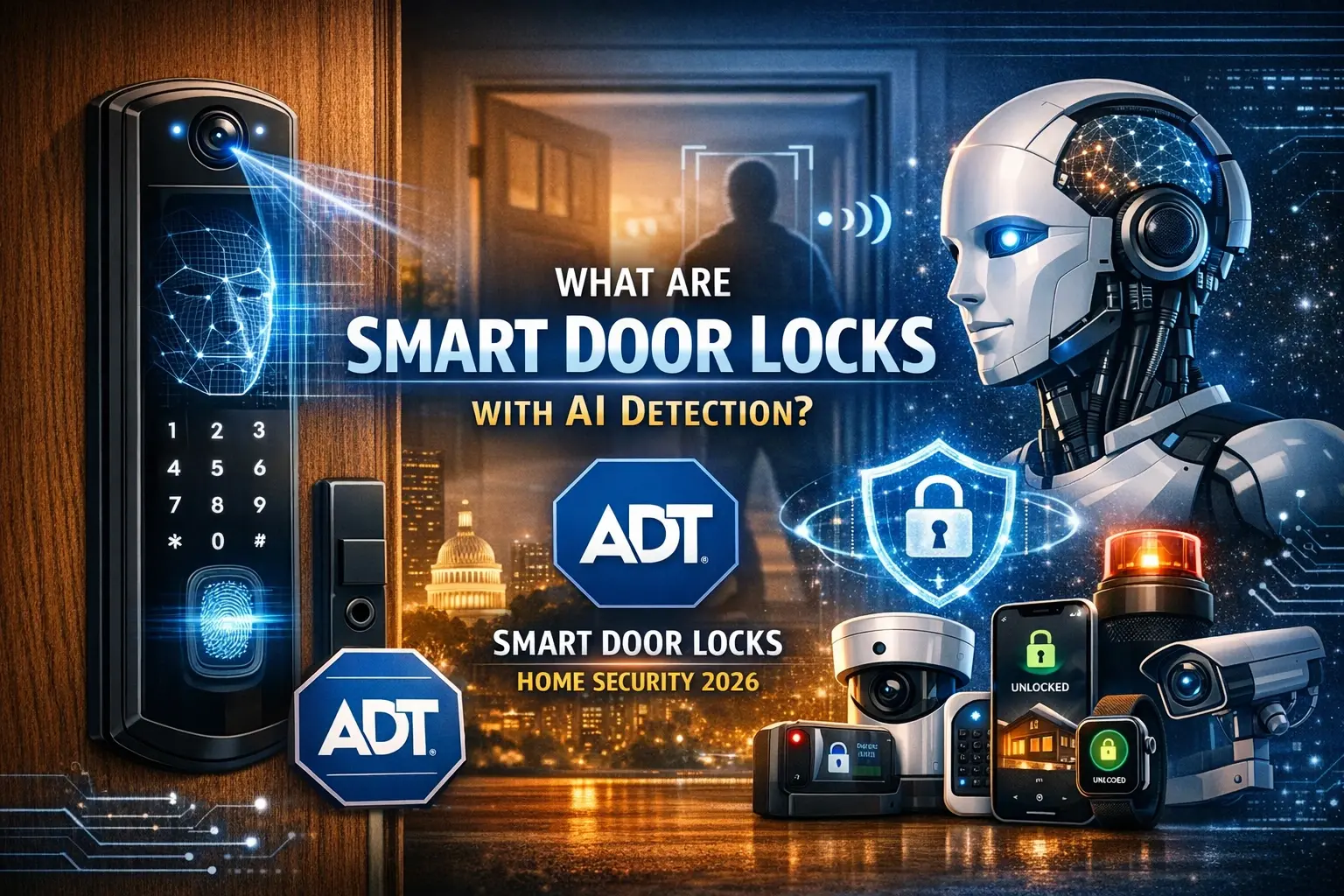
Smart locks replace traditional deadbolts, offering keyless entry via smartphone apps, keypads, or even voice commands. They provide enhanced convenience and security by allowing you to grant temporary access to guests, receive notifications when doors are locked or unlocked, and remotely lock your doors. Look for features like auto-locking, tamper alerts, and integration with other smart home devices. In 2025, advanced features like fingerprint scanners and built-in Wi-Fi connectivity (eliminating the need for a separate hub) are gaining popularity. Ensure the lock is compatible with your existing door hardware and offers robust encryption.
Benefits:
- Remote locking and unlocking
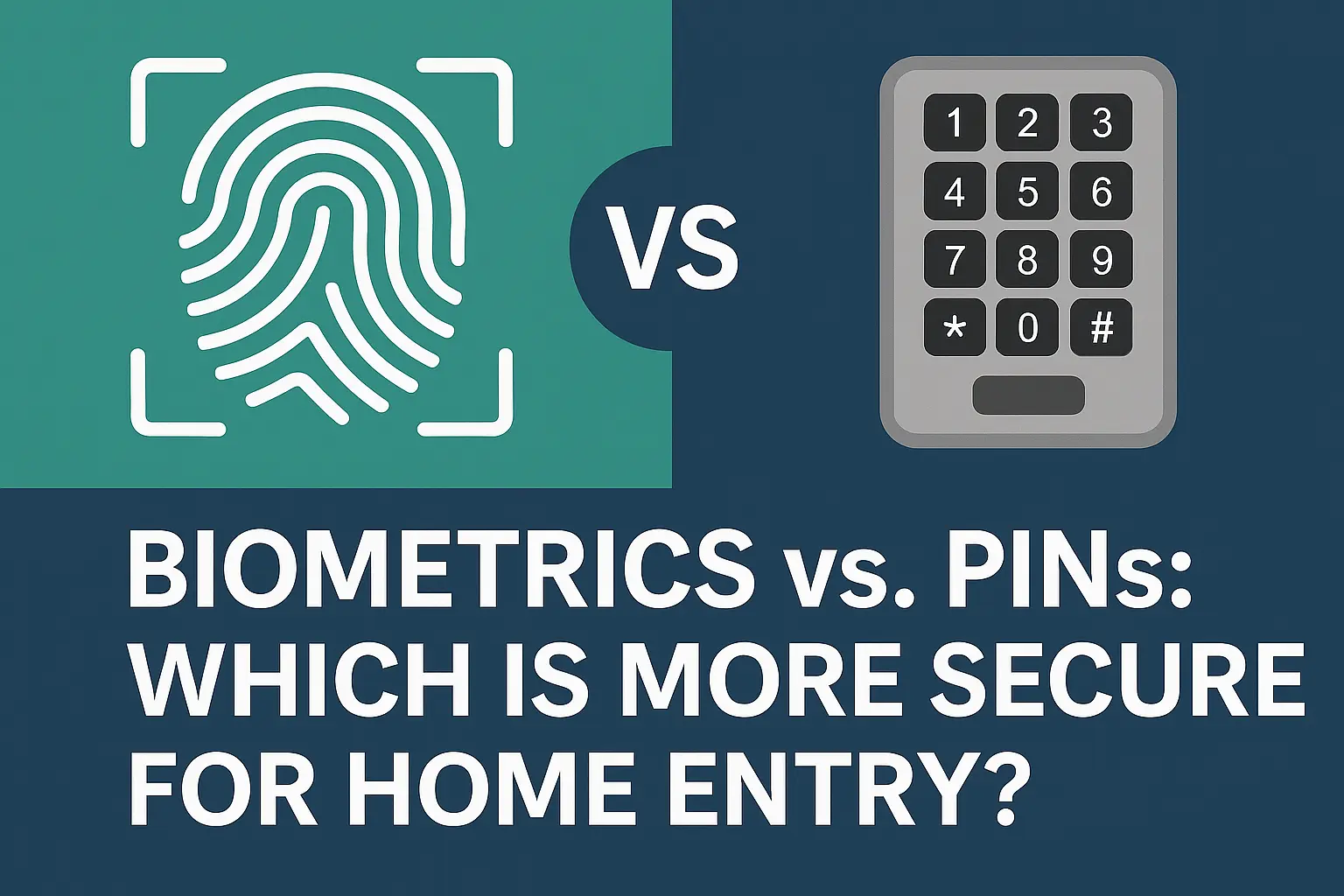
- Keyless entry options (keypad, app, fingerprint)
- Temporary access for guests
- Activity logs and notifications
- Auto-locking capabilities
Door and Window Sensors
These small, discreet sensors are placed on doors and windows. When a door or window is opened, the sensor detects the separation and sends an alert to your smartphone or security hub. They are a fundamental component for perimeter security. Wireless sensors are easy to install and often battery-powered, requiring minimal maintenance. Consider sensors that offer tamper detection, alerting you if someone tries to remove them. For 2025, some sensors are incorporating vibration detection to alert you to attempted forced entry before the door or window is fully opened.
Functionality:
- Detects opening and closing of doors/windows
- Wireless and easy to install
- Battery-powered with long life
- Tamper detection alerts
- Can trigger alarms or other smart devices
Motion Sensors
Motion sensors detect movement within a specified area, typically using passive infrared (PIR) technology. They are ideal for covering larger spaces like living rooms, hallways, or backyards. Advanced motion sensors in 2025 often feature pet immunity to prevent false alarms from pets and can be configured with specific detection zones. When motion is detected, they can trigger alarms, turn on lights, or send notifications. Placement is key to effective use; avoid placing them near heat sources or direct sunlight that could cause false triggers.
Key Aspects:
- Detects movement in designated areas
- Pet-friendly options available
- Adjustable sensitivity and range
- Can trigger alarms, lights, or notifications
- Ideal for large indoor and outdoor spaces
Smart Home Hub or Gateway
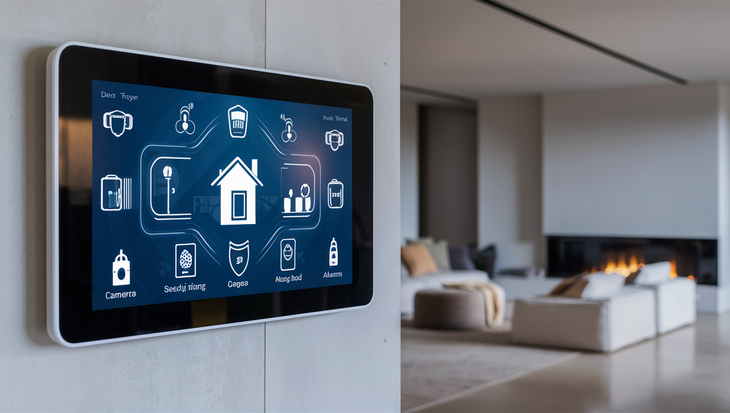
While some smart devices connect directly to Wi-Fi, many rely on a central hub or gateway to communicate with each other and your home network. The hub acts as the brain of your smart home security system, translating signals between different devices and protocols (like Zigbee and Z-Wave) and your Wi-Fi. This central control point simplifies management and allows for more complex automation routines. For 2025, hubs are increasingly incorporating local processing for faster response times and enhanced security, reducing reliance on cloud connectivity. Some systems are moving towards hub-less designs, but a dedicated hub often provides the most robust and reliable experience.
Role of the Hub:
- Centralized control of smart devices
- Enables communication between different protocols (Zigbee, Z-Wave)
- Connects devices to your Wi-Fi network
- Facilitates automation and scene creation
- Enhances system reliability and security
3. Elevating Security: Advanced Smart Home Features
Beyond the core components, several advanced features can significantly enhance the intelligence and effectiveness of your smart home security system, offering proactive protection and greater convenience.
Smart Smoke and Carbon Monoxide Detectors
These intelligent detectors do more than just sound an alarm. They can send alerts to your smartphone, even when you're away from home, and can be integrated with other smart devices to shut down HVAC systems (preventing smoke circulation) or turn on lights to guide occupants during an emergency. In 2025, many models include self-testing capabilities and integrated voice alerts that specify the type of danger and its location. They are a critical, often overlooked, part of home safety.
Advantages:
- Remote alerts to smartphones
- Integration with other smart devices
- Voice alerts specifying danger type and location
- Self-testing and maintenance reminders
- Crucial for life safety
Smart Doorbells with Cameras
These devices combine a doorbell with a built-in camera, allowing you to see, hear, and speak to visitors from anywhere via your smartphone. They offer a first line of defense, deterring package thieves and providing visual identification of anyone approaching your door. Features like motion detection, customizable alert zones, and night vision are standard. For 2025, advancements include AI-powered facial recognition and advanced package detection. They are a powerful tool for managing home access and monitoring activity at your doorstep.
Key Benefits:
- See, hear, and speak to visitors remotely
- Deters package theft and unwanted visitors
- Motion detection and customizable alerts
- Night vision for 24/7 monitoring
- Recorded video history
Water Leak and Freeze Sensors
These small, often inexpensive sensors can prevent significant property damage by detecting water leaks or freezing temperatures. Placed near water heaters, washing machines, sinks, or in basements, they send immediate alerts to your phone if moisture is detected or if the temperature drops below a critical point. This allows you to address issues like burst pipes or appliance malfunctions before they become catastrophic. In 2025, some sensors offer advanced connectivity and battery life, making them a low-effort, high-impact addition to any home security plan.
Preventative Measures:
- Detects water leaks and freezing temperatures
- Sends immediate mobile alerts
- Prevents costly water damage and pipe bursts
- Ideal for basements, bathrooms, and utility areas
- Low maintenance and easy to deploy
Smart Lighting and Automated Blinds
While not directly security devices, smart lighting and automated blinds can play a significant role in home security. Smart lights can be programmed to turn on and off at scheduled times, mimicking occupancy when you're away, thus deterring potential burglars. They can also be triggered by motion sensors or door opening events. Automated blinds can be programmed to close at dusk and open at dawn, further enhancing the illusion of occupancy. In 2025, integration with security systems allows lights to flash or change color upon alarm events, serving as a visual deterrent and alert.
Security Applications:
- Simulates occupancy when away
- Can be triggered by motion or alarm events
- Enhances deterrence and visibility
- Automated blinds add an extra layer of perceived occupancy
Glass Break Sensors
These sensors are designed to detect the specific sound frequency of breaking glass. They are an excellent addition to homes with many windows, providing an immediate alert if a window is smashed. Unlike window sensors, which only detect if a window is opened, glass break sensors can trigger an alarm even if the window is broken but not opened. For 2025, advancements include multi-technology sensors that combine acoustic detection with vibration sensing for increased accuracy and reduced false alarms.
How They Work:
- Detects the sound frequency of breaking glass
- Provides an alert even if the window isn't opened
- Ideal for homes with numerous windows
- Can be integrated with alarms and other devices
4. The Nervous System: Smart Home Integration and Connectivity
The true power of a smart home security system lies in how its components communicate and work together. Seamless integration and reliable connectivity are crucial for optimal performance.
Choosing a Connectivity Protocol (Wi-Fi, Zigbee, Z-Wave, Thread)
Understanding the different communication protocols is vital for ensuring compatibility and performance.
- Wi-Fi: Ubiquitous and easy to set up, but can consume more power and potentially strain your home network if too many devices are connected.
- Zigbee and Z-Wave: Low-power, mesh networking protocols designed for smart home devices. They create their own networks, reducing reliance on your Wi-Fi and offering greater reliability. Many smart home hubs support both.
- Thread: A newer, low-power, IP-based wireless networking protocol that is gaining traction, especially with the rise of Matter. It offers robust connectivity and is designed for reliability and security.
Establishing a Robust Home Network
A strong and stable Wi-Fi network is the backbone of any smart home. If your Wi-Fi is weak or unreliable, your smart security devices may not function correctly. Consider investing in a high-quality router, potentially a mesh Wi-Fi system for larger homes, to ensure strong signal coverage throughout your property. Regularly update your router's firmware and secure your network with a strong, unique password. In 2025, network security is paramount; ensure your router has robust firewall capabilities and consider enabling WPA3 encryption.
Integrating with Smart Assistants (Alexa, Google Assistant, Siri)
Voice control adds a layer of convenience and accessibility to your smart home security. Integrating your system with platforms like Amazon Alexa, Google Assistant, or Apple's Siri allows you to arm/disarm your system, check camera feeds, or lock doors with simple voice commands. Ensure your chosen security devices are compatible with your preferred smart assistant. For 2025, voice command security for critical functions like disarming the system often requires a PIN for added protection.
Creating Automation Rules and Scenes
Automation is where smart home security truly shines. You can create "scenes" or "routines" that trigger multiple actions with a single command or event. For example, a "Goodnight" scene could arm the security system, lock all doors, turn off specific lights, and lower the thermostat. An "Away" scene could do the same, plus activate simulated occupancy lighting. By 2025, AI-powered automation is becoming more sophisticated, learning your habits to proactively suggest or implement routines.
Example Automation:
- "Away" Scene: Arm security, lock doors, turn off all lights except one in the living room, close blinds.
- "Motion Detected at Front Door" Rule: Turn on porch light, send notification with camera snapshot, start recording.
- "Smoke Detected" Rule: Sound all smart alarms, turn on all lights, unlock doors, send alerts to emergency contacts.
Professional Monitoring vs. Self-Monitoring
This is a crucial decision for your security strategy.
- Self-Monitoring: You receive alerts directly on your smartphone and are responsible for contacting authorities. This is typically free but relies on your immediate availability and response.
- Professional Monitoring: A third-party company monitors your system 24/7. If an alarm is triggered, they verify the emergency and dispatch emergency services. This offers greater peace of mind but involves a monthly fee, typically ranging from $20-$60 in 2025.
5. Bringing It All Together: Installation and Setup Best Practices
Proper installation and configuration are critical for the effectiveness and reliability of your smart home security system. Taking the time to do it right will prevent future headaches and ensure optimal performance.
Step-by-Step Installation Guide (General)
While specific steps vary by device, a general approach applies:
- Plan Device Placement: Based on your initial assessment, decide where each sensor, camera, and lock will be installed. Ensure optimal coverage and avoid potential interference.
- Install the Hub/Gateway: Connect your hub to your router and power source. Follow the manufacturer's instructions for initial setup and network connection.
- Pair Devices: Follow the app or hub instructions to pair each sensor, camera, and lock. This usually involves putting the device in pairing mode and searching for it via the app.
- Mount and Secure Devices: Install cameras, sensors, and locks in their designated locations. Use the provided mounting hardware and ensure they are securely fastened.
- Configure Settings: Through the app, customize motion detection zones, alert sensitivities, notification preferences, and automation rules.
- Test Thoroughly: Trigger each sensor and device to ensure it's working correctly and sending alerts as expected. Test your automation rules.
Camera Placement Strategies
Strategic camera placement maximizes their effectiveness.
- Outdoor Cameras: Cover main entry points (front door, back door, garage), driveways, and vulnerable areas like ground-floor windows. Mount them high enough to deter tampering but low enough to capture clear facial details.
- Indoor Cameras: Place in high-traffic areas like living rooms, hallways, or near valuable possessions. Consider placing them to monitor entrances and exits.
Sensor Placement Best Practices
Proper sensor placement is key to accurate detection and minimizing false alarms.
- Door/Window Sensors: Ensure the two parts of the sensor are aligned and close together when the door/window is closed.
- Motion Sensors: Mount them in corners for maximum coverage, typically 6-8 feet high. Avoid pointing them directly at heat sources (vents, radiators) or windows that receive direct sunlight.
- Glass Break Sensors: Place within their specified range of windows (check manufacturer specs), ideally on the opposite wall from the window for optimal sound detection.
Network Security Best Practices
Protecting your smart home network is as crucial as protecting your physical home.
- Change Default Passwords: Always change the default username and password on your router and any smart devices that allow it.
- Use Strong, Unique Passwords: Employ complex passwords that combine letters, numbers, and symbols.
- Enable Encryption: Use WPA2 or WPA3 encryption on your Wi-Fi network.
- Keep Firmware Updated: Regularly update the firmware on your router and smart devices to patch security vulnerabilities.
- Consider a Guest Network: Set up a separate guest network for visitors to keep your main network secure.
- Network Segmentation (Advanced): For highly security-conscious users, consider segmenting your smart home devices onto a separate network or VLAN.
Testing and Troubleshooting
After installation, thorough testing is essential. Trigger every sensor, check camera feeds, test door lock functionality, and verify that all alerts are received promptly. If you encounter issues:
- Check Connectivity: Ensure devices are within range of the hub or Wi-Fi network.
- Review Battery Levels: Low batteries can cause erratic behavior.
- Consult Manufacturer Documentation: The user manual or online support is your best resource.
- Restart Devices: Sometimes, a simple reboot of the device or hub can resolve issues.
- Contact Support: If problems persist, reach out to the manufacturer's customer support.
6. Ongoing Vigilance: Maintenance and Optimization for Peak Performance
A smart home security system isn't a set-it-and-forget-it solution. Regular maintenance and optimization ensure it remains effective and secure over time.
Regularly Update Software and Firmware
Manufacturers frequently release updates to improve performance, add new features, and patch security vulnerabilities. Make it a habit to check for and install updates for your hub, cameras, locks, and other smart devices. This is one of the most critical steps for maintaining a secure system in 2025 and beyond.
Check and Replace Batteries
Many sensors and some cameras are battery-powered. Regularly check battery levels via your app and replace batteries proactively before they die, which could leave a part of your system unprotected. The lifespan of batteries varies, but many last 1-3 years.
Clean Camera Lenses and Sensors
Dust, dirt, and cobwebs can accumulate on camera lenses and sensors, affecting image quality and detection accuracy. Periodically clean them with a soft, dry cloth. For outdoor cameras, ensure they are free from debris that could obstruct their view.
Review Security Footage and Activity Logs
Regularly reviewing camera footage and activity logs can help you identify any unusual patterns or potential issues you might have missed. It also helps you become more familiar with normal activity around your home, making it easier to spot anomalies.
Test Your System Periodically
Conduct a full system test at least quarterly. Trigger each sensor, check camera functionality, and ensure your alerts are being received. Test your automation rules to confirm they are still working as intended.
Re-evaluate Your Needs and Expand
As your lifestyle or property changes, your security needs might evolve. Re-evaluate your system periodically. Perhaps you've added a new room, acquired a pet, or experienced a new vulnerability. Consider expanding your system with additional sensors, cameras, or smart devices to maintain comprehensive coverage.
Secure Your Network Again
Periodically review your home network security. Change your Wi-Fi password every 6-12 months, especially if you suspect a breach or have had visitors who might have accessed your network. Ensure your router's security settings are still optimal.
7. The Evolving Landscape: Future Trends in Smart Home Security
The smart home security market is dynamic, with continuous innovation shaping its future. Staying informed about these trends can help you make informed decisions and prepare for future upgrades.
AI and Machine Learning Advancements
Artificial intelligence is becoming increasingly sophisticated in security applications. Expect more advanced features like AI-powered facial recognition, anomaly detection (identifying unusual behavior patterns), predictive analytics for potential threats, and more nuanced environmental sensing. In 2025-26, AI will move beyond simple motion detection to understanding context and intent.
Enhanced Interoperability with Matter
The Matter standard is designed to unify smart home devices, allowing them to work seamlessly across different brands and ecosystems. This will simplify the process of building a smart home security system, as you'll have a wider range of compatible devices to choose from, regardless of their manufacturer. By 2026, Matter is expected to be a significant driver of adoption.
Edge Computing and Local Processing
To improve speed, reliability, and privacy, more smart home security devices are moving processing power to the edge (i.e., on the device itself or a local hub) rather than relying solely on the cloud. This means faster response times for alerts and reduced reliance on internet connectivity for critical functions.
Biometric Security Integration
Beyond fingerprint scanners on door locks, expect more widespread integration of advanced biometric security, such as voice recognition for arming/disarming systems or even basic facial recognition for entry authorization. This offers a high level of convenience and security.
Proactive Security Measures
The focus is shifting from reactive alerts to proactive deterrence. This includes systems that can identify potential threats before they materialize, such as detecting suspicious loitering around a property, and taking automated actions like activating lights or playing a warning message.
Sustainability and Energy Efficiency
As environmental concerns grow, smart home security devices are increasingly being designed with energy efficiency in mind. This includes longer-lasting batteries, solar-powered options for cameras, and devices that consume less power overall.
Building the best smart home security system is an ongoing journey, not a destination. By carefully planning, selecting the right components, prioritizing integration and connectivity, and committing to regular maintenance, you can create a secure, intelligent, and convenient living environment. Embrace the evolving technology, stay vigilant, and enjoy the peace of mind that a robust smart home security system provides.
In conclusion, constructing the optimal smart home security system in 2025-26 demands a strategic blend of foundational planning, intelligent component selection, seamless integration, and diligent maintenance. Prioritize understanding your unique property needs and budget, then build upon a core of cameras, locks, and sensors. Leverage advanced features like smart smoke detectors and doorbells for comprehensive protection. Crucially, ensure your connectivity is robust and your automation rules are finely tuned. By following these steps and staying abreast of emerging trends, you can establish a formidable defense that offers both security and unparalleled convenience. Your proactive approach today guarantees a safer tomorrow.