Transforming your house into a smart home offers unparalleled convenience, enhanced security, and potential energy savings. This comprehensive guide will walk you through every step, from understanding the basics to implementing advanced automation, ensuring you can confidently build a connected living space tailored to your needs.
What Exactly is a Smart Home?
A smart home is a residence equipped with lighting, heating, electronic devices, and appliances that can be controlled remotely by phone or computer. These devices are interconnected through a home network, allowing for automation, remote access, and intelligent decision-making. Essentially, it’s a home that can anticipate your needs and respond to your commands, making daily life more efficient and comfortable. By 2025, it's estimated that over 70% of households will have at least one smart device, highlighting the growing trend towards connected living.
Why Invest in a Smart Home? The Compelling Benefits
The allure of a smart home extends far beyond novelty. The integration of smart technology brings tangible advantages that can significantly improve your quality of life. Let's explore the key benefits:
Convenience and Comfort
Imagine waking up to lights that gently illuminate your room, your thermostat already set to your preferred temperature, and your favorite news briefing playing softly. Smart home devices automate routine tasks, freeing up your time and reducing mental load. You can control lights, adjust blinds, manage entertainment systems, and even start your coffee maker from your smartphone, whether you're in bed, at work, or on vacation. This level of effortless control enhances daily comfort and simplifies household management.
Enhanced Security
Smart home security systems offer robust protection and peace of mind. Smart locks allow you to grant temporary access to guests, receive alerts when doors are opened, and lock your home remotely. Smart cameras provide live video feeds of your property, and motion sensors can trigger alerts for unusual activity. Integrated smoke and carbon monoxide detectors can send instant notifications to your phone, even when you're away, potentially saving lives and preventing extensive damage.
Energy Efficiency and Cost Savings
Smart thermostats are a cornerstone of energy-efficient homes. They learn your habits and adjust heating and cooling to optimize energy usage, leading to significant savings on utility bills. Smart lighting systems can automatically turn off lights in unoccupied rooms or dim them based on natural light levels. By monitoring and controlling energy consumption more effectively, smart homes contribute to both environmental sustainability and your personal budget. Studies in 2025 indicate that smart thermostat users can save up to 15% on their annual heating and cooling costs.
Accessibility and Independence
For individuals with mobility issues or disabilities, smart home technology can be life-changing. Voice-activated controls allow for hands-free operation of lights, appliances, and entertainment. Remote access to doors and security systems can increase independence. Smart home assistants can remind users about medication schedules or appointments, providing crucial support for maintaining autonomy.
Increased Home Value
As smart home technology becomes more mainstream, homes equipped with these features are increasingly attractive to potential buyers. A well-integrated smart home system can be a significant selling point, potentially increasing your property's market value and appeal. Buyers in 2025 are actively seeking homes that offer modern conveniences and technological integration.
Getting Started: Planning Your Smart Home Journey
Embarking on your smart home transformation requires thoughtful planning. Rushing into purchases without a clear strategy can lead to compatibility issues and wasted investment. Here’s how to approach the planning phase:
Assess Your Needs and Priorities
Before buying anything, consider what problems you want to solve or what conveniences you desire. Are you primarily interested in security, energy savings, entertainment, or general convenience? Prioritize the areas that will have the most significant impact on your daily life. For example, if you travel frequently, a robust security system might be your top priority. If you’re looking to reduce your energy bills, smart thermostats and lighting should come first.
Define Your Budget
Smart home technology ranges from affordable individual devices to comprehensive, high-end systems. Set a realistic budget for your initial setup and consider potential future expansions. Remember to factor in the cost of compatible hubs or voice assistants if needed. A phased approach, starting with a few key devices and gradually adding more, can make the investment more manageable.
Consider Your Home's Infrastructure
Evaluate your home's existing Wi-Fi network. A strong and reliable Wi-Fi signal is crucial for most smart home devices. If you have dead zones or a weak signal in certain areas, you might need to invest in a mesh Wi-Fi system or Wi-Fi extenders. Also, consider the availability of power outlets and whether you'll need professional installation for certain devices like smart thermostats or lighting systems.
Research Compatibility
This is arguably the most critical step. Smart home devices operate within ecosystems (like Apple HomeKit, Amazon Alexa, or Google Assistant) and use different communication protocols (like Wi-Fi, Bluetooth, Zigbee, Z-Wave). Ensure that the devices you choose are compatible with your chosen ecosystem or hub. Mixing and matching without checking can lead to frustration and devices that don't work together.
Essential Smart Home Devices: The Building Blocks
To build a functional smart home, you'll need to select a core set of devices that address your primary needs. Here are some of the most popular and impactful categories:
Smart Speakers and Voice Assistants
These are often the central hub of a smart home. Devices like Amazon Echo (Alexa), Google Nest (Google Assistant), and Apple HomePod (Siri) allow you to control other smart devices with voice commands, play music, get information, and set reminders. They act as the interface for much of your smart home automation.
Smart Lighting
Smart bulbs and switches offer unparalleled control over your home's ambiance and energy usage. You can change bulb colors, adjust brightness, set schedules, and control them remotely. Brands like Philips Hue, LIFX, and Wyze offer a wide range of options.
Smart Thermostats
As mentioned, these are key for energy savings. They learn your schedule, adjust temperatures automatically, and can be controlled remotely. Popular choices include Nest Learning Thermostat, Ecobee SmartThermostat, and Honeywell Home T-Series. Installation may require basic electrical knowledge or professional help.
Smart Plugs
These affordable devices plug into existing outlets and allow you to control any device plugged into them remotely. You can turn lamps, fans, or even holiday decorations on and off via your smartphone or voice assistant. They are a simple way to make "dumb" appliances smart.
Smart Security Cameras
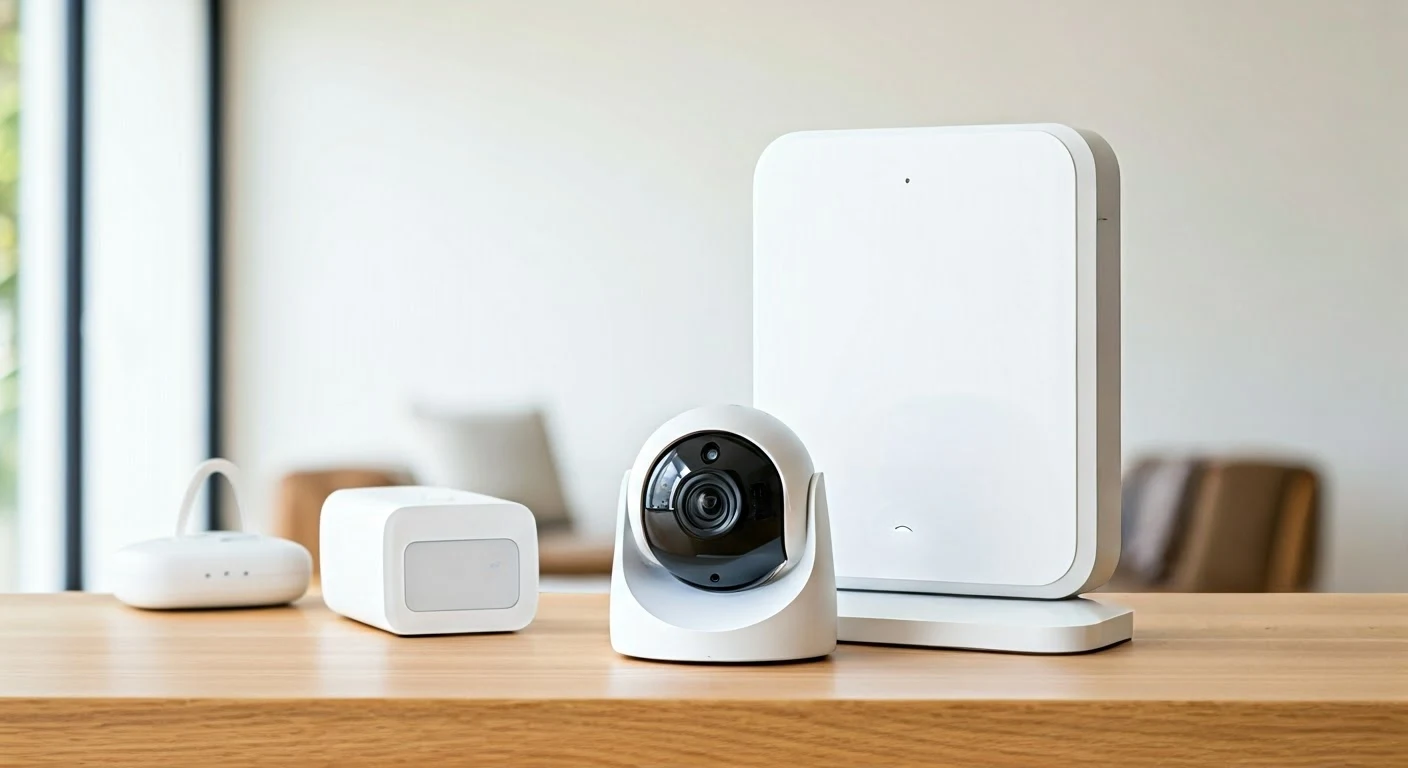
Indoor and outdoor cameras provide surveillance and peace of mind. Many offer motion detection, night vision, two-way audio, and cloud storage for recorded footage. Popular brands include Arlo, Ring, and Wyze.
Smart Locks
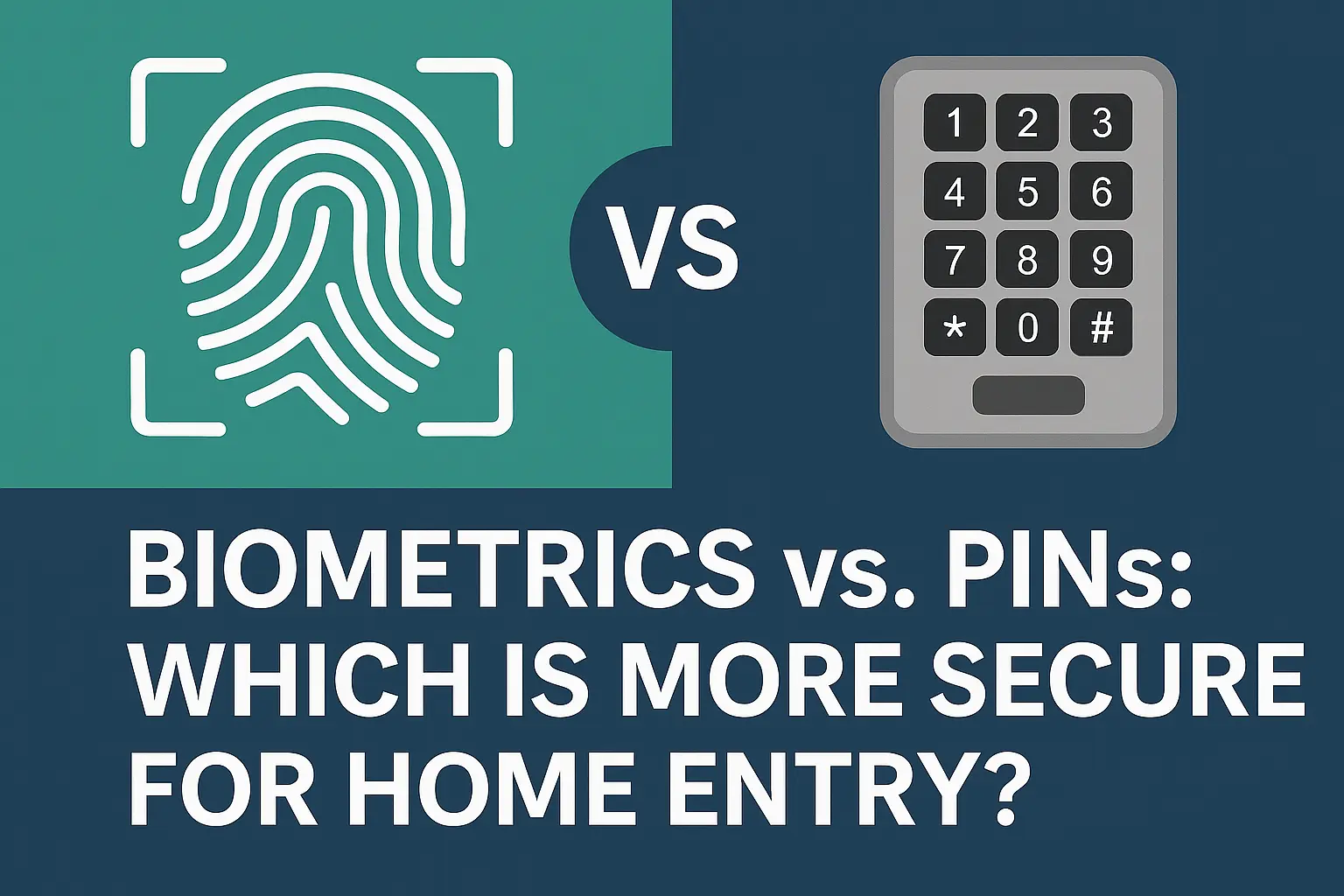
Keyless entry systems offer convenience and enhanced security. You can lock and unlock your doors remotely, grant temporary access codes to visitors, and receive notifications when your door is accessed. August, Schlage, and Yale are leading manufacturers.
Smart Doorbells
These combine a doorbell with a camera and microphone, allowing you to see, hear, and speak to visitors from anywhere using your smartphone. Ring Video Doorbell and Google Nest Doorbell are prominent examples.
Comparison of Popular Smart Home Devices
Choosing the right devices can be overwhelming. Here's a simplified comparison to help you decide:
| Device Type | Key Features | Primary Benefit | Considerations |
|---|---|---|---|
| Smart Speaker | Voice control, music playback, information, hub functionality | Centralized control, convenience | Ecosystem compatibility, privacy concerns |
| Smart Lighting | Remote control, scheduling, dimming, color changes | Ambiance, energy savings, convenience | Bulb vs. switch installation, hub requirements |
| Smart Thermostat | Remote control, scheduling, learning capabilities, energy monitoring | Energy savings, comfort, convenience | HVAC compatibility, C-wire requirement, professional installation |
| Smart Plug | Remote on/off control for connected devices | Making non-smart devices smart, convenience | Weight/power limits, Wi-Fi reliability |
| Smart Lock | Keyless entry, remote locking/unlocking, guest access codes | Security, convenience, access control | Battery life, physical key backup, installation complexity |
Choosing Your Smart Home Ecosystem: Compatibility is Key
An ecosystem is a group of smart devices and platforms that work together seamlessly. Choosing an ecosystem early on will simplify your purchasing decisions and ensure your devices can communicate effectively. The three dominant ecosystems are:
Amazon Alexa
Pros: Widest range of compatible devices, powerful voice assistant, extensive skills library, affordable Echo devices.
Cons: Privacy concerns are often raised, less emphasis on local control compared to others.
Best for: Users who want the broadest device compatibility and a mature voice assistant experience.
Google Assistant
Pros: Excellent natural language processing, strong integration with Google services (Calendar, Maps), good range of compatible devices, competitive pricing for Nest devices.
Cons: Device compatibility is slightly less extensive than Alexa, privacy considerations are similar.
Best for: Users already invested in the Google ecosystem or who prioritize advanced conversational AI.
Apple HomeKit
Pros: Strong focus on security and privacy with end-to-end encryption, seamless integration with Apple devices, intuitive interface, local control options.
Cons: Smaller selection of compatible devices, devices can be more expensive, requires an Apple device (iPhone, iPad, HomePod) to manage.
Best for: Users deeply embedded in the Apple ecosystem who prioritize privacy and a streamlined, secure experience.
Other Protocols and Hubs
Beyond these major ecosystems, consider communication protocols like Zigbee and Z-Wave. These are low-power wireless protocols often used for sensors, locks, and lights. Devices using these protocols typically require a dedicated hub (e.g., Samsung SmartThings, Hubitat) that bridges them to your Wi-Fi network and your chosen ecosystem. While they add another layer, they can offer greater reliability and local control.
Setting Up Your Smart Home: A Step-by-Step Guide
Once you have your devices and a plan, it's time for implementation. Follow these steps for a smooth setup:
Step 1: Set Up Your Wi-Fi Network
Ensure your Wi-Fi network is robust and covers all areas where you plan to install smart devices. If needed, install a mesh Wi-Fi system or extenders. Secure your network with a strong password.
Step 2: Install Your Smart Hub or Voice Assistant
If you're using a smart hub like Samsung SmartThings, or a voice assistant like an Amazon Echo or Google Nest, set it up first according to the manufacturer's instructions. This will be the central point for connecting most of your devices.
Step 3: Install and Connect Individual Devices
Follow the specific instructions for each smart device. This typically involves:
- Physical Installation: This might be as simple as screwing in a smart bulb or as complex as wiring a smart thermostat.
- Download the Manufacturer's App: Most smart devices have a dedicated app for initial setup and control.
- Connect to Wi-Fi: Using the app, connect the device to your home Wi-Fi network.
- Link to Your Ecosystem: Within the manufacturer's app or your chosen ecosystem's app (Alexa, Google Home, HomeKit), link the new device. This often involves logging into your account or scanning a QR code.
Step 4: Configure Device Settings and Schedules
Once connected, use the apps to customize settings. For smart lights, set color temperatures and brightness. For thermostats, create heating and cooling schedules. For cameras, adjust motion detection sensitivity and notification preferences.
Step 5: Create Routines and Automations
This is where the "smart" aspect truly comes alive. Routines (often called scenes or automations) allow devices to work together based on triggers. For example:
- "Good Morning" Routine: When you say "Alexa, good morning," lights in the bedroom turn on to 30%, the thermostat adjusts to 70°F, and your smart speaker reads the weather forecast.
- "Away" Mode: When you leave home, all lights turn off, the thermostat sets to an energy-saving temperature, and the security system arms.
- Motion-Activated Lights: If motion is detected in the hallway after sunset, the hallway lights turn on.
Most ecosystem apps allow you to create custom routines. This step requires experimentation to find what works best for you.
Step 6: Test and Refine
Thoroughly test all your devices and automations. Ensure they respond as expected. Don't be afraid to adjust schedules, sensitivity settings, or routine triggers. The goal is to create a system that seamlessly integrates into your life.
Advanced Smart Home Automation: Taking it to the Next Level
Once you have the basics covered, you can explore more sophisticated automation to further enhance your smart home experience.
Smart Blinds and Shades
Automate your window coverings to open and close based on the sun's position, time of day, or temperature. This can help regulate indoor temperature naturally, reducing reliance on air conditioning and enhancing privacy.
Smart Appliances
Many modern appliances come with smart capabilities. Smart refrigerators can track inventory, smart ovens can be preheated remotely, and smart washing machines can notify you when a cycle is complete. Integrating these can streamline household chores.
Home Entertainment Integration
Connect your smart speakers, smart TVs, and streaming devices for a unified entertainment experience. Create "Movie Night" scenes that dim the lights, turn on the TV, and adjust audio settings with a single command.
Smart Irrigation Systems
For homeowners with gardens, smart sprinklers can monitor weather forecasts and soil moisture levels to water your lawn only when necessary, conserving water and ensuring healthy plant growth.
Presence Detection
More advanced systems can use a combination of Wi-Fi device tracking, motion sensors, and even geofencing (using your phone's location) to determine who is home and adjust settings accordingly. This can trigger lights, adjust climate control, or arm security systems more intelligently.
Integration with Wearables
Some smart home systems can integrate with smartwatches or fitness trackers. For example, your smart lights could gradually brighten to wake you up based on your alarm time set on your smartwatch.
Smart Home Security and Privacy: Protecting Your Connected World
While smart homes offer convenience, it's crucial to address security and privacy concerns. The interconnected nature of these devices can present vulnerabilities if not managed properly.
Secure Your Network
A strong, unique password for your Wi-Fi network is the first line of defense. Enable WPA3 encryption if your router supports it. Regularly update your router's firmware to patch security vulnerabilities.
Use Strong, Unique Passwords for Device Accounts
Avoid using default passwords for your smart devices. Create strong, unique passwords for each device's account and your smart home ecosystem login. Consider using a password manager.
Enable Two-Factor Authentication (2FA)
Wherever possible, enable 2FA for your smart home accounts. This adds an extra layer of security, requiring a second verification step (like a code sent to your phone) when logging in.
Be Mindful of Device Permissions
When setting up apps for your smart devices, review the permissions they request. Grant only necessary permissions to minimize data collection.
Regularly Update Device Firmware
Manufacturers release firmware updates to fix bugs and patch security holes. Ensure your devices are set to update automatically or check for updates regularly.
Understand Privacy Policies
Familiarize yourself with the privacy policies of the smart home brands you use. Understand what data they collect, how they use it, and how you can control it.
Consider Local Control Options
For users highly concerned about privacy, devices and hubs that offer robust local control (meaning they can operate without constant cloud connection) might be preferable. Platforms like Home Assistant or Hubitat offer more granular control over data and network traffic.
Physical Security of Devices
Ensure your smart cameras are placed strategically and that your smart locks are installed correctly to prevent tampering. Consider tamper-proof enclosures for outdoor devices.
The Future of Smart Homes: What's Next?
The smart home landscape is constantly evolving. We can anticipate several key trends in the coming years:
Increased AI Integration
Artificial intelligence will play an even larger role, enabling homes to learn and adapt more proactively. Expect systems that can predict your needs before you even express them, optimizing comfort and efficiency in real-time.
Enhanced Interoperability
Initiatives like Matter are aiming to create a universal standard for smart home devices, making it easier for devices from different manufacturers to work together seamlessly, regardless of their ecosystem.
Greater Focus on Health and Wellness
Smart home technology will increasingly integrate features for health monitoring, such as air quality sensors, sleep tracking integration, and even fall detection systems for seniors.
Sustainability and Resource Management
As climate concerns grow, smart homes will become even more sophisticated in managing energy, water, and waste, contributing to more sustainable living.
Edge Computing
More processing will happen directly on devices (edge computing) rather than relying solely on the cloud. This will improve speed, reliability, and privacy for many smart home functions.
Personalization and Customization
The ability to deeply personalize and customize the smart home experience will become even more refined, allowing users to create truly unique and responsive living environments.
Making your home a smart home is an exciting journey that offers significant benefits in convenience, security, and efficiency. By carefully planning, choosing compatible devices, and prioritizing security, you can create a connected living space that enhances your daily life. Start small, prioritize your needs, and enjoy the evolving capabilities of your intelligent home.