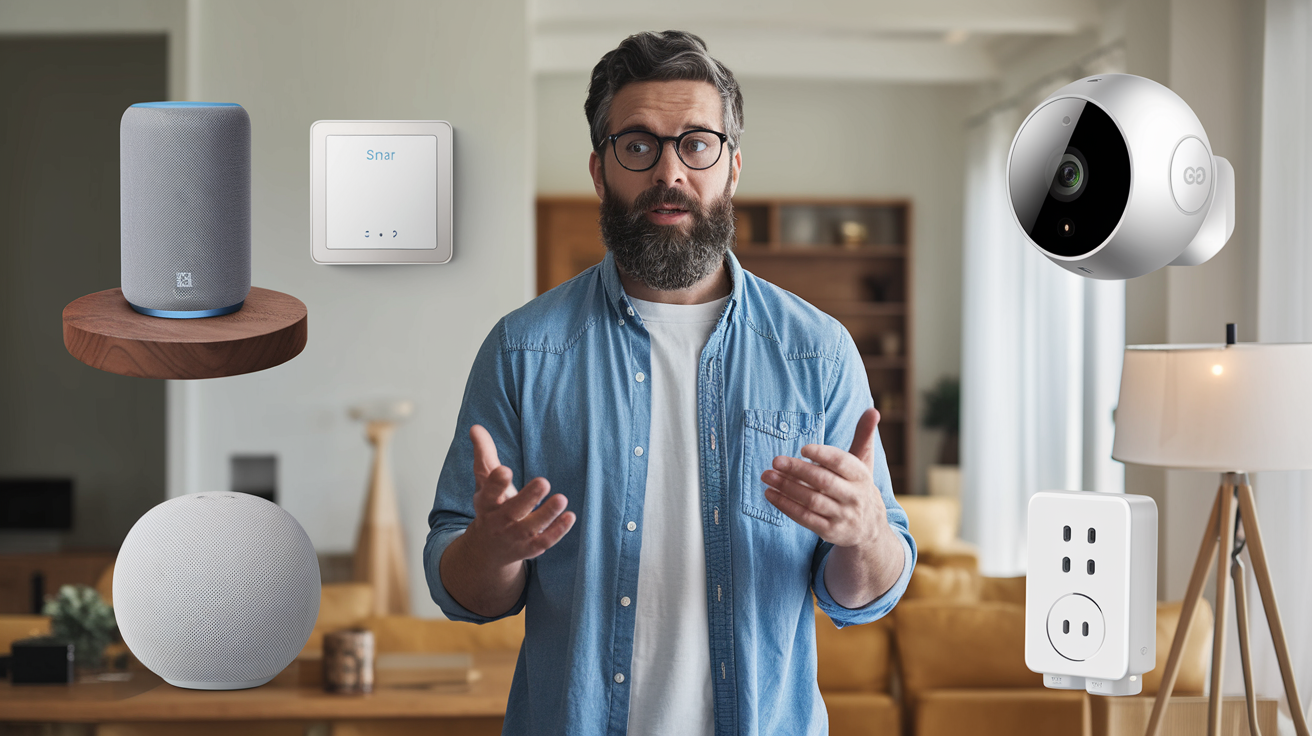
Transforming your house into a smart home offers unparalleled convenience, enhanced security, and significant energy savings. This guide will walk you through every step, from understanding the core components to implementing advanced automation, ensuring you build a connected living space tailored to your needs and budget.
What Exactly is a Smart Home?
A smart home is a residence equipped with lighting, heating, and electronic devices that can be controlled remotely by phone or computer. At its core, it’s about leveraging technology to make your living space more comfortable, secure, efficient, and convenient. These systems can range from simple voice-activated lights to complex integrated networks that manage everything from your thermostat to your security cameras. The primary goal is to automate everyday tasks and provide greater control over your home environment, often leading to significant improvements in lifestyle and resource management. By 2025, it's estimated that over 75% of households will have at least one smart device, highlighting its growing mainstream adoption.
Planning Your Smart Home Ecosystem
Before diving headfirst into purchasing gadgets, a strategic plan is crucial for building a cohesive and functional smart home. This involves understanding your needs, choosing a central hub, and considering compatibility.
Understanding Your Needs and Goals
What do you want your smart home to achieve? Are you primarily interested in convenience, security, energy savings, entertainment, or a combination of these?:
- Convenience: Automating lights, controlling appliances with your voice, hands-free task management.
- Security: Smart locks, cameras, motion sensors, smart doorbells, remote monitoring.
- Energy Efficiency: Smart thermostats, smart plugs, automated lighting schedules to reduce consumption.
- Entertainment: Smart speakers, integrated audio-visual systems, smart TVs.
- Assisted Living: Voice control for mobility-impaired individuals, automated reminders, fall detection systems.
By clearly defining your objectives, you can prioritize which devices and systems are most important to you. For instance, if security is paramount, you'll focus on smart locks and cameras first. If convenience is the main driver, smart lighting and voice assistants might be your starting point.
Choosing a Smart Home Hub or Ecosystem
A smart home hub acts as the central nervous system of your connected home, allowing different devices from various manufacturers to communicate with each other. Without a hub, you might find yourself managing multiple apps for each individual device, which defeats the purpose of seamless integration. Major ecosystems include:
- Amazon Alexa: Supported by a vast array of devices and known for its intuitive voice commands.
- Google Assistant: Offers robust search capabilities and integrates well with Google services.
- Apple HomeKit: Focuses on privacy and security, best suited for users within the Apple ecosystem.
- Samsung SmartThings: A versatile platform supporting a wide range of protocols, offering more customization.
Consider which ecosystem aligns best with your existing devices (e.g., if you primarily use Apple products, HomeKit might be ideal) and which voice assistant you prefer. In 2025, the market share for smart home hubs is dominated by Amazon Alexa (around 40%), followed closely by Google Assistant (around 35%), with Apple HomeKit and others making up the remainder. Compatibility is key; ensure the devices you plan to buy work with your chosen hub.
Connectivity Protocols: Wi-Fi, Zigbee, Z-Wave, and Thread
Smart devices communicate using different wireless protocols. Understanding these will help you choose compatible devices and ensure a stable network:
- Wi-Fi: The most common protocol. Easy to set up, but can consume more power and potentially congest your home network if you have many devices.
- Zigbee: A low-power, mesh networking protocol. Devices create a network, extending range and reliability. Requires a Zigbee hub.
- Z-Wave: Similar to Zigbee, it's a low-power mesh protocol designed specifically for smart home devices. Also requires a Z-Wave hub.
- Thread: A newer, low-power IP-based wireless networking protocol designed for IoT devices. It's built for reliability and security, and is a key component of the Matter standard.
Many modern hubs support multiple protocols, offering greater flexibility. For instance, a SmartThings hub might support Wi-Fi, Zigbee, and Z-Wave devices, allowing you to mix and match.
Essential Smart Home Devices
Once you have a plan, it's time to consider the devices that will form the backbone of your smart home. These are typically categorized by their function.
Smart Lighting
Smart bulbs and switches offer convenience, security, and ambiance control. They can be turned on/off remotely, dimmed, and even change color. Popular brands include Philips Hue, LIFX, and Wyze.
- Smart Bulbs: Easy to install, screw into existing fixtures. Offer color-changing and dimming capabilities.
- Smart Switches/Dimmers: Replace your existing wall switches. Control all lights on a circuit.
- Smart Plugs: Turn any ordinary lamp or appliance into a smart one by plugging it in.
Example: You can set a routine to have your porch lights turn on automatically at sunset and off at sunrise, or schedule your living room lights to gradually brighten in the morning.
Smart Thermostats
These devices learn your habits and adjust the temperature accordingly, saving energy and money. They can also be controlled remotely, ensuring your home is comfortable when you arrive.
- Learning Thermostats (e.g., Nest, Ecobee): Automatically create schedules based on your usage.
- Programmable Thermostats: Allow you to set specific schedules manually.
Statistic (2025): Smart thermostats are estimated to save the average household between 10-15% on heating and cooling costs annually.
Smart Speakers and Displays
These are often the primary interface for controlling your smart home. They house voice assistants like Alexa, Google Assistant, or Siri.
- Smart Speakers (e.g., Amazon Echo, Google Nest Mini): Primarily for voice commands, playing music, and providing information.
- Smart Displays (e.g., Amazon Echo Show, Google Nest Hub): Include a screen for visual feedback, video calls, and displaying information.
Example: "Hey Google, turn off the living room lights and set the thermostat to 70 degrees."
Smart Locks and Doorbells
Enhance home security and convenience. Smart locks allow keyless entry and remote locking/unlocking, while smart doorbells provide video surveillance of your doorstep.
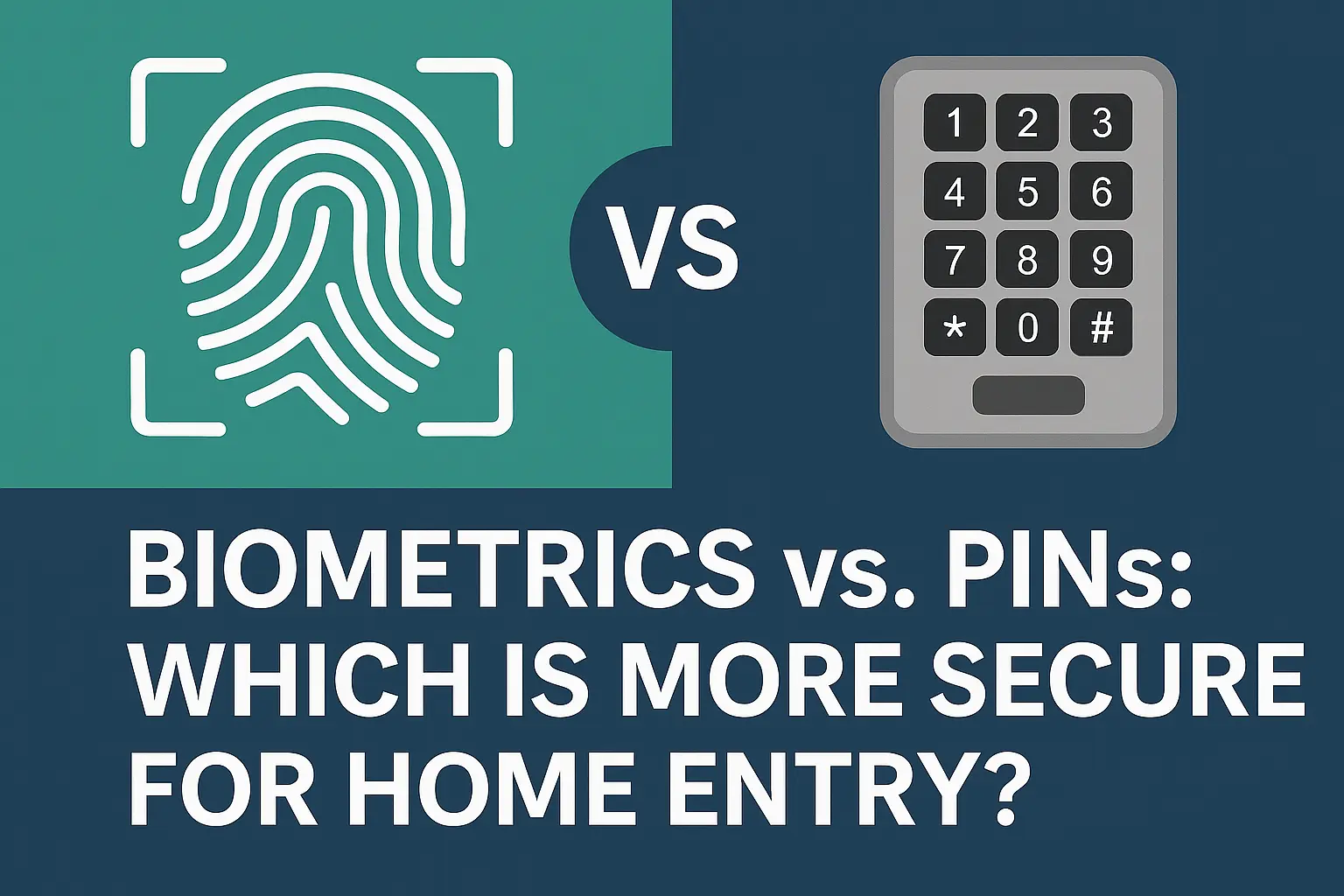
- Smart Locks: Offer keypad entry, app control, and sometimes fingerprint scanning.
- Smart Doorbells: Feature HD cameras, two-way audio, and motion detection.
Example: Grant temporary access to a pet sitter or receive an alert and see who's at the door from your smartphone, even when you're not home.
Smart Security Cameras
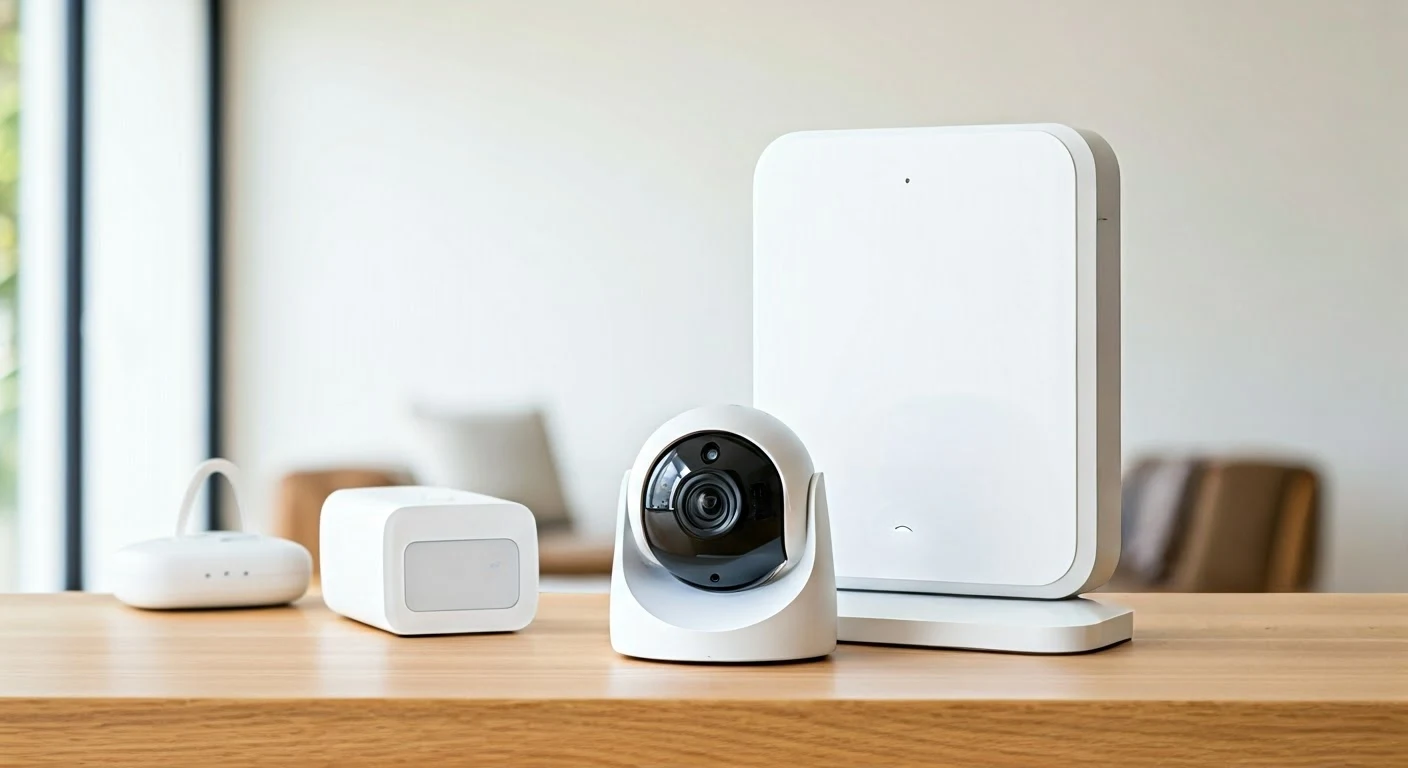
Indoor and outdoor cameras provide peace of mind by allowing you to monitor your property remotely. Many offer features like night vision, motion detection, and cloud storage.
- Indoor Cameras: For monitoring pets, children, or general home activity.
- Outdoor Cameras: Weatherproof and designed for perimeter security.
Statistic (2026): The adoption rate for smart security cameras is projected to reach 45% of U.S. households by 2026.
Smart Plugs and Outlets
A simple and affordable way to make "dumb" appliances smart. Plug a lamp, fan, or coffee maker into a smart plug, and you can control it remotely or schedule it.
- Single-Outlet Smart Plugs: Control one device.
- Multi-Outlet Smart Power Strips: Control multiple devices independently or simultaneously.
Example: Schedule your coffee maker to start brewing 10 minutes before your alarm goes off.
Setting Up Your Smart Home Network
A robust and reliable home network is the foundation of any smart home. Without it, your devices won't communicate effectively, leading to frustration and unreliable performance.
Wi-Fi Network Optimization
Your existing Wi-Fi router might not be sufficient for a growing number of smart devices. Consider these steps:
- Router Placement: Position your router in a central location, away from obstructions like thick walls or large appliances.
- Router Upgrade: If your router is several years old, consider upgrading to a newer model that supports the latest Wi-Fi standards (e.g., Wi-Fi 6/6E) for better speed and capacity.
- Mesh Wi-Fi Systems: For larger homes or areas with weak signal, a mesh system (e.g., Eero, Google Nest Wifi, Orbi) provides seamless coverage throughout your house.
- Separate Smart Home Network (Optional): For advanced users, creating a separate Wi-Fi network (SSID) for your smart devices can improve security and prevent congestion on your main network.
Connecting Your Hub
Most smart home hubs connect to your router via an Ethernet cable or Wi-Fi. Follow the manufacturer's instructions carefully:
- Physical Connection: Plug the hub into power and connect it to your router using an Ethernet cable (if applicable).
- App Setup: Download the hub's companion app on your smartphone or tablet.
- Account Creation: Create an account or log in to your existing account for the chosen ecosystem (Amazon, Google, Apple, Samsung).
- Device Discovery: The app will guide you through discovering and connecting your hub to your Wi-Fi network.
Pairing Smart Devices
Once your hub is set up, you can start adding your smart devices. The process generally involves:
- Device Preparation: Ensure the smart device is powered on and in pairing mode (refer to the device's manual).
- App Integration: Open your smart home hub app and select the option to add a new device.
- Discovery: The app will search for nearby devices. For Zigbee or Z-Wave devices, you might need to activate the pairing mode on your hub as well.
- Configuration: Once detected, follow the prompts to name the device (e.g., "Living Room Lamp") and assign it to a room.
- Testing: Test the device's functionality through the app or voice commands.
Example: When setting up a smart bulb, you'll typically screw it in, turn on the power, open your Alexa app, tap "Add Device," select "Light," choose the brand, and follow the on-screen instructions. The bulb will then appear in your device list.
Smart Home Security and Privacy
As you integrate more connected devices, it's crucial to address the potential security and privacy risks. A compromised smart home can be a significant vulnerability.
Securing Your Network
Your Wi-Fi network is the first line of defense:
- Strong, Unique Passwords: Use a complex password for your Wi-Fi network that is not easily guessable. Change the default password that comes with your router.
- WPA3 Encryption: Ensure your router is using WPA3 encryption, the latest and most secure standard. If not, use WPA2.
- Regular Firmware Updates: Keep your router's firmware updated to patch any security vulnerabilities. Many routers can be set to update automatically.
- Disable Remote Management: Unless you specifically need it and understand the risks, disable remote administration of your router.
Device Security Best Practices
Each smart device is a potential entry point:
- Change Default Passwords: Always change the default username and password on any smart device that allows it.
- Enable Two-Factor Authentication (2FA): Where available, enable 2FA for your smart home accounts. This adds an extra layer of security, requiring a code from your phone in addition to your password.
- Regular Software Updates: Keep the firmware and software for all your smart devices updated. Manufacturers often release updates to fix security flaws.
- Review App Permissions: Be mindful of the permissions you grant to smart home apps on your phone.
- Secure Guest Networks: If you offer Wi-Fi to guests, ensure they are on a separate network from your smart devices.
Privacy Considerations
Smart devices, especially those with microphones and cameras, collect data:
- Understand Data Collection: Read the privacy policies of the devices and services you use to understand what data is collected and how it's used.
- Limit Microphone/Camera Usage: Mute microphones or disable cameras when not in use if privacy is a major concern.
- Data Encryption: Look for devices and services that use end-to-end encryption for data transmission.
- Device Decommissioning: When disposing of or selling a smart device, perform a factory reset to erase your personal data.
Statistic (2025): A 2025 survey found that 60% of consumers are concerned about the privacy implications of smart home devices, a figure that has steadily increased over the past few years.
Smart Home Automation and Routines
The true power of a smart home lies in automation – setting up devices to work together and respond to triggers without your direct intervention. This is often achieved through routines or scenes.
What are Routines and Scenes?
Routines (or Automations): A set of actions that are triggered by a specific event, time, or voice command. For example, a "Good Morning" routine could turn on your bedroom lights, start your coffee maker, and read you the news.
Scenes: A predefined state for multiple devices. For instance, a "Movie Night" scene might dim the living room lights, turn on the TV, and adjust the thermostat.
Common Triggers for Automation
Automation can be initiated by various triggers:
- Time of Day: Schedule lights to turn on at sunset, or arm security systems at bedtime.
- Voice Commands: Manually trigger routines with a phrase like "Alexa, I'm home."
- Sensor Triggers: Motion sensors, door/window sensors, or leak detectors can initiate actions. For example, a motion sensor in the hallway could turn on a light when you walk by.
- Location (Geofencing): Your phone's location can trigger actions. Your lights could turn on when you arrive home, or your thermostat could adjust when you leave.
- Device Status: One smart device's state can trigger another. For example, if your smart smoke detector goes off, all your smart lights could turn red.
Creating Your First Automations
Most smart home apps allow you to create custom routines:
- Open Your Hub App: Navigate to the "Routines," "Automations," or "Scenes" section.
- Choose a Trigger: Select what will start the automation (e.g., a specific time, a voice command, a sensor).
- Add Actions: Define what you want to happen when the trigger occurs. You can add multiple actions for different devices.
- Set Conditions (Optional): Some platforms allow you to add conditions, such as "only run this routine if it's after sunset."
- Save and Test: Save your routine and test it to ensure it works as expected.
Examples of Useful Automations
Here are some practical examples:
- "Good Night" Routine: Turn off all lights, lock the doors, set the thermostat to a lower temperature, and arm the security system with a single voice command or at a scheduled time.
- "Away" Mode: When you leave home (detected by geofencing or a voice command), turn off lights, adjust the thermostat, lock doors, and arm security cameras.
- Welcome Home: As you approach your home, lights in the entryway and living room turn on, and the thermostat adjusts to your preferred temperature.
- Morning Wake-up: Lights gradually increase in brightness, a smart speaker plays your favorite music or news briefing, and the coffee maker starts brewing.
- Security Alerts: If a door sensor is triggered while you're away, receive an immediate notification on your phone, and have your smart lights flash to deter potential intruders.
Example: You can create a routine called "Movie Time" that, when activated by voice command, dims your living room lights to 20%, turns on your smart TV, and sets the thermostat to a cozy 72 degrees.
Integrating and Expanding Your Smart Home
Once you have the basics in place, you can explore more advanced integrations and expand your smart home's capabilities. This is where the true "smartness" of your home comes to life.
Interoperability and the Matter Standard
One of the biggest challenges in the smart home world has been the lack of universal compatibility between devices from different brands. The Matter standard aims to solve this. Matter is an IP-based connectivity standard designed to improve interoperability between smart home devices and ecosystems. By 2025-26, more devices will be Matter-certified, simplifying setup and allowing devices from different manufacturers to work together seamlessly.
- Benefits of Matter: Easier setup, enhanced security, improved reliability, and broader device compatibility across platforms like Apple HomeKit, Google Home, Amazon Alexa, and Samsung SmartThings.
- Future-Proofing: Investing in Matter-certified devices now can help future-proof your smart home.
Advanced Automation Scenarios
Beyond simple routines, you can create sophisticated automations:
- Multi-Sensor Triggers: Combine data from multiple sensors. For example, turn on outdoor lights only if motion is detected AND it's after sunset.
- Conditional Logic: Set up automations that only run if certain conditions are met. For instance, "If the front door unlocks between 10 PM and 6 AM, send a notification to my phone."
- Integration with Smart Appliances: Connect smart refrigerators, ovens, or washing machines to your ecosystem for remote monitoring and control.
Voice Control Integration
Leverage voice assistants to their full potential:
- Custom Commands: Create custom voice commands for complex routines. Instead of "Alexa, turn on living room lights to 50%," you could say "Alexa, set the mood for reading."
- Voice Control of Non-Smart Devices: Use smart plugs to enable voice control for appliances that aren't inherently smart.
Expanding to Other Rooms and Functions
Once you're comfortable with your initial setup, consider expanding:
- Kitchen: Smart plugs for coffee makers, smart scales, smart refrigerators.
- Bedroom: Smart alarms, smart lighting for waking up, smart blinds.
- Bathroom: Smart mirrors, smart scales, smart lighting.
- Outdoor: Smart sprinklers, smart outdoor lighting, smart grills.
DIY vs. Professional Installation
Many smart home devices are designed for DIY installation. However, for more complex systems like wired security cameras or integrated whole-home audio, professional installation might be advisable.
- DIY: Cost-effective, allows for learning and customization. Suitable for most basic devices like smart bulbs, plugs, and thermostats.
- Professional Installation: Ensures correct setup, saves time, and is recommended for complex wiring or integrated systems.
Smart Home Energy Management
One of the most significant benefits of a smart home is its potential to reduce energy consumption and lower utility bills. This is achieved through intelligent control and automation.
Smart Thermostats for Efficiency
As mentioned, smart thermostats are key. They learn your schedule and adjust heating/cooling to avoid wasting energy when you're away or asleep. Features like:
- Geofencing: Automatically set back the temperature when the last person leaves the house.
- Energy Reports: Provide insights into your energy usage patterns.
- Integration with Weather Forecasts: Optimize heating/cooling based on upcoming weather.
Statistic (2025): Smart thermostats are projected to be installed in over 50% of U.S. homes by 2026, contributing to an estimated 5-10% reduction in overall household energy consumption.
Smart Lighting and Plugs
Automated Schedules: Set lights to turn off automatically when not needed or when everyone leaves the house.
Energy Monitoring Devices
These devices provide granular data on your energy consumption:
- Whole-Home Energy Monitors: Installed at your electrical panel, they track your total household energy usage in real-time.
- Smart Plugs with Energy Monitoring: Measure the energy consumption of individual appliances plugged into them.
By understanding where your energy is being used, you can make informed decisions to reduce waste. For example, you might discover that a particular appliance is a significant energy hog and look for a more efficient model.
Integration with Renewable Energy Systems
For homeowners with solar panels or battery storage, smart home systems can integrate to optimize energy usage:
- Prioritizing Solar Power: Schedule high-energy tasks (like running the dishwasher) to occur when solar generation is at its peak.
- Smart Battery Management: Optimize charging and discharging of home batteries based on grid prices and solar production.
Tips for Maximizing Energy Savings
- Set realistic temperature schedules.
- Use geofencing to ensure your HVAC isn't running when no one is home.
- Automate lights to turn off in unoccupied rooms.
- Identify and unplug energy-draining devices.
- Regularly review energy reports to identify areas for improvement.
Budgeting for Your Smart Home Project
Building a smart home doesn't have to break the bank. You can start small and gradually expand, or plan for a more comprehensive system. Understanding costs is crucial for making informed decisions.
Cost Breakdown of Common Devices
Prices are approximate and can vary by brand, features, and sales:
| Device Type | Typical Price Range (USD) | Notes |
|---|---|---|
| Smart Speaker (Basic) | $30 - $70 | e.g., Echo Dot, Google Nest Mini |
| Smart Display (Basic) | $70 - $150 | e.g., Echo Show 5, Nest Hub |
| Smart Bulb (Single) | $10 - $50 | Basic white vs. color-changing |
| Smart Switch | $20 - $60 | Per switch |
| Smart Plug | $10 - $30 | Per plug |
| Smart Thermostat | $100 - $250 | e.g., Nest, Ecobee |
| Smart Lock | $150 - $300 | Keypad, app control |
| Smart Doorbell | $100 - $250 | HD camera, two-way audio |
| Smart Security Camera (Indoor) | $50 - $150 | Basic features |
| Smart Security Camera (Outdoor) | $100 - $300 | Weatherproof, advanced features |
| Smart Home Hub | $50 - $150 | e.g., SmartThings Hub, Hubitat |
| Mesh Wi-Fi System (3-pack) | $200 - $500 | For larger homes |
Phased Approach to Building Your Smart Home
You don't need to buy everything at once. Consider a phased approach:
- Phase 1 (Foundation): Start with a smart speaker and a few smart plugs or bulbs to get a feel for voice control and basic automation. (Estimated Cost: $100 - $250)
- Phase 2 (Comfort & Security): Add a smart thermostat and smart locks/doorbells. (Estimated Cost: $250 - $600)
- Phase 3 (Expansion): Incorporate smart lighting throughout the house, security cameras, and potentially a mesh Wi-Fi system if needed. (Estimated Cost: $500 - $1500+)
Ongoing Costs
Be aware of potential recurring costs:
- Subscription Services: Some security cameras and systems require monthly fees for cloud storage or advanced features.
- Internet Service: A reliable internet connection is essential, and a faster plan might be needed as your device count grows.
- Electricity: While smart homes aim to save energy, the devices themselves consume some power.
Finding Deals and Discounts
Smart home technology is becoming more affordable. Look for deals during major sales events like Black Friday, Cyber Monday, or Amazon Prime Day. Many manufacturers also offer bundles that can save you money.
Future Trends in Smart Homes
The smart home landscape is constantly evolving. Here are some key trends to watch for in 2025-26 and beyond:
AI and Machine Learning Integration
Artificial intelligence will play an increasingly significant role, enabling smart homes to become more proactive and predictive. AI will learn your habits and preferences more deeply, anticipating your needs without explicit commands.
- Predictive Maintenance: AI could detect early signs of appliance failure or home system issues.
- Personalized Environments: The home could automatically adjust lighting, temperature, and even music based on your mood or activity.
- Enhanced Security: AI-powered cameras will become better at distinguishing between normal activity and genuine threats.
Increased Focus on Health and Wellness
Smart home technology will increasingly integrate features that promote health and well-being.
- Air Quality Monitoring: Smart devices that track and manage indoor air quality.
- Sleep Tracking: Integration with smart beds and wearables to optimize sleep environments.
- Elderly Care and Assisted Living: More sophisticated systems for monitoring seniors, detecting falls, and providing remote assistance.
Sustainability and Energy Efficiency
The drive towards sustainability will continue to shape smart home development.
- Advanced Energy Management: Smarter grids and home energy management systems will optimize consumption and integrate with renewable energy sources more effectively.
- Water Conservation: Smart irrigation and leak detection systems will become more sophisticated.
Seamless Interoperability (Matter)
As mentioned, the Matter standard is expected to mature, leading to a truly interoperable smart home ecosystem where devices from any brand work together effortlessly.
Edge Computing
More processing will happen locally on devices (edge computing) rather than solely in the cloud. This improves speed, reliability, and privacy, as less data needs to be sent to external servers.
The "Invisible" Smart Home
Future smart homes will likely be more integrated and less obtrusive. Devices will blend into the home's architecture, and control will become even more intuitive and seamless, often operating in the background.
The future of smart homes promises a living environment that is more responsive, personalized, and sustainable than ever before. Embracing these trends will lead to homes that are not just connected, but truly intelligent.
Conclusion:
Embarking on the journey to make your house a smart home is an investment in convenience, security, and efficiency. By carefully planning your ecosystem, understanding essential devices, and prioritizing a robust network, you can build a connected living space that perfectly suits your lifestyle. Remember to address security and privacy from the outset, and leverage automation to unlock the full potential of your smart devices. Whether you start with a single smart bulb or a comprehensive system, the benefits of a smart home are undeniable. With evolving technologies like Matter and AI, your smart home will only become more intuitive and valuable over time. Start today and step into the future of living.