Smart Home Security Alarm System: Stay Safe & Secure
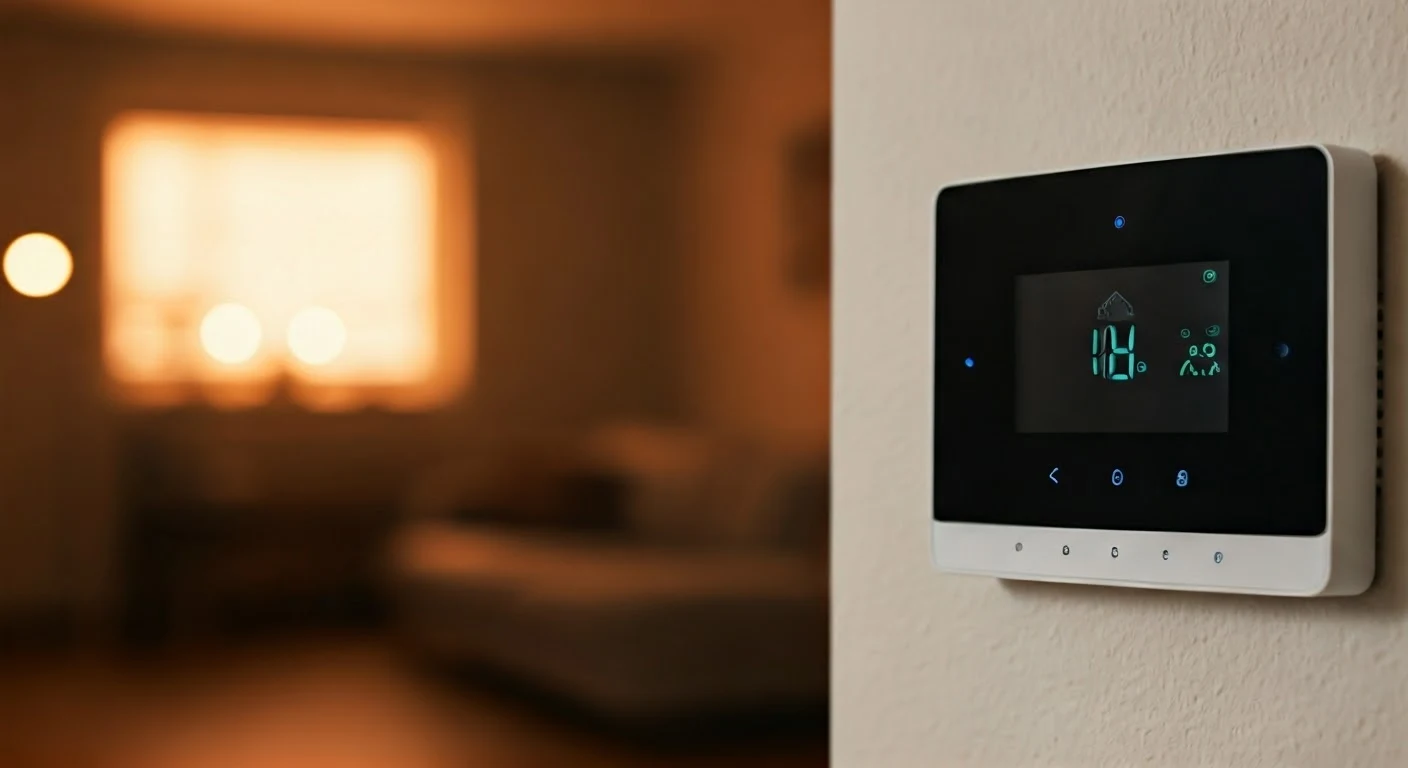
Elevate your peace of mind with a cutting-edge smart home security alarm system. Discover how integrated technology, from intelligent sensors to mobile alerts, provides unparalleled protection for your family and property in 2025-26. This guide unpacks the benefits and selection criteria for a truly secure smart home.
What is a Smart Home Security Alarm System?
A smart home security alarm system represents the evolution of traditional home protection. Unlike older systems that relied solely on sirens and landlines, smart systems leverage the power of the internet and mobile technology to offer a more connected, responsive, and user-friendly experience. These systems integrate various sensors, cameras, and control panels that communicate wirelessly, allowing homeowners to monitor, arm, disarm, and receive real-time alerts from virtually anywhere via their smartphones or other internet-connected devices. They are designed to detect intrusions, environmental hazards like smoke and carbon monoxide, and even potential water leaks, providing a comprehensive layer of safety and security for modern living spaces. The core innovation lies in their ability to provide remote access and control, transforming passive security measures into an active, intelligent guardian of your home.
Why Invest in a Smart Home Security Alarm System in 2025-26?
The landscape of home security is rapidly advancing, and investing in a smart home security alarm system in 2025-26 is no longer a luxury but a strategic decision for proactive homeowners. Several compelling reasons underscore this shift, driven by evolving threats, technological advancements, and changing lifestyle expectations.
Enhanced Protection and Deterrence
Smart systems offer a significant upgrade in protection. The visible presence of smart cameras and alarm signs acts as a powerful deterrent to potential intruders. Beyond deterrence, these systems provide immediate detection and notification. For instance, motion sensors, door/window contact sensors, and glass break detectors work in concert to identify unauthorized entry points swiftly. In 2025, advanced AI-powered analytics in cameras can distinguish between pets, people, and vehicles, reducing false alarms and ensuring that genuine threats are flagged. According to recent industry reports, homes equipped with smart security systems see a reduction in burglaries by up to 70% compared to those without.
Remote Monitoring and Control
One of the most significant advantages is the ability to monitor and control your home security from anywhere in the world. Whether you're at work, on vacation, or just running errands, you can check live camera feeds, arm or disarm your system, and receive instant alerts on your smartphone. This level of control provides immense peace of mind. Imagine receiving an alert about motion detected at your front door while you're overseas; you can immediately view the camera feed, see it's just a delivery person, and disarm the system if needed, all without needing to call a neighbor or a security company. This accessibility is crucial for busy families and frequent travelers.
Integration with the Smart Home Ecosystem
Smart security systems are designed to be part of a larger smart home ecosystem. They can communicate with other smart devices like smart locks, smart lights, and smart thermostats. For example, if the alarm is triggered, you can program your smart lights to flash or turn on, potentially scaring off an intruder and making it easier for authorities to locate your home. Similarly, if a smoke detector is triggered, the system can automatically unlock smart doors to facilitate evacuation and turn off smart HVAC systems to prevent the spread of smoke. This interconnectedness creates a more robust and responsive safety net.
Reduced False Alarms and Improved Response Times
Traditional alarm systems were often plagued by false alarms, leading to frustration and potential fines. Smart systems, especially those with AI capabilities, are far more adept at distinguishing genuine threats from everyday occurrences. Furthermore, when an alarm is triggered, you receive immediate notifications, allowing you to verify the situation and contact emergency services directly if necessary. Many systems also offer professional monitoring services that can dispatch authorities on your behalf after verifying an event, ensuring a faster and more efficient response.
Potential Insurance Benefits
Many insurance providers now offer discounts on homeowner's insurance policies for properties equipped with smart home security systems. The reduction in risk associated with a monitored and remotely accessible security system can translate into tangible savings. It's always worth checking with your insurance provider to see what incentives are available for installing a comprehensive smart security solution.
Adaptability and Scalability
The modular nature of most smart home security systems allows for easy expansion. You can start with a basic package and add more sensors, cameras, or other devices as your needs or budget evolve. This flexibility means your security system can grow with your home and your family's changing requirements, ensuring long-term value and continued protection.
Data and Insights
Smart systems often provide valuable data and insights into your home's activity. You can review event logs, motion detection history, and camera footage to understand patterns of activity around your property. This information can be useful for security purposes, as well as for general home management and awareness.
Key Components of a Smart Home Security Alarm System
A robust smart home security alarm system is built upon a foundation of interconnected components, each playing a crucial role in monitoring, detecting, and responding to potential threats. Understanding these components is essential for selecting and configuring a system that meets your specific security needs.
Control Panel/Hub
The brain of the smart security system. This central unit connects all other devices, manages communication (often via Wi-Fi, cellular, or Z-Wave/Zigbee protocols), and allows for system arming and disarming. Many modern hubs also have a touchscreen interface for local control and can be managed remotely via a mobile app. Some advanced hubs incorporate AI capabilities for enhanced threat detection and automation.
Sensors
These are the eyes and ears of your security system, designed to detect specific events.
- Door and Window Contact Sensors: These consist of two parts, typically a magnet and a sensor. When the door or window is opened, the magnetic connection is broken, triggering an alert. They are fundamental for perimeter security.
- Motion Sensors: These detect movement within a designated area, often using passive infrared (PIR) technology. Advanced models can differentiate between human and pet movement to reduce false alarms. Placement is key, often in high-traffic areas or rooms with valuables.
- Glass Break Sensors: These listen for the specific sound frequency of breaking glass, providing an additional layer of security for windows.
- Environmental Sensors: These go beyond intrusion detection to monitor for hazards like smoke, carbon monoxide, and water leaks. Early detection of these issues can prevent significant damage and save lives.
Security Cameras
Smart cameras are a vital component for visual verification and evidence gathering. They offer live streaming, motion-activated recording, and often two-way audio.
- Indoor Cameras: Useful for monitoring activity within the home, checking on pets, or keeping an eye on children.
- Outdoor Cameras: Designed to withstand the elements, these provide surveillance of your property's exterior, driveways, and entry points. Features like night vision, wide-angle lenses, and weatherproofing are essential.
- Video Doorbells: These combine a doorbell with a camera, allowing you to see, hear, and speak to visitors at your door from your smartphone, whether you're home or not.
Sirens and Alarms
When a sensor is triggered, the system activates audible alarms to deter intruders and alert occupants and neighbors. These can be integrated into the hub or be separate, powerful sirens placed strategically within the home.
Key Fobs and Keypads
These provide alternative methods for arming and disarming the system, in addition to mobile app control. Key fobs offer quick and convenient operation, while keypads allow for entry of a PIN code.
Mobile App
The central interface for remote management. The mobile app allows users to arm/disarm the system, view live camera feeds, receive notifications, check event history, and configure system settings from anywhere with an internet connection.
Professional Monitoring Service (Optional)
While many systems offer self-monitoring, professional monitoring services provide 24/7 oversight by a dedicated team. When an alarm is triggered, the monitoring center is alerted and can verify the emergency before dispatching authorities. This adds a significant layer of security, especially for those who may not always be able to respond to alerts immediately.
Connectivity Options
Understanding how your system connects is crucial. Most systems utilize Wi-Fi for communication with your home network and the internet. Cellular backup is a critical feature, ensuring the system remains connected even if your Wi-Fi is down or power is cut. Z-Wave and Zigbee are common low-power wireless protocols used for device communication within the smart home ecosystem.
Types of Smart Home Security Alarm Systems
The smart home security market offers a diverse range of systems, catering to different needs, budgets, and technical preferences. Understanding these categories will help you narrow down your choices to find the perfect fit for your home.
DIY (Do-It-Yourself) Systems
These systems are designed for easy installation by the homeowner, eliminating the need for professional setup. They typically consist of wireless components that are pre-paired or easily configured through a mobile app.
- Pros: Lower upfront cost, flexibility in placement, no installation fees, easy to move if you relocate.
- Cons: Requires user to manage setup and troubleshooting, self-monitoring might be the default (though professional monitoring can often be added).
- Examples: Ring Alarm, SimpliSafe, Abode.
Professionally Installed and Monitored Systems
These systems are installed by trained technicians and are usually paired with a mandatory professional monitoring service. They often offer more advanced features and integration capabilities.
- Pros: Expert installation ensures optimal performance, 24/7 professional monitoring provides peace of mind, often more robust and feature-rich.
- Cons: Higher upfront costs, monthly monitoring fees are typically required, less flexibility in placement and component selection.
- Examples: ADT, Vivint.
Hybrid Systems
These systems offer a blend of DIY installation and optional professional monitoring. They provide the flexibility of self-setup with the option to subscribe to professional services for enhanced security.
- Pros: Combines the best of both worlds – ease of installation and the option for professional oversight, adaptable to user needs.
- Cons: Can sometimes be more complex to configure than pure DIY systems.
- Examples: Some offerings from companies like Frontpoint Security Solutions.
Monitored vs. Unmonitored Systems
This distinction is crucial and often overlaps with the types above.
- Monitored Systems: Connected to a central monitoring station that responds to alarms. This can be professional (third-party service) or self-monitored (alerts sent to your phone). Professional monitoring is generally considered more reliable for emergency response.
- Unmonitored Systems: These systems primarily provide alerts to the homeowner's device. They are useful for awareness and deterring casual intruders but do not automatically dispatch emergency services.
All-in-One Smart Home Hubs with Security Features
Some smart home hubs are designed to manage a wide range of connected devices, including security components. While not exclusively security systems, they can integrate cameras, sensors, and alarms into a broader smart home automation setup.
- Pros: Centralized control for all smart devices, potential for extensive automation.
- Cons: Security features might be less robust or specialized compared to dedicated security systems.
- Examples: Samsung SmartThings, Hubitat Elevation (often require additional security accessories).
Wired vs. Wireless Systems
While wireless systems dominate the smart home market due to ease of installation, wired systems still exist, particularly in new constructions or for those prioritizing maximum reliability.
- Wireless: Easy to install, flexible, portable. Relies on batteries and wireless signals, which can occasionally be subject to interference.
- Wired: Highly reliable, no battery changes, less susceptible to signal jamming. Requires professional installation and is difficult to move or expand.
Comparison of Popular System Types (2025-26)
Here's a comparative look at some popular approaches to smart home security:
| Feature | DIY Systems (e.g., SimpliSafe) | Professionally Installed (e.g., ADT) | Hybrid Systems (e.g., Abode) |
|---|---|---|---|
| Installation | User-installable | Professional installation required | User-installable, optional professional setup |
| Monitoring | Self-monitoring (app alerts), optional professional monitoring | Mandatory 24/7 professional monitoring | Self-monitoring, optional professional monitoring |
| Monthly Fees | Low to moderate (if professional monitoring is added) | Higher (includes monitoring and service) | Low to moderate (if professional monitoring is added) |
| Upfront Cost | Moderate | Higher (includes equipment and installation) | Moderate |
| Flexibility | High (easy to add/move components) | Low (components are often proprietary and installed permanently) | High (easy to add/move components) |
| Integration | Good (works with major smart home platforms) | Varies (often proprietary, but improving) | Excellent (designed for broad smart home integration) |
Choosing the Right Smart Home Security Alarm System for You
Selecting the ideal smart home security alarm system involves a careful assessment of your unique needs, property characteristics, budget, and desired level of control. With the market offering a plethora of options, a structured approach ensures you make an informed decision that provides lasting security and peace of mind.
Assess Your Security Needs
Begin by evaluating what you need to protect. Consider the size of your home, the number of entry points (doors, windows), the presence of valuable assets, and any specific vulnerabilities.
- Apartments/Small Homes: A basic system with door/window sensors and a motion detector might suffice.
- Medium to Large Homes: You'll likely need more sensors, potentially including glass break detectors, multiple motion sensors, and outdoor cameras.
- Properties with Detached Structures (e.g., garages, sheds): Consider sensors for these areas as well.
- High-Risk Areas: If you live in an area with a higher crime rate, you might opt for more comprehensive coverage and professional monitoring.
Determine Your Budget
Smart security systems involve both upfront costs for equipment and potentially ongoing monthly fees for monitoring or cloud storage for camera footage.
- Upfront Costs: This can range from a few hundred dollars for a basic DIY kit to several thousand for a professionally installed, feature-rich system.
- Monthly Fees: These typically cover professional monitoring, cellular backup, and cloud video storage. Fees can range from $10 to $60+ per month, depending on the service level.
- Total Cost of Ownership: Consider the long-term financial commitment when comparing systems. A cheaper upfront system with higher monthly fees might cost more over time than a more expensive initial investment with lower ongoing costs.
DIY vs. Professional Installation
This is a critical decision point.
- DIY: If you're comfortable with technology and have some basic handyman skills, DIY systems offer significant cost savings and flexibility. They are ideal for renters or those who prefer to manage their own setup.
- Professional: If you prefer a hands-off approach, want to ensure optimal placement and configuration, or have a complex home layout, professional installation is the better choice. It also often comes with a higher level of support.
Monitoring Options: Self vs. Professional
Self-Monitoring: You receive alerts directly on your smartphone and are responsible for contacting emergency services. This is a cost-effective option but requires you to be vigilant and able to respond.
Professional Monitoring: A third-party service monitors your system 24/7. When an alarm is triggered, they verify the emergency and dispatch authorities. This offers the highest level of security and peace of mind, especially if you're often away or unable to respond quickly. Many systems offer tiered professional monitoring plans.
Component Selection and Scalability
Choose a system that offers the specific components you need (door/window sensors, motion detectors, cameras, environmental sensors). More importantly, ensure the system is scalable. Can you easily add more sensors or cameras later if your needs change? Look for systems that support a wide range of wireless protocols (Wi-Fi, Z-Wave, Zigbee) for broader compatibility.
Smart Home Integration
If you already have or plan to build a smart home, ensure the security system integrates seamlessly with your existing ecosystem (e.g., Amazon Alexa, Google Assistant, Apple HomeKit). This allows for voice control and advanced automation scenarios (e.g., "Alexa, arm the security system").
Camera Features and Video Storage
If cameras are important, consider their resolution, field of view, night vision capabilities, and whether they are suitable for indoor or outdoor use. For video storage, understand the options:
- Local Storage: Using an SD card or a local hard drive. This is often free but can be lost if the device is stolen or damaged.
- Cloud Storage: Footage is uploaded to the cloud. This is generally more secure and accessible remotely, but usually requires a monthly subscription fee. Check the subscription tiers for recording duration, number of cameras, and features like AI detection.
User Interface and App Experience
The mobile app is your primary interface. It should be intuitive, easy to navigate, and reliable. Read reviews or try out demo versions if available to gauge the app's usability.
Customer Support and Warranty
Research the company's reputation for customer support. What are their support hours? What channels are available (phone, chat, email)? Also, check the warranty period for the equipment.
Read Reviews and Compare
Don't rely solely on marketing materials. Read independent reviews from reputable tech sites and user testimonials to get a balanced perspective on performance, reliability, and customer satisfaction. Compare features and pricing across different brands.
Installation and Setup Considerations
Proper installation and setup are paramount to ensuring your smart home security alarm system functions optimally and provides the intended level of protection. Whether you opt for DIY or professional installation, certain considerations are universally important.
Planning the Layout
Before you begin, map out the placement of each component.
- Control Panel/Hub: Place it in a central, accessible location, preferably near your primary internet router for the most stable connection. Ensure it's out of plain sight if possible, but still easily reachable for manual operation if needed.
- Door and Window Sensors: Install on all accessible entry points. Ensure the two parts of the sensor are aligned and close enough when the door/window is closed to maintain the magnetic connection.
- Motion Sensors: Position them in high-traffic areas, corners of rooms, or hallways. Avoid placing them directly facing heat sources (like vents or direct sunlight) or areas with frequent pet movement, which can cause false alarms. Mount them at an appropriate height (usually 6-8 feet) to cover a wide area.
- Glass Break Sensors: Install within the recommended range of the windows they are meant to protect, typically on a wall or ceiling.
- Cameras: For outdoor cameras, consider mounting them high enough to prevent tampering but low enough to capture clear facial details. Ensure they have a clear line of sight to the area you want to monitor and are protected from direct weather elements if not fully weatherproof. Indoor cameras should be placed to cover main living areas or entry points.
- Keypads: Install near main entry points for easy arming/disarming upon arrival or departure.
Wireless Connectivity and Signal Strength
Most smart systems rely on wireless communication.
- Wi-Fi Network: Ensure your home Wi-Fi network is robust and covers all areas where devices will be placed. Consider a Wi-Fi extender or mesh network if you have dead spots.
- Device Pairing: Follow the manufacturer's instructions carefully for pairing each sensor and device with the hub. This often involves pressing a button on the device and initiating the pairing process through the mobile app or hub interface.
- Signal Strength Testing: Many apps include a feature to test the signal strength between devices and the hub. Use this to ensure reliable communication before permanently mounting components.
Power Sources and Battery Management
Understand the power requirements for each device.
- Battery-Powered Devices: Most sensors and some cameras are battery-powered. Keep track of battery life and have replacement batteries on hand. Many systems will alert you when batteries are low.
- Wired Devices: Cameras and hubs may require AC power. Ensure you have accessible outlets. For critical components like the hub, consider a battery backup or Uninterruptible Power Supply (UPS) to maintain operation during power outages.
System Configuration and Customization
Once hardware is installed, dive into the software.
- Naming Devices: Give each sensor and camera a clear, descriptive name (e.g., "Front Door Sensor," "Living Room Motion Detector"). This makes it easier to identify alerts.
- Setting Modes: Configure different arming modes (e.g., "Home" mode arms perimeter sensors but disarms interior motion detectors, while "Away" mode arms everything).
- Notification Preferences: Customize how and when you receive alerts. You might want instant notifications for intrusions but delayed notifications for minor events.
- User Codes: Set up unique PIN codes for family members or trusted individuals.
- Automation Rules: If your system supports it, set up rules for how the security system interacts with other smart devices (e.g., "If alarm is triggered, turn on all smart lights").
Testing the System
This is a crucial step that many overlook.
- Full System Test: After installation and configuration, perform a thorough test of every component. Arm the system and then intentionally trigger each sensor (open a door, walk in front of a motion detector) to ensure it registers and sends an alert.
- Monitoring Test (if applicable): If you have professional monitoring, contact the monitoring company to inform them you are testing the system. This prevents them from dispatching emergency services unnecessarily.
Security Best Practices
Strong Passwords: Use strong, unique passwords for your Wi-Fi network, the security system's mobile app, and any associated online accounts. Enable two-factor authentication (2FA) whenever possible.
Firmware Updates: Regularly check for and install firmware updates for your hub and devices. These updates often include security patches and performance improvements.
Physical Security: Ensure your hub and any control panels are not easily accessible to intruders.
Professional Installation Nuances
If you choose professional installation:
- Consultation: Schedule a pre-installation consultation to discuss your needs and have the technician assess your home.
- Technician Qualifications: Ensure the installer is certified and experienced with the specific system you've chosen.
- Walkthrough: Insist on a thorough walkthrough after installation to understand how the system works, how to use the app, and how to perform basic maintenance.
- Documentation: Keep all user manuals, warranty information, and installation records.
Integrating Your Smart Home Security with Other Devices
The true power of a smart home security alarm system is unlocked when it seamlessly integrates with other smart devices, creating a unified and intelligent ecosystem. This interconnectedness enhances convenience, automation, and overall safety.
Smart Locks
Integrating your smart lock with your security system offers several benefits.
- Automatic Locking: When you arm your system in "Away" mode, you can program your smart lock to automatically lock the doors.
- Entry/Exit Codes: Some systems allow you to assign unique entry codes to specific users. When a user enters their code on the smart lock, the system can automatically disarm the alarm for that user.
- Remote Access: Grant temporary access to guests or service providers remotely via the app, even when you're not home.
- Notifications: Receive alerts when doors are unlocked or locked, providing an extra layer of awareness.
Smart Lighting
Smart lights can play a significant role in both deterrence and emergency response.
- Deterrence: Program lights to turn on at dusk and off at dawn, or to simulate occupancy when you're away, making your home appear lived-in and less of a target.
- Alarm Response: In the event of an intrusion, you can set your lights to flash red or turn on to full brightness, potentially startling intruders and making it easier for authorities to spot your home.
- Welcome Home Automation: When you disarm the system, specific lights can automatically turn on, welcoming you home.
Smart Thermostats
While not directly security-related, smart thermostats can contribute to safety.
- HVAC Shut-off: In case of a fire detected by a smart smoke detector, the system can signal the smart thermostat to shut down the HVAC system, preventing the spread of smoke throughout the house.
- Energy Savings: When the security system is armed in "Away" mode, the thermostat can be set to an energy-saving temperature, reducing utility bills.
Smart Speakers and Voice Assistants
Voice assistants like Amazon Alexa, Google Assistant, and Apple's Siri can control your security system.
- Arming/Disarming: You can arm your system by simply saying, "Alexa, arm the security system." Disarming usually requires a voice PIN for security reasons.
- Status Checks: Ask your voice assistant for the current status of your security system.
- Voice Commands for Automation: Integrate security actions into broader voice commands, such as "Goodnight" routines that arm the system, lock doors, and turn off lights.
Smart Cameras and Doorbells
These are often core components of the security system itself but can also integrate with other smart home devices.
- Motion-Triggered Actions: Motion detected by a smart camera or doorbell can trigger other devices, such as turning on lights or playing an audible warning.
- Two-Way Audio: Speak to visitors at your door through your video doorbell or indoor cameras.
- Live Feeds: Easily access live camera feeds through your smart TV or smart display.
Environmental Sensors (Smoke, CO, Water)
These sensors are crucial for comprehensive home safety.
- Emergency Response: When a smoke or CO detector is triggered, the system can alert you, notify emergency services, and potentially trigger other actions like unlocking doors for evacuation or shutting down HVAC.
- Water Leak Detection: If a water leak sensor is triggered, the system can alert you and, if integrated with a smart water valve, shut off the main water supply to prevent significant damage.
Platforms and Protocols
The ability to integrate depends on the platforms and protocols your devices use.
- Wi-Fi: Most smart devices connect via Wi-Fi, making them compatible with a wide range of routers and hubs.
- Z-Wave and Zigbee: These low-power, mesh networking protocols are common in smart home devices, including security sensors. A hub that supports these protocols is essential for integrating such devices.
- Matter: This emerging standard aims to simplify smart home device compatibility across different brands and ecosystems, promising even greater integration in the future.
- IFTTT (If This Then That): This web-based service allows you to create custom automations by linking different apps and devices. For example, "IF my security system is armed, THEN set my thermostat to 'Away' mode."
Setting Up Integrations
Most integrations are managed through the mobile app of your primary smart home hub or security system. You'll typically need to link accounts or authorize devices to communicate with each other. For example, to link your security system with Alexa, you'd enable the security system's skill within the Alexa app and authenticate your account.
Advanced Features and Future Trends
The smart home security landscape is in constant flux, with new features and technologies emerging regularly. Staying abreast of these advancements ensures you can leverage the most effective protection available and make informed decisions for future upgrades.
AI and Machine Learning in Security
Artificial intelligence is revolutionizing smart home security.
- Intelligent Object Recognition: Cameras equipped with AI can distinguish between people, animals, vehicles, and even packages, significantly reducing false alarms and providing more context in alerts.
- Behavioral Analysis: AI can learn typical patterns of activity around your home and flag unusual behavior, such as loitering or repeated visits to a specific area.
- Facial Recognition: Some advanced systems are beginning to incorporate facial recognition, allowing the system to identify known individuals and differentiate them from potential intruders.
- Predictive Analytics: In the future, AI may be used to analyze data and predict potential security risks before they occur, allowing for proactive measures.
Enhanced Video Analytics and Storage
Beyond basic motion detection, video analytics are becoming more sophisticated.
- Person Detection: Alerts specifically for human presence.
- Package Detection: Notifies you when a package is delivered or removed from your porch.
- Activity Zones: Define specific areas within a camera's view where motion should be monitored, ignoring activity elsewhere.
- Higher Resolution and HDR: Cameras are offering higher resolutions (4K and beyond) and High Dynamic Range (HDR) for clearer images, especially in challenging lighting conditions.
- Edge AI: Processing AI algorithms directly on the camera or hub (edge computing) rather than in the cloud, leading to faster response times and improved privacy.
Biometric Authentication
Biometrics are starting to appear in home security for enhanced access control.
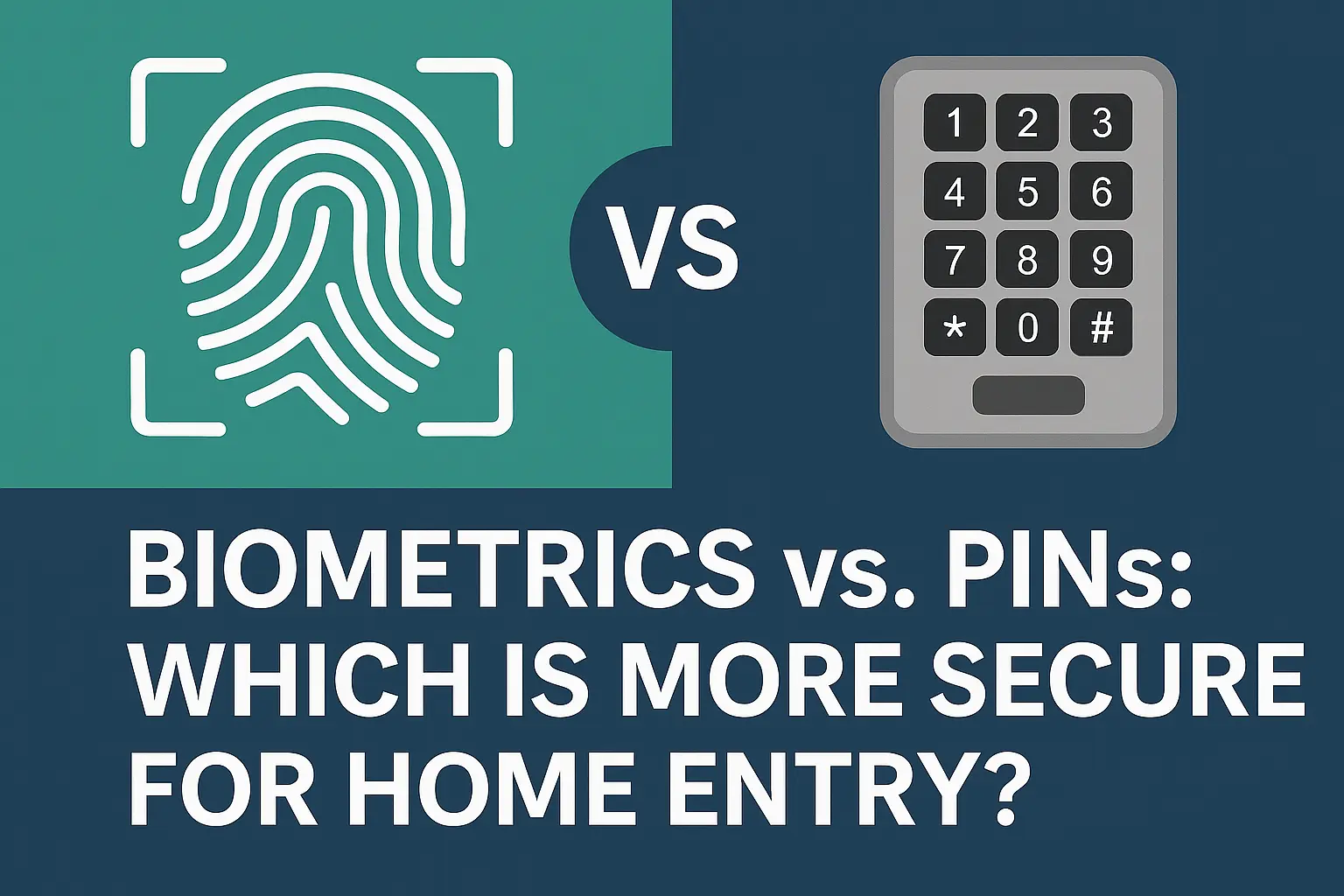
- Fingerprint Scanners: Integrated into smart locks or keypads for secure, keyless entry.
- Voice Biometrics: Advanced systems may use voice recognition for disarming the system, adding another layer of security beyond a simple PIN.
Drone Integration
While still in its nascent stages for consumer use, the concept of security drones is being explored.
- Automated Patrols: Drones could be deployed to patrol larger properties or investigate alerts in remote areas.
- Aerial Surveillance: Provide an aerial view of a situation for better situational awareness.
Seamless Cross-Platform Compatibility (Matter)
The Matter standard, supported by major tech companies, aims to unify smart home devices.
- Universal Interoperability: Devices certified with Matter should work together regardless of the brand or ecosystem, simplifying integration and expanding compatibility for security devices.
- Enhanced Security: Matter incorporates robust security features and encryption protocols.
Proactive Cybersecurity Measures
As more devices connect to the internet, cybersecurity becomes paramount.
- End-to-End Encryption: Ensuring data transmitted between devices, hubs, and cloud services is encrypted.
- Regular Security Audits: Manufacturers are increasingly conducting rigorous security audits of their products.
- Secure Boot Processes: Ensuring devices only run trusted firmware.
- User Education: Emphasizing the importance of strong passwords, 2FA, and prompt firmware updates for users.
Integration with Wearable Technology
Smartwatches and other wearables could play a role in security.
- Quick Access to Alerts: Receive immediate notifications on your wrist.
- Emergency SOS Features: Some wearables have built-in SOS features that could potentially be integrated with home security systems.
Environmental Monitoring Advancements
Beyond basic smoke and CO detection, expect more sophisticated environmental sensors.
- Air Quality Sensors: Monitoring for pollutants, allergens, or VOCs.
- Advanced Water Leak Detection: Sensors that can detect moisture in multiple locations or differentiate between minor leaks and major pipe bursts.
The Rise of the Proactive Home Security Guardian
The future points towards security systems that are not just reactive but proactive. They will anticipate potential threats, offer intelligent insights, and integrate even more deeply into the fabric of our daily lives, providing a truly comprehensive and intuitive layer of protection.
Real-World Scenarios and Case Studies
To truly appreciate the value of a smart home security alarm system, let's explore some real-world scenarios and how these systems have made a tangible difference. These examples highlight the practical application of technology in safeguarding homes and families.
Scenario 1: The Vacation Alert
The Situation: A family is on a two-week vacation overseas. They have a smart security system with outdoor cameras and door/window sensors.
How the System Helped:
- Motion Alert: While they are away, the system detects motion near their back patio. The family receives an instant alert on their smartphone.
- Visual Verification: They immediately access the live feed from their backyard camera. They see it's a neighbor's cat that has jumped the fence.
- Peace of Mind: Because they could verify the situation themselves, they avoid unnecessarily contacting the police or a security company, saving time and resources. If it had been an intruder, they would have been able to assess the threat and alert local authorities immediately.
Outcome: The family enjoys their vacation with continued peace of mind, knowing their home is being monitored effectively.
Scenario 2: The Package Thief Deterrent
The Situation: A homeowner frequently receives online deliveries but lives in an area where package theft is a concern. They have a video doorbell and a smart security system.
How the System Helped:
- Delivery Notification: The video doorbell detects the delivery person placing a package on the porch and sends a notification to the homeowner's phone.
- Deterrence: Later, the system detects motion and a person approaching the porch. The homeowner, alerted by their app, uses the two-way audio feature of the doorbell to say, "I see you there. Can I help you?"
- Intruder Repelled: The would-be thief, surprised by the interaction, quickly leaves the property without taking the package.
Outcome: The homeowner successfully deterred a potential thief and protected their delivery, thanks to the proactive features of their smart security.
Scenario 3: The Environmental Emergency
The Situation: A couple is asleep in their home. A small electrical fire starts in their basement due to faulty wiring. Their smart security system includes integrated smart smoke and CO detectors.
How the System Helped:
- Early Detection: The smart smoke detector immediately senses the smoke and triggers an alarm throughout the house.
- Instant Alerts: Simultaneously, the system sends critical alerts to the couple's smartphones and, if professionally monitored, to the monitoring center.
- Automated Response: The system is programmed to unlock smart doors and turn off the HVAC system to prevent smoke circulation.
- Rapid Emergency Response: The monitoring center verifies the alarm and dispatches the fire department within minutes.
Outcome: The early detection and automated response allowed the couple to evacuate safely and minimized potential damage from the fire. The quick dispatch of emergency services was crucial.
Scenario 4: The "Forgot to Arm" Solution
The Situation: A busy parent rushes out the door after dropping their kids off at school, forgetting to arm the security system.
How the System Helped:
- Remote Arming: While at work, the parent remembers they forgot to arm the system. They open the security app on their phone.
- Simple Operation: With a few taps, they arm the system remotely, ensuring the house is protected for the rest of the day.
- Confirmation: They receive a confirmation notification that the system has been successfully armed.
Outcome: The parent avoided a potential security lapse and gained peace of mind, all through the convenience of remote control.
Case Study: The Smart Home Integration for Enhanced Living
The Setup: A homeowner has invested in a comprehensive smart home ecosystem, including a smart security system, smart locks, smart lights, and smart speakers.
The Integration:
- "Goodnight" Routine: When the homeowner says, "Hey Google, goodnight," the system performs a series of actions: it arms the security system in "Home" mode, locks all smart doors, turns off all lights except for a designated night light, and sets the thermostat to a comfortable sleeping temperature.
- "Away" Routine: When they say, "Alexa, I'm leaving," the system arms the security system in "Away" mode, locks all doors, and turns off all lights.
- Visitor Management: When a visitor arrives and rings the smart doorbell, the homeowner can see and speak to them via their phone, and if they wish, unlock the smart lock remotely to grant access.
Outcome: This level of integration creates a highly convenient and secure living environment, where security is not an afterthought but an intrinsic part of daily routines.
Conclusion: Securing Your Future Today
In the dynamic world of 2025-26, a smart home security alarm system is no longer a mere luxury; it's an indispensable component of modern living, offering unparalleled protection, convenience, and peace of mind. We've explored how these advanced systems leverage cutting-edge technology, from intelligent sensors and AI-powered cameras to seamless mobile integration, to provide a robust defense against intrusions and environmental hazards. The ability to monitor and control your home from anywhere, coupled with the potential for advanced automation and integration with your broader smart home ecosystem, transforms your residence into a truly secure and responsive sanctuary.
Choosing the right system involves a careful assessment of your specific needs, budget, and desired level of control, whether that means a DIY setup or professional installation and monitoring. By understanding the key components, types of systems, and crucial installation considerations, you can make an informed decision that aligns with your lifestyle. The future of home security is intelligent, proactive, and interconnected, with advancements in AI, cross-platform compatibility, and enhanced analytics continuously raising the bar. Don't wait for an incident to highlight the importance of home security. Invest in a smart home security alarm system today and secure your peace of mind for years to come.