Understanding Home Security System Costs What to Expect
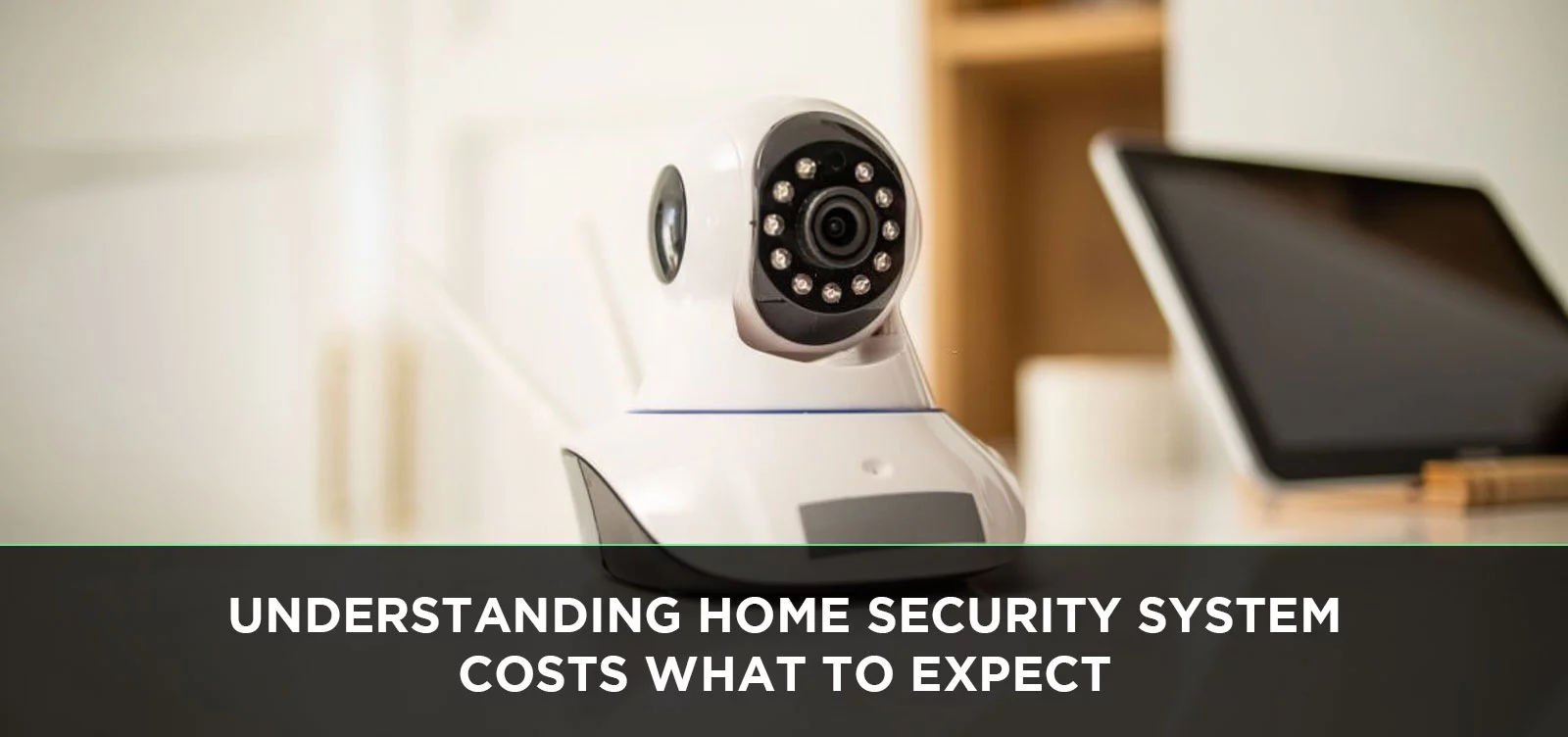
Navigating the world of home security systems can feel overwhelming, especially when faced with varying costs. This guide breaks down what to expect in 2025-26, covering installation, equipment, monitoring fees, and hidden expenses, empowering you to make an informed decision for your peace of mind.
Understanding Home Security System Costs: What to Expect in 2025-26
Investing in a home security system is a significant decision, driven by the desire for safety and peace of mind. However, the financial aspect often raises questions. In 2025-26, understanding the true cost involves looking beyond the initial price tag to encompass equipment, installation, ongoing monitoring fees, and potential hidden charges. This comprehensive guide will demystify the expense associated with securing your home, providing you with the knowledge to make an informed and budget-conscious choice.
The Initial Investment: Equipment and Installation
The upfront cost of a home security system is typically the most substantial portion of the overall expense. This includes the price of the hardware itself and the cost associated with setting it up in your home. The range can be vast, from a few hundred dollars for a basic DIY setup to several thousand for a professionally installed, feature-rich system.
DIY vs. Professional Installation
One of the primary drivers of initial cost is whether you opt for a do-it-yourself (DIY) installation or professional installation. Each approach has its own cost implications and benefits.
DIY Home Security Systems: These systems are designed for easy setup by the homeowner. Components are typically wireless and communicate with a central hub. Installation usually involves mounting sensors, cameras, and the control panel, then connecting them via a mobile app. The primary advantage is cost savings, as you eliminate professional labor fees. However, it requires some technical aptitude and time commitment from the homeowner.
- Pros: Significant cost savings on installation, flexibility in placement, often lower monthly fees.
- Cons: Requires homeowner effort and time, potential for installation errors, may lack advanced features of professional systems.
- Estimated Cost (DIY): $200 - $800 for equipment, with installation being free (your time).
Professional Home Security Systems: These systems are installed by trained technicians. They often involve more complex wiring, integration with existing home infrastructure, and a wider array of sensors and devices. While more expensive upfront due to labor costs, professional installation ensures optimal placement, correct configuration, and can offer a more robust and integrated security solution. Many professional systems also come with a service agreement that includes ongoing support.
- Pros: Expert installation, optimal system performance, often includes advanced features and support, peace of mind knowing it's done correctly.
- Cons: Higher upfront cost due to labor, may require scheduling appointments.
- Estimated Cost (Professional): $500 - $2,500+ for equipment and installation, depending on system complexity.
Equipment Packages and Tiers
Home security providers offer various packages, often categorized into tiers. These tiers dictate the number and type of devices included, influencing the overall price. Understanding these tiers is crucial for managing your budget.
- Basic Packages: Typically include a control panel, a few door/window sensors, and a motion detector. These are suitable for smaller homes or apartments and offer fundamental security.
- Standard Packages: Add more sensors, perhaps a keypad, and often include a basic indoor camera or a smart doorbell. These are a good middle-ground for most average-sized homes.
- Premium Packages: Feature a comprehensive suite of devices, including multiple cameras (indoor/outdoor), advanced sensors (glass break, environmental), smart home integration capabilities (locks, lights), and potentially professional monitoring integration. These are designed for larger homes or those seeking advanced security and automation.
Some companies also offer a la carte options, allowing you to build a custom system. This can be cost-effective if you only need specific components.
Common Equipment Costs
The price of individual components can vary significantly based on brand, features, and technology. Here’s a breakdown of typical costs for common security devices in 2025-26:
| Component | Description | Estimated Cost (2025-26) |
|---|---|---|
| Control Panel/Hub | The central brain of the system, managing communication between devices. | $100 - $300 (DIY), often included in professional packages. |
| Door/Window Sensors | Detect when a door or window is opened. Wireless magnetic sensors are common. | $15 - $30 per sensor. |
| Motion Detectors | Sense movement within a room. Pet-immune options are available. | $30 - $60 per detector. |
| Keypad | For arming/disarming the system manually. Often integrated into the control panel. | $50 - $100 (if separate). |
| Indoor Security Camera | For monitoring activity inside the home. Features vary (resolution, night vision, two-way audio). | $50 - $200 per camera. |
| Outdoor Security Camera | Weather-resistant cameras for exterior surveillance. Often higher resolution and advanced features. | $100 - $300 per camera. |
| Video Doorbell | Combines a doorbell with a camera, allowing you to see and speak to visitors remotely. | $100 - $250. |
| Glass Break Sensors | Detect the sound frequency of breaking glass. | $30 - $50 per sensor. |
| Environmental Sensors | Detect smoke, carbon monoxide, water leaks, or extreme temperatures. | $40 - $80 per sensor. |
| Yard Sign & Window Decals | Deterrents that inform potential intruders. | $10 - $30 (often included). |
Ongoing Expenses: Monitoring and Maintenance
Beyond the initial purchase and installation, most home security systems involve recurring monthly fees. These fees cover the services that make your system truly effective, such as professional monitoring and cloud storage for video footage.
Professional Monitoring Services
This is the most common ongoing expense. Professional monitoring involves a third-party company that receives alerts from your security system. When an alarm is triggered, trained operators assess the situation and dispatch emergency services (police, fire department, ambulance) if necessary. This service provides a significant layer of security, especially when you are away from home.
- Cost: Monthly fees for professional monitoring typically range from $25 to $60 per month. The price often depends on the provider, the level of service, and whether it's bundled with other features like smart home automation or video storage.
- Benefits: Immediate response to emergencies, verification of alarms, potential for reduced homeowner's insurance premiums.
Self-Monitoring Options
Some DIY systems and even some professional systems offer a self-monitoring option. With self-monitoring, you receive alerts directly on your smartphone or other connected devices when an alarm is triggered. You are then responsible for assessing the situation and contacting emergency services yourself.
- Cost: Self-monitoring often comes with no monthly fee or a significantly reduced fee (e.g., $5-$15 per month) for app access or cloud storage.
- Benefits: Significant cost savings on monthly fees.
- Drawbacks: Requires constant vigilance from the homeowner, can be problematic if you are unavailable or cannot respond quickly, no professional verification of alarms.
Maintenance and Upgrades
While many modern systems are designed for low maintenance, some ongoing costs might arise:
- Battery Replacements: Wireless sensors and cameras rely on batteries that need periodic replacement, typically every 1-3 years. This is usually a minor cost per battery ($5-$15).
- Software Updates: Most systems receive regular software updates for security and feature enhancements. These are usually free, but some advanced features might require a subscription.
- Equipment Upgrades: As technology evolves, you might consider upgrading older components for newer, more advanced ones. This is an optional expense.
- Repairs: While less common with quality equipment, occasional repairs might be necessary, especially for outdoor components exposed to the elements.
Factors Influencing Your Home Security System Cost
Several variables contribute to the final price you'll pay for a home security system. Understanding these factors can help you anticipate costs and make informed choices.
Home Size and Complexity
Larger homes naturally require more sensors to cover all entry points and rooms. Complex layouts with multiple stories, basements, or detached garages might necessitate additional equipment and potentially more intricate installation, driving up the initial and ongoing costs.
- Example: A 1,000 sq ft apartment might need 5-7 sensors, while a 3,000 sq ft, two-story house could require 15-20 sensors, plus potentially motion detectors for larger common areas.
Technology and Features
The sophistication of the technology and the features offered significantly impact the price. High-definition cameras with advanced night vision, AI-powered person detection, two-way audio, smart home integration capabilities (like voice control or integration with smart locks and lights), and cellular backup for internet outages all add to the cost.
- Basic: Simple alarm triggers, basic sensors.
- Intermediate: Includes cameras, smart doorbell, app control.
- Advanced: AI features, comprehensive smart home integration, cellular backup, advanced analytics.
Contract Length and Provider
Many security companies offer different contract terms. Longer contracts (e.g., 3-5 years) often come with lower upfront equipment costs or installation fees, as the provider recoups their investment over time. Shorter contracts or month-to-month options usually require a higher initial payment for equipment.
The provider you choose also plays a role. Established national brands might have higher price points but offer a wider service network. Smaller regional providers or specialized DIY companies might offer more competitive pricing but with potentially less extensive support.
Geographic Location
The cost of living and labor rates in your specific geographic area can influence installation fees and, to a lesser extent, equipment costs. In major metropolitan areas, you might find higher installation charges compared to rural or suburban regions. Additionally, some areas may have specific local regulations or requirements that could affect system choices and costs.
Hidden Costs to Watch Out For
To avoid unpleasant surprises, it's essential to be aware of potential hidden costs that might not be immediately apparent when signing up for a home security system.
Activation Fees
Some companies charge a one-time activation fee to set up your account and connect your system to their monitoring center. These fees can range from $25 to $100 or more. Always ask if activation fees apply and if they can be waived, especially during promotional periods.
Equipment Rental vs. Purchase
Be clear about whether you are purchasing the equipment outright or renting it. Purchasing usually has a higher upfront cost but means the equipment is yours. Renting spreads the cost over time, often included in your monthly monitoring fee, but you don't own the hardware. If you move, rented equipment typically needs to be returned or transferred, potentially incurring additional fees. If you stop service, you'll lose access to rented equipment.
Moving and Relocation Fees
If you move, transferring your security system to a new address can incur fees. These might include deactivation fees at the old location, activation fees at the new one, and potentially the cost of new installation services. Some companies offer relocation kits or discounts, so inquire about these policies beforehand.
Service Cancellation Fees
If you are on a contract and decide to cancel your service before the term ends, you will likely face substantial cancellation fees. These fees are designed to recoup the provider's investment in your discounted equipment or installation. Understand the contract terms regarding early termination thoroughly.
Battery Replacements and Repairs
While mentioned under maintenance, it's worth reiterating. The cost of replacing batteries for wireless sensors and cameras (typically every 1-3 years) is an ongoing expense. Also, while most systems come with warranties, out-of-warranty repairs can be costly, especially for specialized components.
Budgeting Strategies for Home Security
Securing your home doesn't have to break the bank. With smart planning and careful consideration, you can find a system that fits your budget and provides adequate protection.
Prioritize Essential Features
Determine what security features are non-negotiable for your needs. Do you absolutely need high-definition outdoor cameras, or would basic door/window sensors and a motion detector suffice? Focusing on essentials can significantly reduce upfront and monthly costs. For example, if you live in a secure apartment building, the need for multiple exterior cameras might be minimal.
Compare Quotes from Multiple Providers
Never settle for the first quote you receive. Contact at least three different security companies (national, regional, and DIY options) to compare their equipment packages, installation costs, monthly monitoring fees, contract terms, and any additional charges. This competitive process often leads to better pricing and service.
Consider Package Deals
Most security providers offer bundled packages that are more cost-effective than purchasing individual components. These packages are often designed for specific home sizes or security needs, providing a good balance of features and value. Look for deals that include installation and a certain period of monitoring.
Look for Promotions and Discounts
Security companies frequently run promotions, especially during peak seasons or holidays. These can include waived installation fees, discounted equipment, or reduced monthly rates for a limited time. Also, inquire about discounts for specific groups, such as seniors, military personnel, or members of certain organizations. Bundling with other services (like internet or cable) might also yield savings.
Understand Your Contract Thoroughly
Before signing anything, read your contract with a fine-tooth comb. Pay close attention to the contract length, cancellation policies, equipment ownership terms, warranty information, and any clauses regarding price increases. Don't hesitate to ask for clarification on anything you don't understand.
Average Costs 2025-26: A Snapshot
Based on current market trends and projections for 2025-26, here's a general overview of what homeowners can expect to pay:
- DIY Systems (e.g., Ring Alarm, SimpliSafe, Abode):
- Upfront Equipment Cost: $200 - $600 (depending on package size)
- Monthly Monitoring Fee: $0 (self-monitored) to $20-$30 (professional monitoring, often with app features and cloud storage).
- Total First Year Cost: $200 - $960
- Annual Cost (after first year): $0 - $360
- Professionally Installed Systems (e.g., ADT, Vivint, Brinks Home):
- Upfront Equipment & Installation Cost: $500 - $2,500+ (can be lower with long contracts, higher with no contract)
- Monthly Monitoring Fee: $35 - $60 (often includes advanced features and customer support)
- Total First Year Cost: $920 - $3,200+
- Annual Cost (after first year): $420 - $720+
These figures are averages and can fluctuate based on the specific system, provider, and your home's unique requirements. For instance, a basic professional installation with a 3-year contract might have an upfront cost of $500 and monthly fees of $40, making the first year around $980. A high-end DIY system with many cameras and professional monitoring might cost $800 upfront with $30 monthly, totaling $1160 for the first year.
Conclusion: Making the Right Choice
Understanding home security system costs in 2025-26 is about more than just the sticker price. It involves a careful evaluation of initial equipment and installation expenses, ongoing monitoring fees, and potential hidden charges. By prioritizing your needs, comparing multiple providers, understanding contract terms, and being aware of factors like home size and desired features, you can confidently select a system that offers robust protection without exceeding your budget. Whether you opt for a flexible DIY solution or a comprehensive professionally installed system, the investment in home security is an investment in your family's safety and your own peace of mind. Thorough research and informed decision-making are your best tools in this process.