What is a Smart Door Lock & Should You Get One?
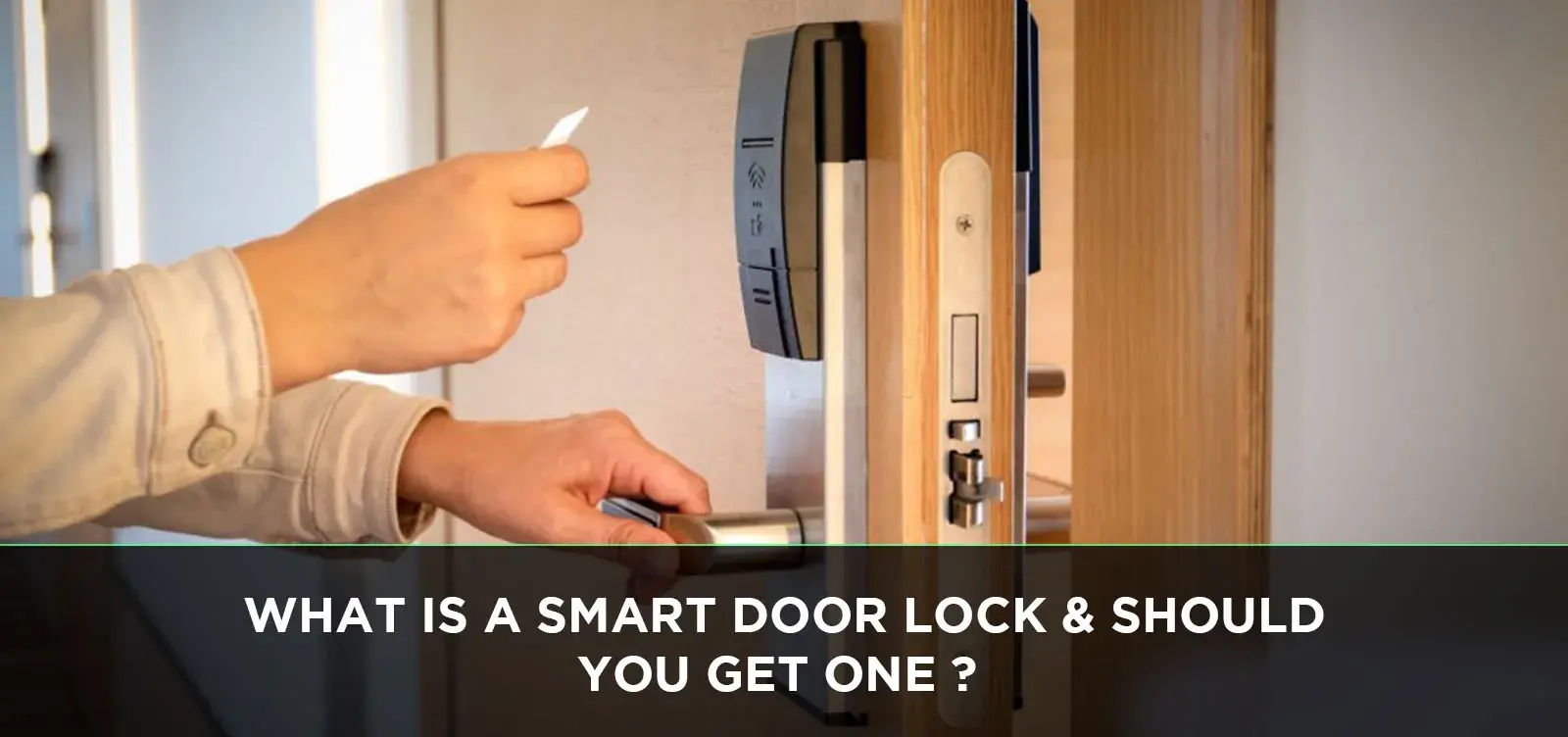
Explore the world of smart door locks and discover if upgrading your home security is the right move. This guide breaks down what they are, how they work, and the benefits they offer, helping you make an informed decision for a more convenient and secure home.
What Exactly is a Smart Door Lock?
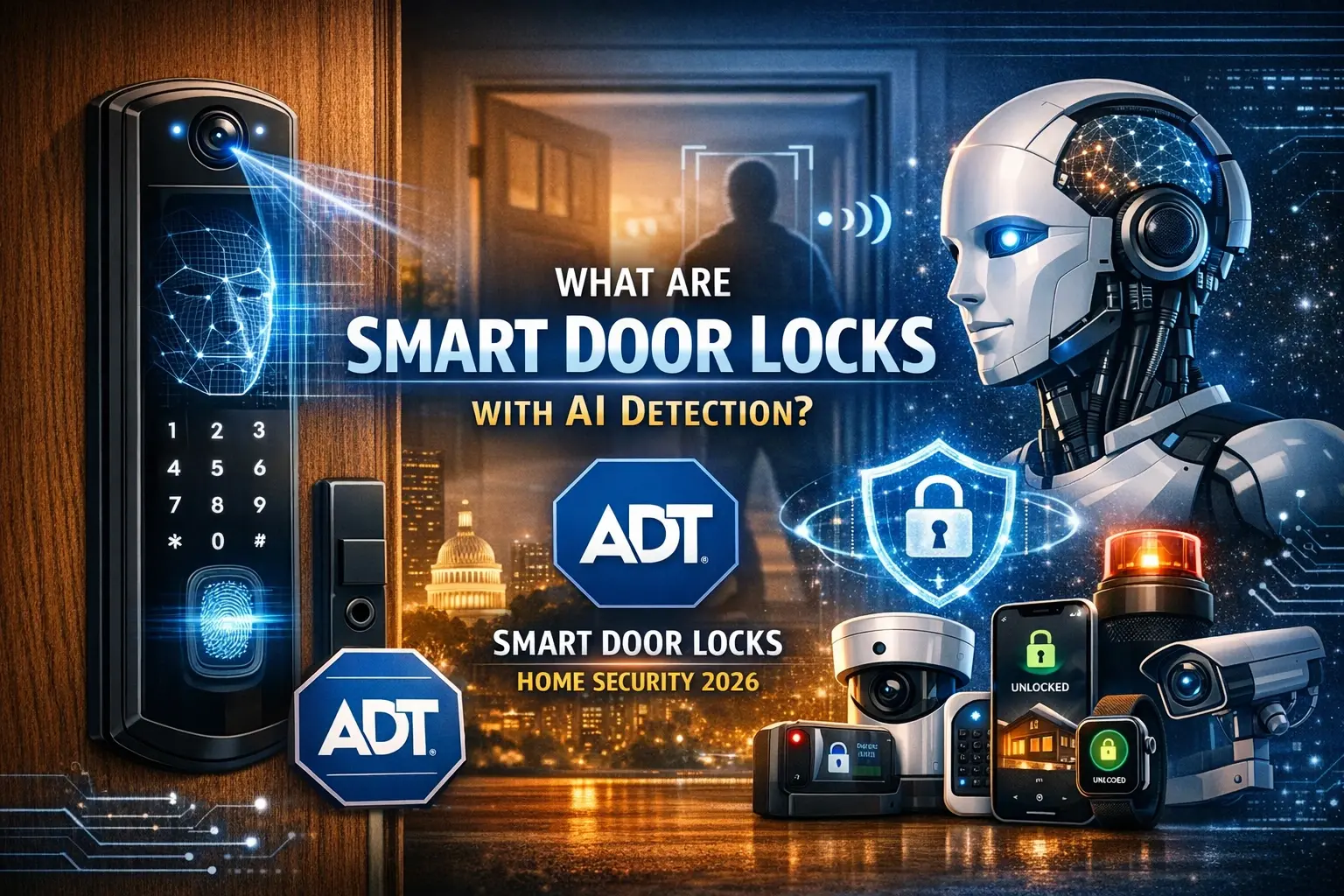
At its core, a smart door lock is a modern upgrade to your traditional deadbolt or doorknob. It's a lock that can be operated remotely, typically via a smartphone app, or through other wireless means like Bluetooth, Wi-Fi, or Z-Wave. Unlike conventional locks that rely solely on a physical key, smart locks offer a variety of access methods, including keypads, fingerprint scanners, voice commands, and even automatic locking/unlocking based on your proximity. They are designed to enhance convenience, improve security, and provide greater control over who enters your home.
The primary goal of a smart lock is to move beyond the limitations of physical keys. Imagine never having to worry about losing your keys again, or being able to grant temporary access to a pet sitter or a delivery person without being physically present. This is the promise of smart lock technology, a key component in the burgeoning smart home ecosystem.
How Do Smart Door Locks Actually Work?
The functionality of a smart door lock is a blend of mechanical engineering and digital technology. At the heart of it, a smart lock replaces the traditional key cylinder with an electronic mechanism. This mechanism is controlled by a small motor or solenoid that engages and disengages the deadbolt or latch.
The "smart" aspect comes from the communication capabilities. Most smart locks connect to your home's Wi-Fi network or via Bluetooth to a smartphone. This connection allows for remote control and monitoring.
Communication Protocols
Several communication protocols are employed by smart door locks, each with its own advantages:
- Wi-Fi: Allows for direct connection to your home network, enabling remote access from anywhere with an internet connection. This is the most common for full remote control.
- Bluetooth: Offers a more localized connection, typically controlled by a smartphone within a certain range (around 30-50 feet). It's often more power-efficient but limits remote access unless paired with a Wi-Fi bridge.
- Z-Wave and Zigbee: These are low-power, mesh networking protocols commonly used in smart home automation. They require a separate hub to connect to your Wi-Fi network but offer excellent reliability and interoperability with other smart home devices.
Power Source
Smart locks are typically battery-powered. Modern devices are designed to be highly energy-efficient, with batteries lasting anywhere from a few months to over a year, depending on usage and the specific model. Many offer low-battery alerts through their companion apps, giving you ample time to replace them.
User Authentication
Beyond remote control, smart locks offer various ways to authenticate users:
- Smartphone App: The most common method, using Bluetooth or Wi-Fi to send commands to unlock or lock the door.
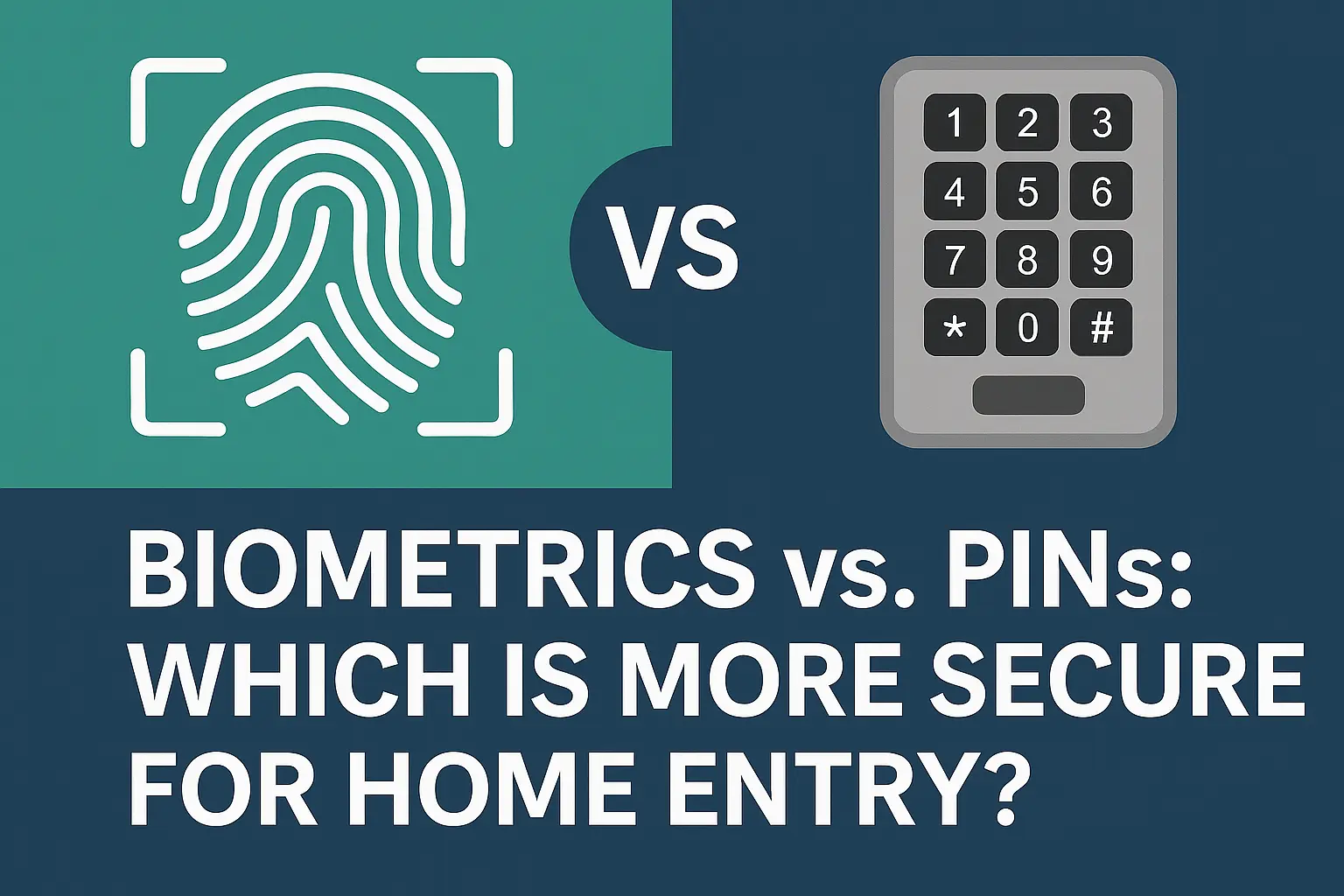
- Keypads: Users enter a unique PIN code.
- Fingerprint Scanners: Biometric authentication for quick and secure access.
- Voice Commands: Integration with smart assistants like Amazon Alexa or Google Assistant allows for voice-activated locking and unlocking (often with an added voice PIN for security).
- Physical Keys: Most smart locks retain a traditional keyhole as a backup, ensuring you can always get in.
Exploring the Different Types of Smart Door Locks
The smart lock market has diversified, offering various designs and functionalities to suit different needs and preferences. Understanding these types can help you pinpoint the best fit for your home.
Full Replacement Smart Locks
These are the most comprehensive smart locks, replacing your entire existing deadbolt assembly. They typically include an exterior keypad or fingerprint scanner and an interior component that houses the motor and electronics. These offer the most robust feature sets and often the most secure installation.
- Pros: Full suite of smart features, often enhanced security, sleek aesthetic integration.
- Cons: Can be more expensive, requires full installation.
Smart Lock Retrofit Kits
These kits are designed to work with your existing deadbolt. They typically attach to the interior side of your door, covering your existing thumbturn. The exterior of your door remains unchanged, preserving your home's original look. They use a motor to turn the deadbolt. While they offer smart features, they might not have the same level of security as full replacements as they rely on the integrity of your existing deadbolt mechanism.
- Pros: Easy installation, preserves exterior door appearance, generally less expensive than full replacements.
- Cons: Limited smart features compared to full replacements, security relies on existing deadbolt.
Smart Padlocks
While less common for main entry doors, smart padlocks are gaining traction for sheds, gates, and storage units. They offer keyless entry via smartphone app, fingerprint, or keypad, providing a modern solution for securing secondary access points.
- Pros: Versatile for various applications, keyless convenience.
- Cons: Not suitable for primary home entry, can be bulkier.
Smart Door Knobs/Levers
These smart locks replace your existing doorknob or lever. They often incorporate a keypad or fingerprint scanner directly into the handle. While convenient for single-point locking systems, they are generally less secure than deadbolts and are not recommended for exterior doors that require robust security.
- Pros: Integrated design, easy to use.
- Cons: Less secure than deadbolts, not ideal for primary exterior doors.
Essential Features to Consider in a Smart Lock
When evaluating smart door locks, several key features can significantly impact your experience and the lock's suitability for your needs. In 2025-26, the market offers advanced options, so it's crucial to know what to look for.
Access Methods
Consider how you and your family will primarily access your home. Options include:
- Keypad: Essential for guests or when your phone isn't handy. Look for backlit keypads for nighttime use.
- Fingerprint Scanner: Offers rapid and secure access. Ensure the scanner is responsive and accurate, even with varying conditions (e.g., slightly damp fingers).
- Smartphone App: The core of smart lock functionality, enabling remote control and user management.
- Voice Control: Integration with Alexa, Google Assistant, or Siri for hands-free operation.
- Auto-Lock/Unlock: The lock automatically locks after a set time or unlocks when you approach with your phone (geofencing).
Connectivity and Remote Access
For true remote control, Wi-Fi connectivity is paramount. If a lock only uses Bluetooth, you'll need a Wi-Fi bridge or gateway to enable remote access when you're away from home. Check the reliability of the app and the network connection. In 2025, most reputable brands offer robust Wi-Fi integration.
Security Features
- Encryption: Ensure the lock uses strong encryption protocols (e.g., AES-128 or AES-256) to protect data transmitted between your device and the lock.
- Tamper Alerts: Notifications sent to your phone if someone tries to force the lock or tamper with it.
- Activity Logs: Detailed records of who unlocked the door, when, and how. This is invaluable for monitoring access.
- Bank-Grade Security: Many manufacturers now advertise "bank-grade" security, implying robust encryption and secure communication channels.
Battery Life and Backup Options
Long battery life is crucial to avoid being locked out. Look for locks with at least 6-12 months of battery life under normal usage. Also, check for low-battery indicators and backup power options, such as a 9V battery terminal on the exterior for emergency power.
Durability and Weather Resistance
If your lock is exposed to the elements, ensure it has a good IP (Ingress Protection) rating for water and dust resistance. Materials like solid brass or stainless steel offer better durability.
User Management
The ability to create and manage unique access codes for family members, guests, or service providers is a key benefit. Look for features that allow you to set time restrictions for these codes (e.g., only valid during business hours).
Smart Home Compatibility
Consider how the lock will integrate with your existing smart home system. Compatibility with platforms like Apple HomeKit, Google Home, Amazon Alexa, Samsung SmartThings, or IFTTT can unlock advanced automation possibilities.
The Compelling Advantages of Adopting Smart Locks
The move towards smart locks isn't just about novelty; it's driven by a desire for enhanced security, unparalleled convenience, and greater control over our homes. By 2025-26, these benefits are more pronounced than ever.
Unmatched Convenience
Perhaps the most significant advantage is the elimination of fumbling for keys. With a smart lock, you can unlock your door with a tap on your smartphone, a quick fingerprint scan, or even a voice command. Auto-lock features mean you never have to worry if you forgot to secure your home after leaving. Granting temporary access to visitors or service providers is as simple as sending a digital key or code via an app, removing the need for physical key exchanges.
Enhanced Security
Smart locks offer several security advantages over traditional locks:
- Activity Monitoring: Detailed logs of who entered and when provide peace of mind and a record in case of any incidents.
- Remote Locking/Unlocking: If you forget to lock your door, you can do so remotely from your smartphone. Conversely, if a trusted person needs access urgently, you can grant it from afar.
- Tamper Alerts: Receive immediate notifications on your phone if someone attempts to break into your door, allowing for quicker response.
- No Lost Keys: The risk of a lost or stolen key falling into the wrong hands is eliminated. You can simply revoke digital access codes.
- Stronger Encryption: Reputable smart locks use advanced encryption to protect against digital breaches.
Improved Access Control and Guest Management
Smart locks excel at managing who has access to your home. You can:
- Create Unique Codes: Assign personalized PINs to family members, renters, or dog walkers.
- Set Time-Limited Access: Grant access only during specific hours or days, ideal for service providers.
- Revoke Access Instantly: If a guest overstays their welcome or a service provider's contract ends, their access can be deactivated immediately.
- Temporary Digital Keys: Send digital keys that expire after a set period, perfect for short-term visitors.
Seamless Smart Home Integration
For those building a smart home, smart locks are a crucial component. They can be integrated with other smart devices to create automated routines:
- "Welcome Home" Scenes: When you unlock your door, lights can turn on, your thermostat can adjust, and your favorite music can start playing.
- "Away" Modes: When you lock your door, your smart home can arm its security system, turn off lights, and adjust climate control.
- Voice Assistant Control: Lock or check the status of your door using voice commands through Alexa, Google Assistant, or Siri.
Potential for Increased Home Value
As smart home technology becomes more mainstream, properties equipped with smart security features like smart locks can be more attractive to potential buyers, potentially increasing their resale value. According to a 2025 report by the National Association of Realtors, homes with integrated smart technology are increasingly sought after.
Peace of Mind
Ultimately, the combination of enhanced security, convenience, and control translates to greater peace of mind. Knowing your home is secure, being able to monitor access, and having the flexibility to grant entry remotely offers a level of comfort that traditional locks simply cannot match.
Weighing the Potential Drawbacks and Important Considerations
While smart door locks offer significant advantages, it's essential to approach their adoption with a clear understanding of potential drawbacks and necessary considerations. By 2025-26, many of these have been addressed by manufacturers, but awareness remains key.
Power Dependency
Smart locks rely on batteries. While modern locks are energy-efficient, batteries can still die, potentially leaving you locked out if you haven't planned accordingly. Always ensure you have a backup plan, such as a physical key or a 9V battery terminal on the lock's exterior for emergency power.
Connectivity Issues
Wi-Fi or Bluetooth connectivity is essential for remote access and smart features. If your internet connection is unstable, or your Wi-Fi signal is weak near the door, the lock's functionality can be compromised. For Bluetooth-only locks, being out of range means losing remote control unless a bridge is used.
Cybersecurity Risks
Like any connected device, smart locks are susceptible to hacking. While reputable brands employ robust encryption, vulnerabilities can exist. It's crucial to choose locks from trusted manufacturers, keep firmware updated, and use strong, unique passwords for your Wi-Fi network and associated accounts.
Cost
Smart door locks are generally more expensive than traditional deadbolts. The initial investment can range from $100 to $300 or more, depending on the brand, features, and type of lock. Factor in potential costs for Wi-Fi bridges or professional installation if needed.
Complexity and Learning Curve
Setting up and managing a smart lock, including creating user codes, setting schedules, and integrating with other smart home devices, can have a learning curve. While most apps are user-friendly, some users may find the initial setup more complex than a traditional lock.
Privacy Concerns
Smart locks collect data about your home access. It's important to understand the manufacturer's privacy policy regarding how this data is stored, used, and protected. Some users may be uncomfortable with the idea of their access data being stored by a third party.
Durability in Extreme Conditions
While many smart locks are designed for outdoor use, extreme temperatures, humidity, or direct exposure to harsh weather can potentially affect their performance or longevity. Check the IP rating and manufacturer specifications carefully if your lock will be exposed to challenging environmental conditions.
Compatibility with Existing Doors
Ensure the smart lock you choose is compatible with your existing door and frame. Most standard doors accommodate common deadbolt sizes, but it's wise to measure and check specifications before purchasing, especially for older or non-standard doors.
Reliance on Smartphone
If you frequently misplace your phone, or if your phone battery dies, you might find yourself in a predicament if you rely solely on your smartphone for access. Having a backup method (keypad, physical key) is highly recommended.
Installation and Setup: What to Expect
Installing a smart door lock is often a DIY-friendly project, but understanding the process can alleviate any concerns. By 2025-26, installation guides and online tutorials are more comprehensive than ever.
DIY Installation
For most full replacement smart locks, installation is similar to replacing a standard deadbolt. The process typically involves:
- Removing the Old Lock: Unscrew and remove the existing deadbolt from both the interior and exterior of the door.
- Preparing the Door: Ensure the door and frame have the correct pre-drilled holes for the new lock. Most smart locks use standard ANSI/BHMA Grade 2 or Grade 1 specifications.
- Installing the New Deadbolt: Insert the new deadbolt mechanism through the door and secure it with screws.
- Mounting the Exterior Unit: Attach the exterior keypad or fingerprint scanner, ensuring the connecting cable passes through the door.
- Mounting the Interior Unit: Connect the cable to the interior assembly and attach it to the door, ensuring the deadbolt tailpiece engages correctly with the interior mechanism.
- Installing Batteries: Insert the required batteries into the interior unit.
- Testing: Manually operate the deadbolt to ensure it moves smoothly.
Many manufacturers provide detailed, step-by-step instructions, often with accompanying videos, to guide you through the process. For retrofit kits, installation is even simpler, often involving just attaching the unit to the interior thumbturn.
Professional Installation
If you're not comfortable with DIY projects, or if your door has non-standard fittings, professional installation is a viable option. Locksmiths or smart home installation services can ensure the lock is fitted correctly and securely. This can be particularly beneficial for ensuring optimal security and integration with your smart home system.
Initial Setup and App Configuration
Once the lock is physically installed, the next step is the software setup:
- Download the App: Install the manufacturer's dedicated smartphone app on your iOS or Android device.
- Create an Account: Sign up for an account with the lock manufacturer.
- Pair the Lock: Follow the app's instructions to connect your smartphone to the lock, usually via Bluetooth initially.
- Connect to Wi-Fi: If the lock supports Wi-Fi, you'll typically configure it to connect to your home network through the app.
- Set Up User Codes: Create your primary administrator code and then add PINs for family members and guests.
- Configure Settings: Customize auto-lock times, notification preferences, and other settings within the app.
- Integrate with Smart Home Platforms: If desired, link your smart lock account to your preferred smart home ecosystem (e.g., Alexa, Google Home).
The entire setup process, from physical installation to app configuration, can often be completed within an hour or two for most users.
Understanding Smart Lock Security and Privacy Concerns
As with any internet-connected device, smart door locks raise valid questions about security and privacy. By 2025-26, manufacturers have made significant strides in addressing these concerns, but user vigilance remains crucial.
Cybersecurity Vulnerabilities
The primary concern is the potential for hacking. Malicious actors could attempt to gain unauthorized access through exploiting software vulnerabilities, intercepting communication signals, or brute-forcing access codes. However, reputable smart lock manufacturers invest heavily in security measures:
- Robust Encryption: Modern smart locks use industry-standard encryption protocols (e.g., AES-128, AES-256) for data transmission between the lock, your smartphone, and the cloud.
- Secure Communication Channels: Protocols like TLS/SSL are used to ensure secure data transfer.
- Regular Firmware Updates: Manufacturers regularly release firmware updates to patch security vulnerabilities and improve overall system performance. It's vital to enable automatic updates or perform them promptly.
- Two-Factor Authentication (2FA): For associated accounts, using 2FA adds an extra layer of security, requiring more than just a password to log in.
Physical Security
While digital security is crucial, the physical integrity of the lock itself is also important. Smart locks are typically built with durable materials and often meet ANSI/BHMA security standards (Grade 1 or Grade 2). Features like tamper detection and alarms provide an additional layer of physical security.
Privacy of Data
Smart locks collect data, including access logs (who entered, when, and how), usage patterns, and potentially location data. Understanding the manufacturer's privacy policy is essential:
- Data Collection: Be aware of what data is collected and how it's used. Most manufacturers state data is used to improve services or provide functionality.
- Data Storage: Understand where your data is stored (e.g., on your phone, in the cloud) and the security measures in place to protect it.
- Third-Party Sharing: Check if the manufacturer shares your data with third parties and under what conditions.
- User Control: Reputable companies offer users control over their data, including the ability to delete it.
Mitigating Risks
To enhance your smart lock's security and protect your privacy:
- Choose Reputable Brands: Opt for well-known manufacturers with a strong track record in security and privacy.
- Use Strong, Unique Passwords: For your Wi-Fi network and any accounts associated with the smart lock.
- Enable Automatic Updates: Ensure your lock's firmware is always up-to-date.
- Be Cautious with Guest Access: Only grant access to trusted individuals and set time limits where possible.
- Review Privacy Policies: Understand how your data is handled.
- Secure Your Smartphone: Use a strong passcode or biometric lock on your smartphone.
- Consider a Wi-Fi Bridge for Enhanced Security: Some users prefer to keep their smart lock on a separate, isolated network for added security.
Seamless Integration: Connecting Your Smart Lock to Your Smart Home Ecosystem
One of the most exciting aspects of smart door locks is their ability to integrate with a broader smart home ecosystem. This connectivity unlocks a world of automation, convenience, and enhanced control. By 2025-26, interoperability is a key selling point.
Popular Smart Home Platforms
Most smart locks are designed to work with major smart home platforms:
- Amazon Alexa: Control your lock with voice commands, check its status, and integrate it into Alexa Routines (e.g., "Alexa, lock the front door").
- Google Assistant: Similar to Alexa, Google Assistant allows for voice control and integration into Google Home routines. Unlocking via voice often requires an additional voice PIN for security.
- Apple HomeKit: For Apple users, HomeKit offers seamless integration with iPhones, iPads, and Apple Watches. It allows for remote control via the Home app and Siri, and can be part of HomeKit automations.
- Samsung SmartThings: A comprehensive smart home hub that connects a wide range of devices, including many smart locks. SmartThings enables complex automation scenarios and remote management.
- IFTTT (If This Then That): This service allows you to create custom applets that connect different apps and devices, enabling highly personalized automations. For example, "If my smart lock unlocks, then send me a text message."
Creating Smart Home Routines and Scenes
The real power of integration lies in creating automated routines:
- "Welcome Home" Scenario: When you unlock your front door, your smart lock can trigger other devices to turn on lights, adjust the thermostat to your preferred temperature, and even start your smart speaker playing music.
- "Goodnight" Routine: As you lock your door for the night, your smart lock can signal your smart home to arm the security system, turn off all lights, and lower the blinds.
- "Away" Mode: When you leave and lock the door, the smart lock can activate your smart home's "away" mode, which might include turning off unnecessary appliances, setting the thermostat to an energy-saving mode, and arming security cameras.
- Delivery Notifications: Integrate your lock with a smart doorbell or camera. When a delivery person arrives, you could potentially unlock the door for a brief period, allowing them to leave a package inside, and then have the door automatically re-lock.
Benefits of Integration
- Enhanced Convenience: Automating tasks saves time and effort.
- Improved Security: Coordinated actions between devices can enhance your home's overall security posture.
- Energy Efficiency: Smart home routines can optimize energy usage by automatically adjusting lighting and climate control.
- Personalized Experience: Tailor your home's behavior to your specific lifestyle and preferences.
When choosing a smart lock, always check its compatibility with your existing smart home ecosystem to ensure seamless integration and unlock the full potential of your connected home.
Smart Locks vs. Traditional Locks: A Direct Comparison
Understanding the fundamental differences between smart locks and traditional locks is crucial for making an informed decision. While both serve the primary purpose of securing a door, their capabilities, features, and user experience diverge significantly. This comparison, updated for 2025-26, highlights these distinctions.
| Feature | Smart Door Lock | Traditional Door Lock |
|---|---|---|
| Access Method | Smartphone app, keypad, fingerprint, voice command, physical key (backup) | Physical key only |
| Remote Control | Yes, via smartphone app (requires Wi-Fi/Bluetooth) | No |
| Guest Access Management | Easy creation and revocation of digital keys/PINs, time-limited access | Requires physical key duplication, difficult to manage access |
| Activity Monitoring | Detailed logs of who entered, when, and how | No tracking or logging capabilities |
| Security Features | Encryption, tamper alerts, auto-lock, potential for integration with security systems | Physical strength of the lock mechanism and key complexity |
| Convenience | High (keyless entry, remote access, auto-lock) | Limited (requires carrying and using physical keys) |
| Installation | Can be DIY or professional; may require wiring or battery installation | Generally straightforward DIY |
| Cost | Higher initial investment ($100 - $300+) | Lower initial investment ($20 - $100+) |
| Power Source | Battery-powered (requires replacement) | No external power required |
| Smart Home Integration | Yes, compatible with major platforms (Alexa, Google Home, HomeKit, etc.) | No |
| Potential Vulnerabilities | Cybersecurity risks, battery failure, connectivity issues | Physical picking/bumping, lost/stolen keys |
Key Takeaways from the Comparison:
- Functionality: Smart locks offer a vastly expanded range of functionalities beyond basic locking and unlocking.
- Control: The ability to manage access remotely and monitor activity provides a level of control unattainable with traditional locks.
- Convenience vs. Simplicity: While smart locks offer superior convenience, traditional locks offer unparalleled simplicity and are not reliant on power or connectivity.
- Security Trade-offs: Traditional locks are vulnerable to physical attacks and key compromise. Smart locks introduce digital vulnerabilities but offer enhanced monitoring and remote intervention capabilities.
The choice between a smart lock and a traditional lock ultimately depends on your priorities regarding convenience, security needs, budget, and comfort level with technology.
So, Should You Get a Smart Door Lock? Making the Final Decision
Deciding whether to upgrade to a smart door lock is a personal choice that hinges on your lifestyle, security priorities, and comfort with technology. By 2025-26, the benefits are increasingly compelling for a wide range of homeowners.
Consider a Smart Lock If:
- You value convenience: If you're tired of fumbling for keys, want to let guests in remotely, or appreciate the ease of keyless entry, a smart lock is a significant upgrade.
- You have frequent visitors or need to grant temporary access: For homeowners with children, elderly parents, cleaners, dog walkers, or renters, the ability to manage access digitally is invaluable.
- You're building or upgrading a smart home: A smart lock is a cornerstone of a connected home, enabling powerful automations and seamless integration with other devices.
- You desire enhanced security monitoring: The activity logs and tamper alerts provide peace of mind and a digital trail of who is entering your home.
- You often forget to lock your door: The auto-lock feature can provide assurance that your home is secured.
- You want to eliminate the risk of lost or stolen physical keys: Digital access can be revoked instantly, mitigating the security risks associated with lost keys.
You Might Stick with a Traditional Lock If:
- You prefer simplicity and have no need for advanced features: If your current lock serves your needs perfectly and you don't see the value in digital access, a traditional lock is perfectly adequate.
- You have concerns about technology, cybersecurity, or privacy: If you're uncomfortable with connected devices or the potential for hacking, sticking with a traditional, non-connected lock is a valid choice.
- Your budget is extremely limited: While smart locks are becoming more affordable, they still represent a higher initial investment than basic traditional locks.
- You live in an area with unreliable power or internet: While smart locks have battery backups, consistent connectivity is key for their advanced features.
Final Recommendation
For most modern households in 2025-26, the benefits of a smart door lock—enhanced convenience, robust security features, and seamless smart home integration—outweigh the potential drawbacks. The technology has matured significantly, offering reliable performance and strong security protocols. By choosing a reputable brand, understanding its features, and taking basic cybersecurity precautions, a smart lock can significantly improve your home's security and your daily life.
Ultimately, the decision rests on your personal needs. However, the trend towards smarter, more connected homes suggests that smart door locks are not just a luxury, but an increasingly practical and valuable addition for many homeowners seeking to modernize their living spaces.