Choosing the best doorbell camera involves balancing features, price, and your home's specific needs. From advanced motion detection to seamless integration, we break down the top contenders in 2025-26 to help you find the perfect fit for enhanced security and convenience.
What Are Doorbell Cameras and Why Do You Need One?
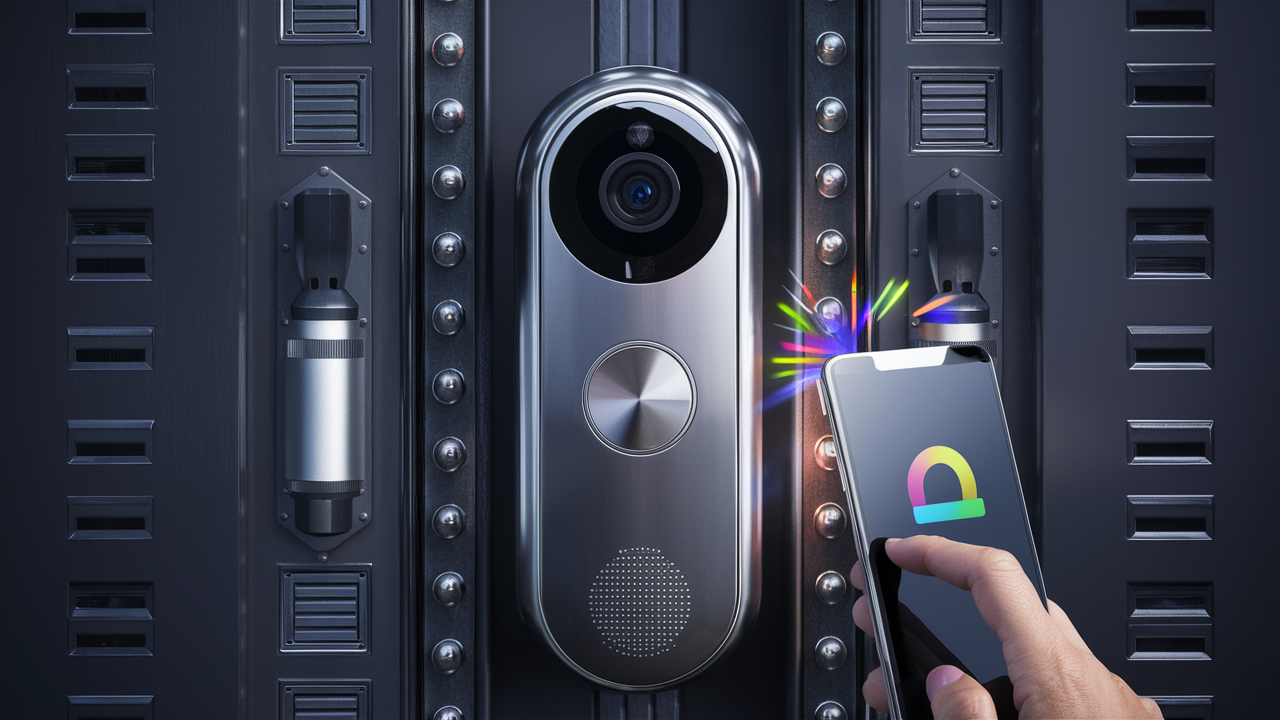
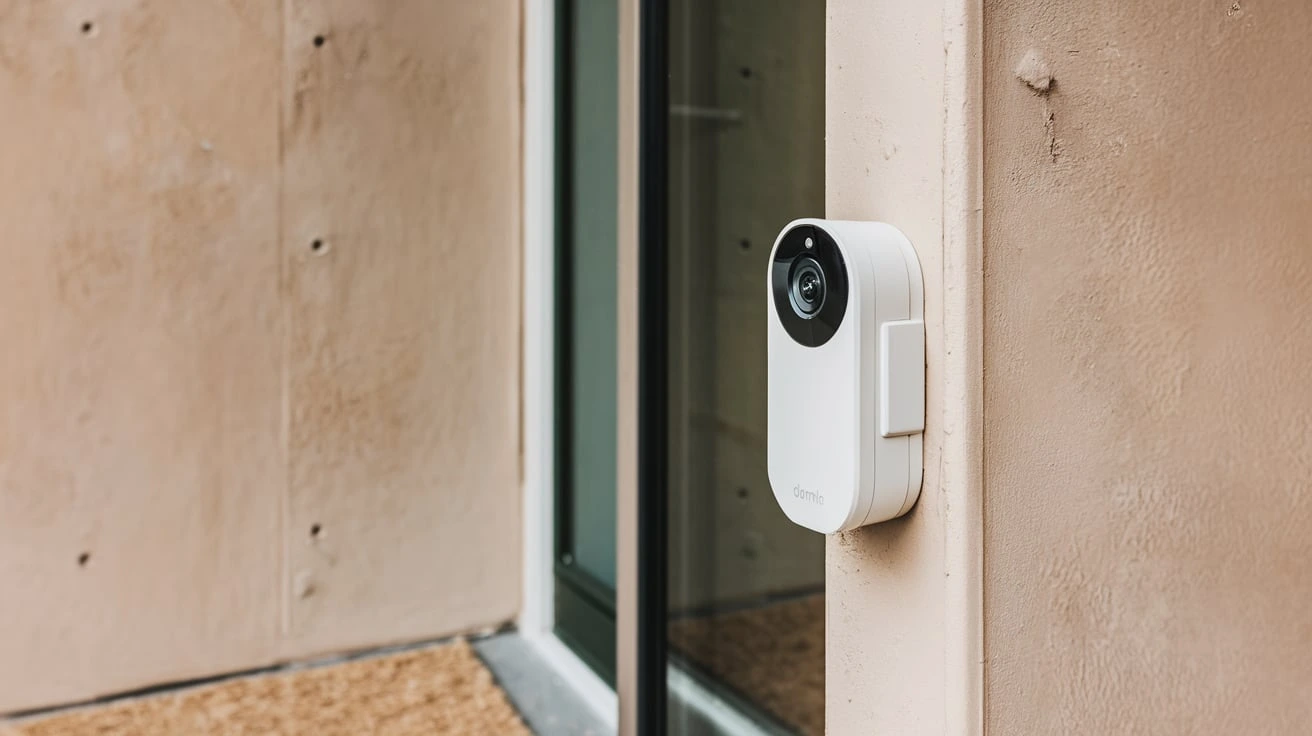
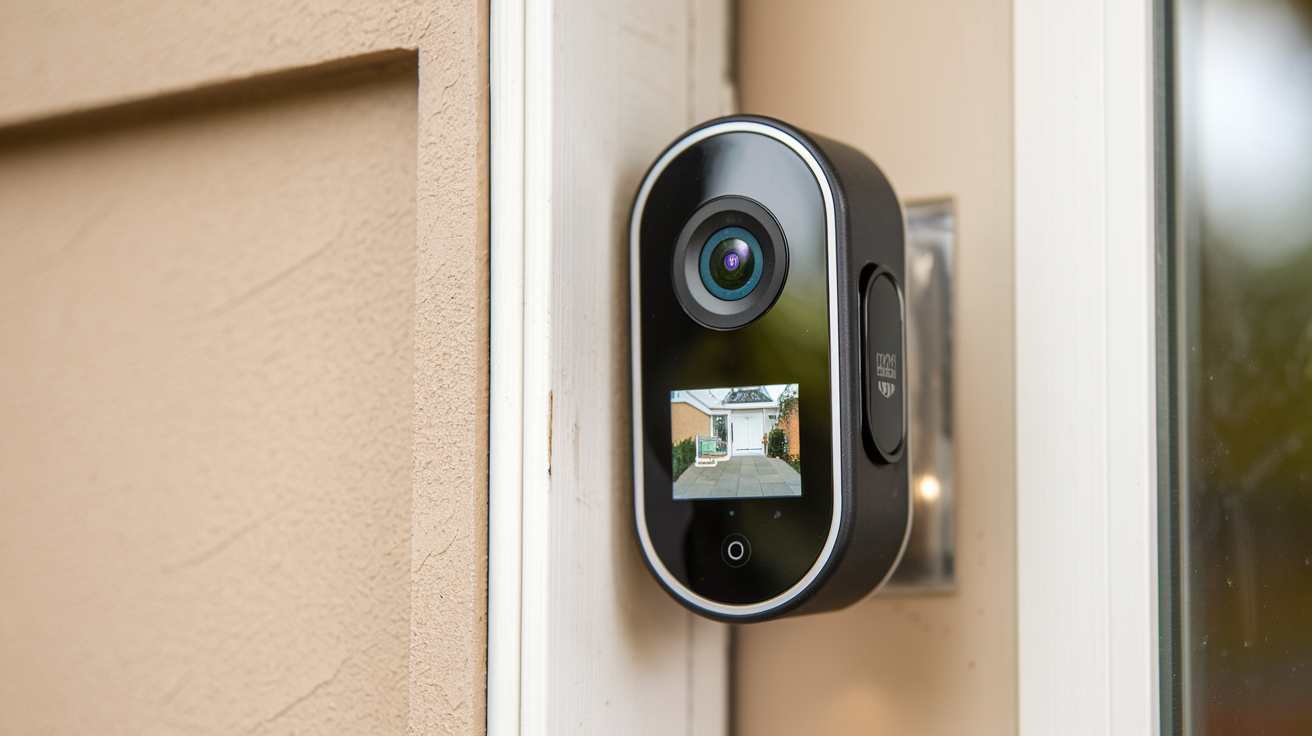
Doorbell cameras, also known as video doorbells, are smart home devices that combine a traditional doorbell with a built-in camera, microphone, and speaker. They connect to your home's Wi-Fi network, allowing you to see, hear, and speak to visitors at your front door from anywhere via a smartphone app. In 2025, they've become an indispensable tool for home security, package theft deterrence, and general convenience.
The primary function is to enhance security. They provide a visual record of who approaches your home, acting as a deterrent to potential intruders. Beyond security, they offer unparalleled convenience. Missed deliveries? You can instruct the delivery person where to leave your package. Curious about who's at the door before you even get there? A quick glance at your phone answers that. With increasing concerns about home safety and the rise of porch piracy – estimated to affect over 200 million packages in the US alone in 2024, a figure projected to rise by 15% in 2025 – a doorbell camera is no longer a luxury but a smart investment.
These devices offer peace of mind, allowing you to monitor your doorstep remotely, whether you're at work, on vacation, or just in another room of the house. They can also be integrated into broader smart home ecosystems, working alongside other security devices for a comprehensive home protection strategy. The evolution of doorbell camera technology has made them more accessible, user-friendly, and feature-rich than ever before, making the question "Which doorbell camera is best?" more relevant than ever.
Key Features to Consider When Choosing
Selecting the right doorbell camera involves understanding the various features available and how they align with your needs. Here's a breakdown of the most crucial aspects to evaluate:
Video Quality and Field of View
High-definition video is essential for clear identification. Look for cameras offering at least 1080p resolution. Wider fields of view (FOV) are also beneficial, allowing you to see more of your porch, including packages left on the ground. A FOV of 160 degrees or more is generally considered excellent.
Motion Detection and Alerts
Advanced motion detection is a hallmark of modern doorbell cameras. Features like customizable motion zones, person detection (which differentiates between people, pets, and vehicles), and even package detection significantly reduce false alerts. Instant notifications to your smartphone are paramount.
Night Vision
The ability to see clearly in low light or complete darkness is critical. Infrared (IR) night vision is standard, but the range and clarity can vary. Some higher-end models offer color night vision, which provides even better detail.
Two-Way Audio
This feature allows you to communicate with visitors in real-time through the camera's built-in microphone and speaker. It's invaluable for speaking with delivery personnel, greeting guests, or warning off unwanted visitors.
Power Source: Wired vs. Battery-Powered
Wired Doorbell Cameras: These connect to your existing doorbell wiring, providing a constant power source. This means no battery charging is required, but installation can be more involved if your existing wiring is outdated or absent.
Battery-Powered Doorbell Cameras: These offer easier installation as they don't rely on existing wiring. However, batteries need periodic recharging or replacement, which can be an inconvenience, especially for high-traffic doors.
Storage Options: Local vs. Cloud
Local Storage: Some cameras offer microSD card slots for storing video recordings directly on the device. This avoids monthly subscription fees but can be less secure if the device is stolen.
Cloud Storage: Most manufacturers offer cloud subscription plans to store footage remotely. This is generally more secure and accessible but incurs ongoing costs. Plans vary in price, storage duration, and features.
Smart Home Integration
Compatibility with other smart home platforms like Amazon Alexa, Google Assistant, or Apple HomeKit can enhance functionality. This allows for voice control, integration with smart locks, or triggering other smart devices.
Durability and Weather Resistance
Doorbell cameras are exposed to the elements, so look for models with a good IP rating (e.g., IP65 or higher) to ensure they can withstand rain, snow, and extreme temperatures.
App Experience and User Interface
The companion mobile app is your primary interface. It should be intuitive, easy to navigate, and provide reliable access to live feeds, recordings, and settings.
The Top Doorbell Cameras of 2025-26: A Detailed Comparison
The market for doorbell cameras is highly competitive, with several brands consistently delivering excellent products. Based on performance, features, and user feedback for the 2025-26 period, here are some of the leading contenders:
1. Ring Video Doorbell Pro 3
Overview: Ring, a subsidiary of Amazon, remains a dominant force. The Pro 3 offers a premium experience with excellent video quality and robust features.
Key Features:
- Video: 1536p HD+ video with HDR
- FOV: 160-degree horizontal, 150-degree vertical
- Power: Wired
- Storage: Cloud (Ring Protect Plan required for recording)
- Smart Home: Alexa integration
- Notable: Advanced motion detection with customizable zones and person detection, color night vision, quick replies.
Pros: Excellent video and audio, reliable notifications, strong Alexa integration, advanced motion detection.
Cons: Requires existing doorbell wiring, cloud subscription is essential for full functionality, can be pricey.
2. Google Nest Doorbell (Battery)
Overview: Google's latest battery-powered offering provides smart features and seamless integration with the Google Home ecosystem.
Key Features:
- Video: 1080p HDR
- FOV: 130-degree diagonal
- Power: Battery-powered (rechargeable), optional wired connection
- Storage: Cloud (Google Nest Aware subscription for extended history and features)
- Smart Home: Google Assistant integration
- Notable: Intelligent alerts (person, animal, vehicle detection), activity zones, familiar face detection (with Nest Aware Plus).
Pros: Easy installation, excellent AI-powered alerts, sleek design, good integration with Google Assistant.
Cons: Vertical FOV is narrower than some competitors, cloud subscription needed for more than 3 hours of event history, battery life can vary significantly with usage.
3. Arlo Essential Video Doorbell Wire-Free
Overview: Arlo is known for its high-quality cameras, and their doorbell is no exception, offering flexibility with its battery-powered design.
Key Features:
- Video: 1080p HDR
- FOV: 180-degree diagonal
- Power: Battery-powered (rechargeable), optional wired connection
- Storage: Cloud (Arlo Secure subscription required for full features and recording)
- Smart Home: Alexa, Google Assistant, IFTTT integration
- Notable: Wide 180-degree FOV, clear two-way audio, weather-resistant, package detection (with subscription).
Pros: Extremely wide field of view, good video quality, flexible power options, robust smart home integration.
Cons: Cloud subscription is almost mandatory for essential features, battery life can be a concern, price point is higher.
4. Eufy Video Doorbell Dual (T8213)
Overview: Eufy offers a compelling option with local storage capabilities, appealing to those who want to avoid monthly fees.
Key Features:
- Video: 2K resolution (main camera), 1080p (downward-facing camera)
- FOV: 180-degree diagonal (main), 120-degree (downward)
- Power: Wired or Battery-powered
- Storage: Local (8GB internal storage, expandable via microSD), optional cloud
- Smart Home: Alexa, Google Assistant integration
- Notable: Dual camera system to see faces and packages, AI human detection, no mandatory subscription fees for local storage.
Pros: No subscription fees for local storage, dual camera system is innovative, good video quality, flexible power options.
Cons: App interface could be more polished, battery life on battery mode is moderate, advanced AI features might lag behind competitors.
5. SkyBell HD Wi-Fi Video Doorbell
Overview: SkyBell focuses on a reliable, user-friendly experience with a strong emphasis on free cloud storage.
Key Features:
- Video: 1080p HD
- FOV: 180-degree
- Power: Wired
- Storage: Free cloud storage (7-day rolling history)
- Smart Home: Alexa, Google Assistant integration
- Notable: Free cloud storage is a major selling point, sleek design, good motion detection.
Pros: No subscription fees for basic recording, wide FOV, reliable performance, easy setup for wired systems.
Cons: Requires existing doorbell wiring, cloud storage is limited to 7 days, advanced features are less prominent than some rivals.
| Feature | Ring Video Doorbell Pro 3 | Google Nest Doorbell (Battery) | Arlo Essential Video Doorbell Wire-Free | Eufy Video Doorbell Dual | SkyBell HD |
|---|---|---|---|---|---|
| Video Resolution | 1536p HD+ | 1080p HDR | 1080p HDR | 2K (main) | 1080p HD |
| Field of View | 160° H / 150° V | 130° Diagonal | 180° Diagonal | 180° Diagonal (main) | 180° |
| Power Source | Wired | Battery (Optional Wired) | Battery (Optional Wired) | Wired / Battery | Wired |
| Storage | Cloud (Subscription) | Cloud (Subscription) | Cloud (Subscription) | Local (8GB internal + microSD) / Cloud | Free Cloud (7-day) |
| Smart Home | Alexa | Google Assistant | Alexa, Google, IFTTT | Alexa, Google | Alexa, Google |
Installation and Setup: DIY vs. Professional
The installation process for doorbell cameras can range from simple to moderately complex, depending on the model and your existing home infrastructure. Understanding these options will help you determine the best approach for your situation.
DIY Installation
Many modern doorbell cameras are designed for DIY installation, especially battery-powered models. The typical steps involve:
- Charging the Battery: If it's a battery-powered unit, ensure the battery is fully charged before installation.
- Downloading the App: Install the manufacturer's app on your smartphone or tablet.
- Connecting to Wi-Fi: Follow the app's instructions to connect the doorbell to your home Wi-Fi network.
- Mounting the Bracket: Securely attach the mounting bracket to your wall next to the existing doorbell or in a desired location. For battery models, this is often the only mounting step.
- Attaching the Doorbell: Snap the doorbell unit onto the bracket. For wired models, this step involves connecting wires to terminals on the back of the doorbell, which requires turning off power at the circuit breaker first.
- Testing: Test the doorbell's functionality, motion detection, and app connectivity.
Pros of DIY: Cost savings, convenience of doing it on your own schedule.
Cons of DIY: Can be challenging if you're not tech-savvy or comfortable with basic tools, potential for errors if wiring is involved.
Professional Installation
For those who prefer a hassle-free experience or have complex wiring situations, professional installation is a viable option. This typically involves:
- Hiring an Electrician or Security Professional: Many companies offer installation services for smart home devices.
- Scheduled Appointment: A technician will visit your home at a convenient time.
- Expert Installation: They will handle all aspects of the installation, including wiring, mounting, and initial setup, ensuring everything is done safely and correctly.
Pros of Professional Installation: Ensures correct setup, saves time and effort, peace of mind knowing it's done right, especially important for hardwired systems.
Cons of Professional Installation: Additional cost, requires scheduling an appointment.
When to Consider Professional Installation:
- You have no existing doorbell wiring.
- Your existing wiring is old, damaged, or incompatible.
- You are uncomfortable working with electrical wiring.
- You want to ensure optimal placement and performance.
The cost for professional installation typically ranges from $100 to $250, depending on your location and the complexity of the job. For wired models like the Ring Video Doorbell Pro 3 or SkyBell HD, professional installation can be a wise investment to avoid potential electrical issues.
Budget Considerations: Finding Value for Money
The price of doorbell cameras can vary significantly, from under $100 to over $300, not including ongoing subscription costs. When considering your budget, it's essential to look beyond the initial purchase price.
Initial Purchase Price
Entry-level models often lack advanced features like high-resolution video, advanced AI detection, or wide fields of view. However, they can still provide basic functionality. Mid-range options, such as the Google Nest Doorbell (Battery) or Eufy Video Doorbell Dual, offer a good balance of features and price, often around $150-$250. Premium models, like the Ring Video Doorbell Pro 3, can exceed $250 but offer the most advanced capabilities.
Subscription Costs
This is a critical factor often overlooked. Most manufacturers rely on subscription services for video storage and advanced features. These plans typically range from $3 to $10 per month per device, or $10 to $30 per month for multiple devices or a whole home plan.
- Ring Protect Plan: Starts at $3.99/month per device or $10/month for unlimited devices.
- Google Nest Aware: Starts at $6/month for basic event history and alerts, with Nest Aware Plus offering 60-day history and 10-day continuous video history for $12/month.
- Arlo Secure: Starts at $4.99/month per camera or $9.99/month for unlimited cameras.
For users who want to avoid monthly fees, options like the Eufy Video Doorbell Dual with its local storage or the SkyBell HD with its free 7-day rolling history are excellent alternatives. However, it's important to note that these free or local options might come with limitations in terms of video history length or advanced AI features.
Total Cost of Ownership
When evaluating "which doorbell camera is best" for your budget, calculate the total cost over a few years. A cheaper upfront cost with a high monthly subscription might end up being more expensive than a pricier initial purchase with a lower or no subscription fee.
Example Scenario:
- Option A: $150 doorbell with $10/month subscription. Over 3 years: $150 + ($10 * 36) = $510.
- Option B: $250 doorbell with no subscription. Over 3 years: $250.
In this scenario, Option B is significantly more cost-effective over time, even with a higher initial investment. Always factor in these long-term costs when making your decision.
Advanced Features and Future Trends in Doorbell Cameras
The doorbell camera market is rapidly evolving, with manufacturers constantly pushing the boundaries of what's possible. Staying informed about these advancements can help you make a future-proof purchase.
AI-Powered Intelligence
Artificial intelligence is revolutionizing doorbell cameras. Beyond simple motion detection, we're seeing:
- Person Detection: Differentiates between people, animals, and vehicles, drastically reducing false alerts.
- Package Detection: Alerts you specifically when a package is delivered or removed from your doorstep.
- Facial Recognition: Some high-end models can learn to recognize familiar faces (e.g., family members, regular delivery drivers) and notify you accordingly. Google's Nest Aware Plus offers this feature.
- Sound Detection: Alerts for unusual sounds like glass breaking or smoke alarms.
Enhanced Video Capabilities
Expect continued improvements in video quality:
- Higher Resolutions: 2K and even 4K resolution are becoming more common, offering incredibly detailed footage.
- Wider Fields of View: 180-degree and even wider lenses are emerging to capture more of the surrounding area.
- Color Night Vision: Provides clearer, more detailed images in low-light conditions compared to traditional black-and-white infrared.
- HDR (High Dynamic Range): Improves contrast and color accuracy, especially in challenging lighting conditions with bright sunlight and deep shadows.
Seamless Smart Home Integration
Doorbell cameras are becoming central hubs in smart home ecosystems:
- Voice Assistant Control: Easily view your doorbell feed on smart displays or control basic functions with voice commands.
- Integration with Smart Locks: Imagine seeing a guest and being able to unlock your smart lock remotely via the doorbell app.
- Automation with Other Devices: Triggering lights to turn on when motion is detected, or activating security alarms.
Connectivity and Power Innovations
Wi-Fi 6 Support: Newer models are adopting Wi-Fi 6 for more stable and faster connections, especially in homes with many connected devices.
Privacy and Security Features
As concerns about data privacy grow, manufacturers are enhancing security measures:
- End-to-End Encryption: Protecting video streams and stored data from unauthorized access.
- Local Storage Options: Providing alternatives to cloud storage for users who prioritize data control.
- Two-Factor Authentication: Securing user accounts against breaches.
The trend is towards more intelligent, integrated, and secure devices. When choosing a doorbell camera, consider models that are likely to receive ongoing software updates to benefit from these future advancements.
Making Your Final Decision: A Step-by-Step Guide
With so many options, deciding which doorbell camera is best can feel overwhelming. Follow these steps to narrow down your choices and make an informed decision:
Step 1: Assess Your Home's Needs and Infrastructure
- Power: Do you have existing doorbell wiring? If yes, wired models offer continuous power. If not, or if you prefer easier installation, a battery-powered model is ideal.
- Wi-Fi Strength: Ensure you have a strong, stable Wi-Fi signal at your front door. If not, consider a mesh Wi-Fi system or a doorbell with better signal reception.
- Mounting Location: Consider the angle and height at which you can mount the doorbell. A wider field of view is crucial if your mounting options are limited.
- Package Delivery: Do you frequently receive packages? Look for models with package detection or a downward-facing camera for clear views of the ground.
Step 2: Prioritize Key Features
Based on the "Key Features to Consider" section, rank the features most important to you:
- Must-Haves: e.g., High-definition video, reliable motion alerts, two-way audio.
- Nice-to-Haves: e.g., Color night vision, facial recognition, integration with a specific smart home assistant.
- Deal-Breakers: e.g., Mandatory subscription fees, poor battery life.
Step 3: Determine Your Budget (Including Long-Term Costs)
Set a realistic budget for the initial purchase and factor in potential annual subscription costs. Remember the total cost of ownership calculation. If you want to avoid subscriptions, focus on brands like Eufy or SkyBell.
Step 4: Research and Compare Specific Models
Use the comparison table and detailed reviews provided in this guide. Look for recent reviews (2025-26) that discuss performance in real-world conditions. Pay attention to user experiences with the app and customer support.
Step 5: Check Compatibility
If you use Amazon Alexa, Google Assistant, or Apple HomeKit extensively, ensure the doorbell camera you choose integrates seamlessly with your existing ecosystem. For instance, if you have Google Nest Hubs, a Google Nest Doorbell will offer the best experience.
Step 6: Consider Installation Preferences
Are you comfortable with DIY, or would you prefer professional installation? This might influence your choice between wired and battery-powered models, or brands known for simpler setups.
Step 7: Read User Reviews and Expert Opinions
Don't rely solely on manufacturer claims. Websites like CNET, Wirecutter, TechRadar, and consumer review sites offer valuable insights into the real-world performance and reliability of different doorbell cameras. Look for common complaints or praises.
Example Decision Path:
User A: Has existing wiring, wants the best possible video quality, and is already invested in the Amazon ecosystem.
Recommendation: Ring Video Doorbell Pro 3. It's wired, offers top-tier video, and integrates perfectly with Alexa.
User B: Prefers easy installation, wants to avoid monthly fees, and has a Google Assistant smart home setup.
Recommendation: Eufy Video Doorbell Dual. It offers local storage (no fees), dual cameras, and Google Assistant integration. If Google Assistant is paramount, they might consider the Google Nest Doorbell (Battery) but would need to accept subscription costs for extended history.
By systematically working through these steps, you can confidently identify the doorbell camera that best suits your individual needs, budget, and technical preferences, ensuring enhanced security and convenience for your home.
Conclusion
Selecting the "best" doorbell camera is a personalized journey, heavily dependent on your specific home setup, feature priorities, and budget. In 2025-26, the market offers a diverse range of options, from premium wired models with unparalleled video clarity like the Ring Video Doorbell Pro 3, to versatile battery-powered solutions such as the Google Nest Doorbell and Arlo Essential, and cost-effective, subscription-free alternatives like the Eufy Video Doorbell Dual. Each has its strengths, whether it's advanced AI detection, wide fields of view, seamless smart home integration, or the crucial absence of recurring fees.
Ultimately, the ideal doorbell camera will empower you with enhanced security, convenient communication, and peace of mind. We recommend prioritizing features that address your primary concerns, whether that's deterring package theft, monitoring family arrivals, or simply knowing who's at your door. Carefully consider the long-term costs associated with cloud storage subscriptions versus the initial investment in a device with local storage. By evaluating your home's infrastructure, your must-have features, and your budget, you can confidently choose a video doorbell that provides superior value and performance for years to come.