Choosing between a wired and wireless doorbell is a common homeowner dilemma. This guide cuts through the confusion, offering a comprehensive comparison to help you select the perfect doorbell system for your needs, balancing reliability, features, and installation ease.
Wired vs Wireless Doorbells: Which Should You Choose?
The humble doorbell has evolved significantly. Once a simple mechanical chime, it's now a sophisticated piece of home technology. For homeowners in 2025 and 2026, the primary decision revolves around two main categories: wired and wireless doorbell systems. Each offers distinct advantages and disadvantages, impacting everything from installation complexity and reliability to advanced features and long-term costs. This in-depth guide will dissect each type, empowering you to make an informed choice that perfectly suits your home's unique requirements and your personal preferences. We'll delve into the core differences, explore critical features, and provide actionable insights to help you navigate this important home improvement decision.
Understanding Wired Doorbells
Wired doorbells have been the standard for decades, relying on a physical connection between the doorbell button, the transformer, and the indoor chime unit. This traditional approach offers a certain robustness and reliability that many homeowners still value.
How Wired Doorbells Work
At its core, a wired doorbell system is a simple electrical circuit. When the button is pressed, it completes the circuit, allowing low-voltage electricity from a transformer (usually located near your electrical panel or in the basement) to flow to the chime mechanism. This mechanism, often a set of metal bars or gongs, is struck by a hammer to produce the familiar ding-dong sound. More advanced wired systems might use electronic chimes with pre-recorded melodies.
Pros of Wired Doorbells
- Reliability: Because they are hardwired, wired doorbells are generally less susceptible to interference and signal drops that can plague wireless systems. Power outages are the main exception, though some systems have battery backups.
- Consistent Power: They draw power directly from your home's electrical system, meaning you never have to worry about changing batteries for the doorbell button or the chime unit itself.
- Durability: The components are typically robust and designed for long-term use, often lasting 15-20 years or more with minimal issues.
- No Signal Interference: Unlike wireless systems, they are not affected by Wi-Fi congestion or other radio frequency interference, ensuring a consistent ring every time.
- Potentially Lower Long-Term Cost: While initial installation might be higher for complex setups, the lack of battery replacements and generally lower component costs can make them more economical over their lifespan.
Cons of Wired Doorbells
- Complex Installation: Installing a wired doorbell, especially in a new construction or a home without existing wiring, can be labor-intensive and may require professional help. This involves running wires through walls, ceilings, and floors.
- Limited Placement Options: The doorbell button must be located near an existing power source or where wires can be easily run. This can restrict aesthetic choices or placement for optimal visibility.
- Lack of Advanced Features (Traditionally): Basic wired systems are limited to the chime. Integrating smart features like video or remote alerts typically requires replacing the entire system with a smart wired doorbell, which can be more expensive than a standalone smart wireless doorbell.
- Maintenance Can Be Difficult: If a component fails, diagnosing and repairing it can be more complex due to the hidden wiring.
- Vulnerable to Power Outages: Unless equipped with a battery backup, a power outage will render a wired doorbell inoperable.
Types of Wired Doorbells
Wired doorbells can be categorized by their chime mechanism and functionality:
- Mechanical Chimes: These use physical hammers to strike metal bars or gongs, producing classic, resonant sounds. They are simple, reliable, and often the most affordable.
- Electronic Chimes: These use digital sound modules to play pre-recorded melodies or synthesized tones. They offer more variety in sound but are slightly more complex electronically.
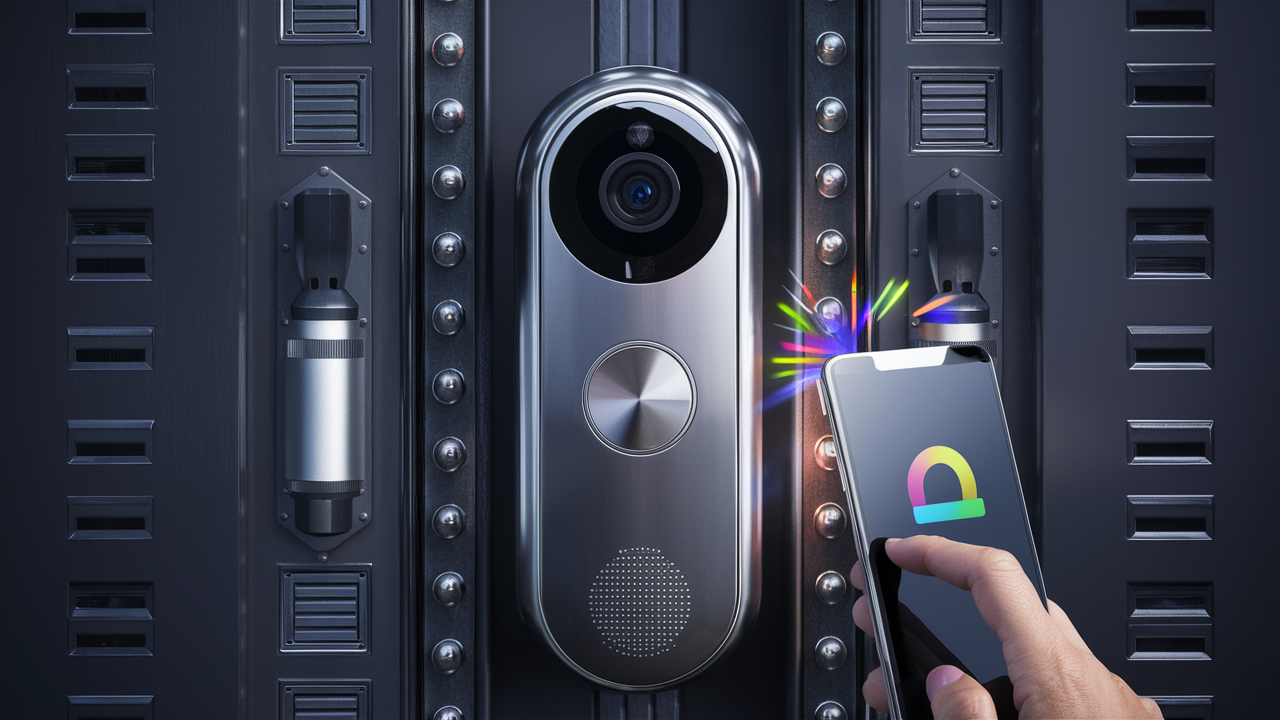
- Smart Wired Doorbells: These integrate modern technology, such as cameras, motion sensors, and Wi-Fi connectivity, into a wired system. They require existing doorbell wiring but offer advanced features like two-way audio, mobile alerts, and cloud recording. Examples include certain models from Ring, Nest (Google), and Arlo.
Exploring Wireless Doorbells
Wireless doorbells have surged in popularity due to their ease of installation and flexibility. They operate using radio frequencies or Wi-Fi to transmit a signal from the doorbell button to the receiver unit.
How Wireless Doorbells Work
A wireless doorbell system typically consists of three main components: the doorbell button (transmitter), the chime unit (receiver), and a power source (batteries for the button, plug-in or battery for the chime). When the button is pressed, it sends a radio frequency signal to the receiver, which then plays a chosen melody. Wi-Fi enabled wireless doorbells connect to your home's wireless network, allowing them to send notifications to your smartphone or tablet via a dedicated app.
Pros of Wireless Doorbells
- Easy Installation: This is their biggest advantage. Most wireless doorbells can be installed in minutes with no drilling or wiring required. The button typically adheres to the doorframe with adhesive, and the chime unit can be plugged into any outlet or placed anywhere within range.
- Flexibility in Placement: You can place the doorbell button and chime unit almost anywhere, allowing for optimal placement for visibility and audibility.
- Portability: If you move, you can easily take your wireless doorbell system with you.
- Variety of Features: The market offers a vast range of wireless doorbells, from basic single-melody units to advanced video doorbells with smart home integration, motion detection, and two-way audio.
- Affordable Entry Point: Basic wireless doorbells are often very inexpensive, making them an accessible option for budget-conscious homeowners.
Cons of Wireless Doorbells
- Battery Dependency: Both the doorbell button and sometimes the chime unit require batteries. These need to be replaced periodically, which can be an ongoing cost and an inconvenience if a battery dies unexpectedly.
- Potential for Signal Interference: Wireless signals can be affected by distance, walls, metal objects, and interference from other electronic devices (like microwaves or other wireless gadgets), potentially leading to missed rings.
- Range Limitations: Each system has a specified transmission range. For larger homes or properties with thick walls, a standard wireless doorbell might not have sufficient range.
- Security Concerns (for some basic models): Very basic wireless doorbells might be susceptible to signal jamming or hacking, though this is less common with modern, reputable brands.
- Durability Concerns: Some cheaper wireless models may not be as robust or weather-resistant as their wired counterparts, potentially leading to a shorter lifespan.
Types of Wireless Doorbells
The wireless doorbell market is diverse, catering to various needs:
- Basic Wireless Doorbells: These are the simplest and most affordable. They consist of a button and a plug-in or battery-operated chime with a selection of a few melodies.
- Long-Range Wireless Doorbells: Designed for larger homes or properties, these systems boast extended transmission ranges, often up to 1000 feet or more in open areas.
- Waterproof/Weather-Resistant Doorbells: Essential for outdoor use, these buttons are built to withstand rain, snow, and extreme temperatures.
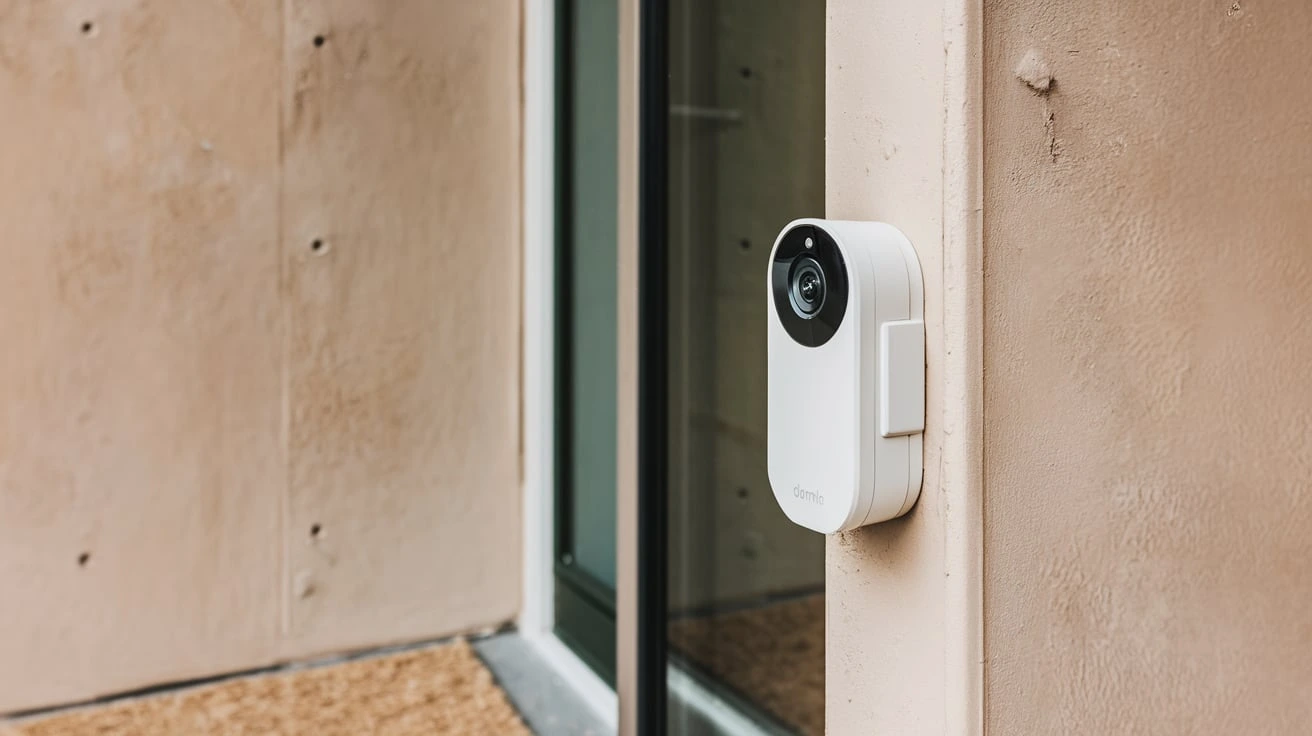
- Smart Wireless Doorbells (Video Doorbells): These are the most feature-rich. They connect to your home's Wi-Fi and include a camera, microphone, speaker, motion sensors, and often integrate with smart home ecosystems (like Amazon Alexa or Google Assistant). They allow you to see, hear, and speak to visitors from anywhere via a smartphone app. Popular brands include Ring, Google Nest Doorbell, Arlo, and Eufy.
- Multi-Chime Systems: These allow you to pair multiple chime units to a single doorbell button, ensuring you can hear the doorbell in different parts of a large house or in outbuildings.
Key Comparison Factors
When deciding between wired and wireless, several critical factors come into play. Understanding these will help you weigh the pros and cons against your specific situation.
Reliability and Connectivity
Wired: Generally considered the most reliable. The direct electrical connection eliminates signal interference issues common with wireless devices. A wired doorbell will ring consistently as long as the power is on and the components are functional. The primary failure point would be a break in the wire or a faulty component, which is less common than signal dropouts.
Wireless: Reliability can vary significantly. Basic models might experience occasional signal drops, especially in homes with thick walls or many competing wireless signals. Advanced Wi-Fi-enabled wireless doorbells, particularly video doorbells, rely on a stable Wi-Fi connection. If your Wi-Fi is spotty, the doorbell's functionality will be compromised. Reputable brands with robust wireless protocols and advanced interference mitigation technologies offer better reliability.
Statistics (2025-26 Outlook): Consumer reports indicate that while basic wireless doorbells still have a ~5-10% rate of reported signal issues in challenging environments, smart wireless doorbells with dual-band Wi-Fi (2.4GHz and 5GHz) and advanced antenna designs have reduced this to under 2% for users with strong Wi-Fi networks. Wired systems consistently report near 0% signal-related failures.
Installation and Setup
Wired: Installation can be a significant undertaking. For homes without existing doorbell wiring, it requires running low-voltage wires from the transformer to the button and chime. This often involves drilling holes, navigating wall cavities, and potentially hiring an electrician, adding to the overall cost and time. If you're replacing an old wired doorbell, the process is much simpler, often just involving connecting wires to new terminals.
Wireless: Installation is typically a DIY dream. The doorbell button usually attaches with screws or strong adhesive, and the chime unit plugs into a standard electrical outlet or is battery-powered. Setup for Wi-Fi models involves connecting to your home network via a smartphone app, which usually takes just a few minutes. This ease of installation is a major draw for renters or those who prefer not to undertake complex DIY projects.
Ease of Use (Post-Installation): Both types are generally easy to use once installed. Wired systems are set-and-forget. Wireless systems require occasional battery changes and Wi-Fi troubleshooting if connectivity issues arise.
Power Source
Wired: Draws power directly from your home's electrical system via a transformer. This provides a constant, reliable power source, eliminating the need for battery replacements for the doorbell button and chime. This is a significant convenience factor.
Wireless: The doorbell button is almost always battery-powered (AA, AAA, or coin cells). The chime unit can be battery-powered or plug-in. This battery dependency means ongoing costs for replacement batteries and the potential for a doorbell to stop working if batteries are not changed promptly. Battery life varies by model and usage, but typically ranges from 6 months to 2 years.
Features and Technology
Wired: Basic wired doorbells offer simple audio alerts. However, smart wired doorbells (which leverage existing wiring) are now packed with advanced features. These include high-definition cameras, motion detection, night vision, two-way audio, cloud storage for video recordings, and integration with smart home assistants. They offer the robustness of wired power with the intelligence of modern tech.
Wireless: The wireless market offers the widest spectrum of features. Basic models are purely for audible alerts. However, smart wireless video doorbells are incredibly popular and offer sophisticated features comparable to their wired smart counterparts: HD video, wide-angle lenses, advanced motion detection (including person detection), two-way talk, customisable alert zones, and seamless app integration. The key difference is that these features are powered by batteries and transmitted wirelessly.
Smart Home Integration: Both smart wired and smart wireless doorbells can integrate with ecosystems like Amazon Alexa, Google Assistant, and Apple HomeKit, allowing for voice control, automation routines (e.g., turning on lights when motion is detected), and remote viewing on smart displays.
Aesthetics and Design
Wired: Wired doorbells often have a more traditional, classic look. The chime units can be decorative, ranging from simple boxes to elaborate wooden or metal designs. The doorbell button itself is usually a small, unobtrusive unit. Smart wired doorbells tend to have a sleeker, more modern appearance.
Wireless: Wireless doorbells come in a vast array of styles. Buttons can be small and discreet or larger and more prominent. Chime units range from simple plug-in modules to more stylish designs. Video doorbells, in particular, have a distinct camera lens and often a sleek, modern profile that can enhance a home's exterior. Some users prefer the clean look of a wireless setup without visible wires.
Cost
Wired:
- Basic Wired Doorbells: Can range from $20 to $100 for the doorbell button and chime kit.
- Smart Wired Doorbells: Prices typically start at $100 and can go up to $300 or more, depending on the brand and features.
- Installation: If professional installation is required for new wiring, expect to pay an additional $150-$400.
Wireless:
- Basic Wireless Doorbells: Can be found for as little as $15 to $50.
- Smart Wireless Doorbells: These are generally more expensive, ranging from $80 to $300+. Some require optional subscription fees for cloud storage ($3-$10/month).
- Ongoing Costs: Factor in the cost of replacement batteries, which can add up over time.
Overall Value: While wireless doorbells often have a lower upfront cost for basic models, smart wireless doorbells can be comparable to or more expensive than smart wired doorbells, especially when subscription fees are considered. Wired systems, if already installed, offer long-term value due to no battery costs and high durability.
Installation and Maintenance
The difference in installation and maintenance between wired and wireless doorbells is one of the most significant deciding factors for many homeowners.
Installation Process
Wired Doorbells:
- Planning: Determine the desired locations for the doorbell button and chime.
- Transformer: Locate or install a low-voltage transformer (usually 16-24V) connected to your home's electrical system.
- Wiring: Run low-voltage wires from the transformer to the doorbell button location and from the button location to the chime location. This is the most labor-intensive step, often requiring drilling through walls, floors, and ceilings.
- Mounting: Mount the doorbell button and the chime unit.
- Connections: Connect the wires to the terminals on the button, chime, and transformer according to the manufacturer's instructions.
- Testing: Test the doorbell to ensure it rings correctly.
Note: If replacing an existing wired doorbell, the process is simplified to removing the old components and connecting the new ones to the existing wires.
Wireless Doorbells:
- Placement: Decide where you want the doorbell button and chime unit.
- Button Installation: Mount the doorbell button using the provided screws or adhesive. Ensure it's within the specified range of the chime.
- Chime Setup: Plug the chime unit into a power outlet or insert batteries.
- Pairing: Follow the manufacturer's instructions to pair the button with the chime. This usually involves pressing a button on both units.
- Wi-Fi Setup (for Smart Doorbells): Download the associated app, create an account, and follow the in-app prompts to connect the doorbell to your home's Wi-Fi network.
- Testing: Press the button to ensure the chime sounds and, for smart doorbells, that you receive notifications on your phone.
Maintenance Requirements
Wired Doorbells:
- Low Maintenance: Generally require very little maintenance.
- Occasional Cleaning: The doorbell button might need occasional cleaning from dust or debris.
- Component Checks: If the doorbell stops working, troubleshooting might involve checking connections, the transformer, and the chime unit. This can sometimes require a professional if the issue is with the wiring itself.
- No Battery Changes: This is a significant advantage.
Wireless Doorbells:
- Battery Replacement: The most frequent maintenance task. Batteries in the doorbell button typically need replacing every 6 months to 2 years, depending on usage and battery type.
- Wi-Fi Connectivity: Smart wireless doorbells require a stable Wi-Fi connection. If your network experiences issues, you may need to troubleshoot your router or Wi-Fi extender.
- Software Updates: Smart doorbells often receive firmware and app updates to improve performance and security. Ensure these are installed.
- Cleaning: Like wired buttons, wireless buttons may need occasional cleaning.
- Range Issues: If the range seems to be decreasing, it might be due to interference or a weakening battery in the transmitter.
Security Features and Smart Capabilities
In 2025-26, the line between a simple doorbell and a home security device is increasingly blurred, especially with the rise of smart technology. Both wired and wireless systems can offer advanced security features.
Wired Smart Doorbells
These systems leverage existing doorbell wiring to power advanced features, offering a reliable and continuous power source for cameras and sensors.
- Video Surveillance: High-definition cameras (often 1080p or higher) with wide-angle lenses capture clear footage of your doorstep.
- Motion Detection: Advanced sensors can detect movement, triggering alerts and recordings. Some offer customizable detection zones and person detection to reduce false alarms.
- Night Vision: Infrared LEDs provide visibility in low-light or complete darkness.
- Two-Way Audio: Communicate with visitors directly through your smartphone or tablet, whether you're home or away.
- Smart Home Integration: Seamlessly integrate with Alexa, Google Assistant, and other smart home platforms for voice control and automation.
- Cloud Storage: Video clips are often stored in the cloud, accessible via the app. This usually requires a subscription.
Examples: Ring Video Doorbell Pro 2, Google Nest Doorbell (wired), Arlo Essential Wired Video Doorbell.
Wireless Smart Doorbells
These are battery-powered and connect via Wi-Fi, offering immense flexibility in placement but requiring attention to battery life.
- Video Surveillance: Similar HD cameras and wide-angle lenses as wired counterparts.
- Motion Detection: Advanced motion sensors with person detection are common to conserve battery life by only recording when significant events occur.
- Night Vision: Standard feature for most models.
- Two-Way Audio: Essential for remote communication.
- Smart Home Integration: Widely supported by major smart home ecosystems.
- Battery Optimization: Manufacturers employ various strategies (e.g., adjustable motion sensitivity, recording length limits) to maximize battery life. Some models offer optional solar chargers or quick-release battery packs for easier swapping.
- Offline Alerts: Some advanced models can send alerts even if Wi-Fi is temporarily down, by buffering data.
Examples: Ring Video Doorbell (battery-powered models), Google Nest Doorbell (battery), Eufy Video Doorbell 2K (battery), Arlo Essential Wireless Video Doorbell.
Security Considerations
Power Source Impact: A wired system's continuous power means its camera and sensors are always active and ready. A wireless system's battery life can impact how often motion is detected or recorded. If a battery dies, the security functionality is lost until it's replaced.
Wi-Fi Security: For smart wireless doorbells, a secure home Wi-Fi network is paramount. Using strong passwords, WPA3 encryption, and keeping router firmware updated is crucial to prevent unauthorized access.
Data Privacy: Both wired and wireless smart doorbells often rely on cloud storage for video. It's important to understand the provider's data privacy policies, encryption methods, and how your footage is protected. Reputable brands generally have robust security measures in place.
Subscription Services: Many smart doorbells require a monthly or annual subscription for full access to features like extended video history, advanced analytics, and professional monitoring. This is a recurring cost to consider.
Budget Considerations
Your budget is a critical factor in determining whether a wired or wireless doorbell is the right choice. It's not just about the upfront cost but also the long-term expenses.
Upfront Costs
Basic Wired Doorbells: Generally the cheapest option if you already have existing wiring. A simple button and chime kit can cost between $20 and $70.
Basic Wireless Doorbells: Also very affordable, with simple plug-in or battery-operated models available for $15 to $50. These are ideal for renters or as a temporary solution.
Smart Wired Doorbells: These are a significant investment. Prices typically range from $100 to $300+. Installation costs can add another $150-$400 if professional help is needed for new wiring.
Smart Wireless Doorbells: Similar to smart wired doorbells in price, ranging from $80 to $300+. The advantage here is that installation is usually free (DIY). However, you might need to purchase additional batteries or a solar charger, and potentially pay for a subscription service.
Ongoing Costs
Wired Doorbells: Minimal ongoing costs. No batteries to replace. The primary cost is electricity to power the transformer, which is negligible.
Wireless Doorbells: The main ongoing cost is battery replacement. Depending on the model and usage, this could be $10-$30 per year for batteries. Subscription fees for cloud storage and advanced features for smart wireless doorbells can add $3-$10 per month ($36-$120 per year).
Long-Term Value
Wired Systems: If you have existing wiring, a wired system offers excellent long-term value due to its durability and lack of recurring costs. A well-maintained wired doorbell can last 15-20 years or more.
Wireless Systems: While the upfront cost for a basic model is low, the cumulative cost of batteries and potential subscription fees for smart models can make them more expensive over time than a wired equivalent. However, the flexibility and ease of installation can outweigh these costs for many users.
Installation Costs
This is where wired systems can become significantly more expensive if you don't have existing wiring. Hiring an electrician to run new wires can cost several hundred dollars. Wireless systems bypass this entirely, making them the clear winner for budget-conscious DIYers concerned about installation expenses.
Making the Final Decision
Choosing between a wired and wireless doorbell system ultimately depends on your priorities, home setup, and technical comfort level. Here’s a breakdown to help you finalize your decision.
Consider Your Home
- Existing Wiring: If your home already has doorbell wiring, a wired system (especially a smart wired one) is often the most straightforward and reliable option. It leverages existing infrastructure, saving on installation costs and ensuring consistent power.
- New Construction/No Wiring: If you're building a new home or your current home lacks doorbell wiring, a wireless system is almost always the more practical and cost-effective choice. Running new wires can be prohibitively expensive and invasive.
- Home Size: For very large homes or properties with thick walls, ensure any wireless system you consider has a sufficiently long range. You might also need multiple chime units. For wired systems, ensure wiring can be run to all desired locations.
- Rental Property: Wireless doorbells are ideal for renters as they require no permanent installation and can be easily moved.
Evaluate Your Needs
- Basic Functionality: If all you need is a simple "ding-dong" when someone is at the door, both basic wired and basic wireless options will suffice. The choice then comes down to installation preference and battery vs. hardwired power.
- Smart Features: If you desire video surveillance, two-way audio, and mobile alerts, you'll be looking at smart wired or smart wireless video doorbells.
- Reliability vs. Flexibility: Prioritize reliability? Wired is generally superior. Need maximum placement flexibility and ease of installation? Wireless excels.
- DIY Comfort Level: If you're comfortable with basic electrical work or have existing wiring, installing a wired doorbell is manageable. For those who want a quick, no-fuss setup, wireless is the clear winner.
Step-by-Step Decision Guide
- Assess your home's existing doorbell wiring. Do you have it? Is it functional?
- Determine your budget. Include potential installation costs for wired systems.
- List your desired features. Do you need video? Two-way audio? Motion alerts?
- Consider your technical comfort. Are you willing to tackle a more involved installation, or do you prefer plug-and-play?
- Read reviews for specific models. Look for reliability, ease of use, and customer support ratings. Pay attention to reviews from users with similar home types (e.g., brick homes, large properties).
- Factor in long-term costs. Will battery replacements and potential subscriptions for wireless outweigh the initial investment of a wired system?
Example Scenarios:
- Scenario 1: "I have an older home with existing doorbell wiring and want a reliable doorbell with a pleasant chime, but I don't need video." Recommendation: A traditional wired doorbell with a mechanical or electronic chime.
- Scenario 2: "I'm renting an apartment and want to see who's at the door from my phone. I don't want to drill holes." Recommendation: A smart wireless video doorbell.
- Scenario 3: "I'm building a new home and want the most advanced security features, including video, motion detection, and integration with my smart home system. I don't mind the installation process." Recommendation: A smart wired video doorbell system.
- Scenario 4: "I have a large property with a long driveway and want to know when visitors arrive, but I don't have existing wiring." Recommendation: A long-range wireless doorbell system, potentially a smart wireless video doorbell with good range and battery life.
Conclusion
The choice between wired and wireless doorbells in 2025-26 boils down to a fundamental trade-off between established reliability and modern convenience. Wired systems, when properly installed, offer unparalleled dependability and consistent power, making them a solid, long-term investment, especially if your home already supports them. They are the silent workhorses of home entry notification. On the other hand, wireless doorbells champion ease of installation and unparalleled flexibility, with smart wireless video doorbells now offering sophisticated security and communication features that rival their wired counterparts. While battery management and potential signal interference are considerations, the DIY-friendly nature and portability of wireless systems make them incredibly appealing. Ultimately, by carefully assessing your home's infrastructure, your specific feature requirements, and your budget, you can confidently select the doorbell system that best enhances your home's security, convenience, and peace of mind.